
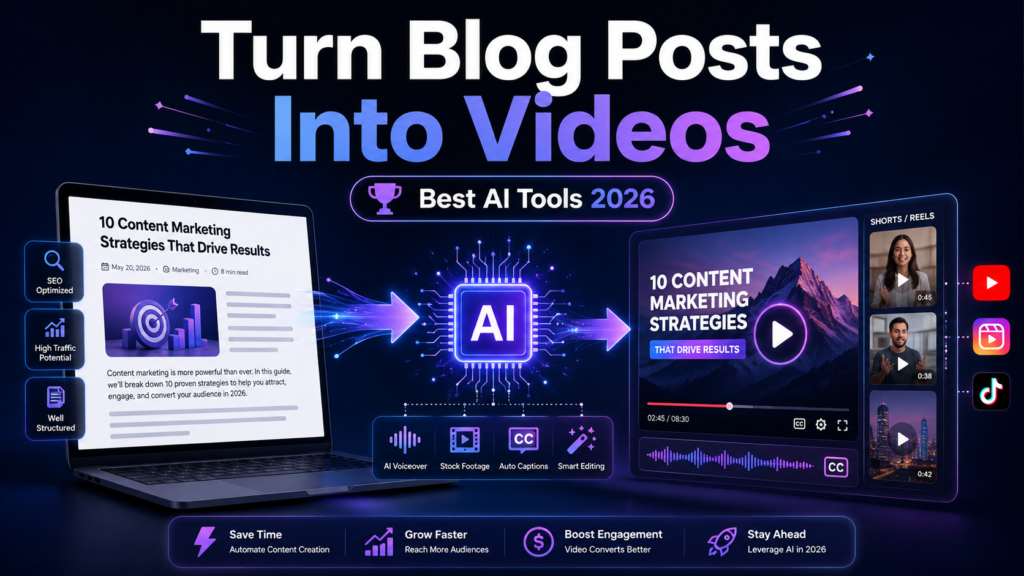
Writing a great blog post takes time. You research topics, organize ideas, optimize keywords, and finally publish an article hoping readers will discover it. But here is the problem: many people no longer consume information only through text.
They watch.
They scroll.
They listen.
A detailed 2,000-word article sitting on your website can reach a much larger audience when transformed into a YouTube video, Instagram Reel, TikTok Short, or LinkedIn clip.
The good news? You no longer need expensive video editors, cameras, or complicated software. With modern AI video creation tools, you can turn blog posts into videos within minutes.
The best AI tools to turn blog posts into videos in 2026 can automatically analyze your article, create a script, select visuals, generate AI voiceovers, add captions, and prepare a publish-ready video.
Among all options, Pictory stands out as one of the strongest AI tools for blog-to-video conversion because it can transform articles, scripts, and URLs into engaging videos using AI-powered visuals, voiceovers, and editing features.
However, the right choice depends on your goal.
A blogger may need something different from a YouTube creator, marketing team, or business owner.
In this guide, we compare the best AI video tools for converting written content into videos and explain which tool works best for different users.
Want to create better AI-powered content faster? Explore our guide on the best AI tools for content creators and discover how creators are using automation to save time and scale production. →
Quick Comparison: Best AI Tools to Turn Blog Posts Into Videos
| AI Tool | Best For | Main Strength | Ideal User |
| Pictory | Blog-to-video conversion | Converts articles and URLs into videos | Bloggers and marketers |
| InVideo AI | Automated video creation | AI scripts, visuals, and templates | Content creators |
| Fliki | Voice-focused videos | Realistic AI voices | Educators and storytellers |
| Synthesia | AI presenter videos | Digital avatars and presentations | Businesses |
| Revid AI | Short-form content | Social media video automation | Shorts and Reels creators |
Turn your blog posts into engaging videos with AI-powered editing, visuals, captions, and voiceovers. Try Pictory AI →
Why Turn Blog Posts Into Videos With AI?
Content consumption has changed dramatically.
A person who ignores a long article may happily watch a 90-second video explaining the same information. This is why many creators now use content repurposing as part of their digital growth strategy.
Instead of creating separate content from scratch, one blog post can become multiple pieces of content.
For example:
A blog post about “10 Ways to Improve Email Marketing” can become:
- A YouTube educational video
- Five Instagram Reels
- LinkedIn marketing clips
- A short TikTok series
- A customer training video
This approach saves time and helps businesses maximize the value of existing content.
AI video generators make this process easier by handling the most time-consuming tasks:
- Script creation
- Scene planning
- Stock footage selection
- AI voice generation
- Subtitle creation
- Video formatting
If you are already investing in AI writing tools or content creation automation, adding AI video tools creates a complete content workflow.
Your written content is only one piece of the puzzle. Learn how AI writing tools can help you research, write, and optimize content before turning it into engaging videos. →
How AI Tools Convert Blog Posts Into Videos
Many people wonder how a simple article can become a complete video.
The process usually happens in three stages.
Step 1: AI Understands Your Blog Content
First, the AI tool analyzes your article.
It identifies:
- Main topics
- Important sentences
- Key points
- Supporting information
- Overall message
Some tools allow you to paste a blog URL directly, while others work with uploaded documents or copied text.
The AI then creates a video structure based on the article.
Think of it like having an assistant who reads your article and creates a storyboard.
Convert articles into professional videos in minutes with Pictory AI →
Step 2: AI Creates a Video Script
After understanding the article, the tool creates a shorter video-friendly script.
Long blog posts usually contain more information than a video needs.
For example:
A 2,500-word article may become:
- A 5-minute YouTube video
- A 60-second short video
- Multiple social clips
AI removes unnecessary sections and keeps the most engaging points.
Step 3: AI Adds Visuals, Voiceovers, And Editing
The final step is where AI video generators save the most time.
They can add:
- Stock footage
- AI-generated images
- Background music
- AI voice narration
- Captions
- Transitions
- Branding elements
Instead of spending hours searching for visuals, creators can focus on improving the message.
From script generation to publishing, automation can simplify your entire workflow. Check out our AI automation tools guide to discover more ways to streamline repetitive tasks. →
Best AI Tools to Turn Blog Posts Into Videos in 2026 (Detailed Comparison)
1. Pictory AI — Best AI Tool for Turning Blog Posts Into Videos
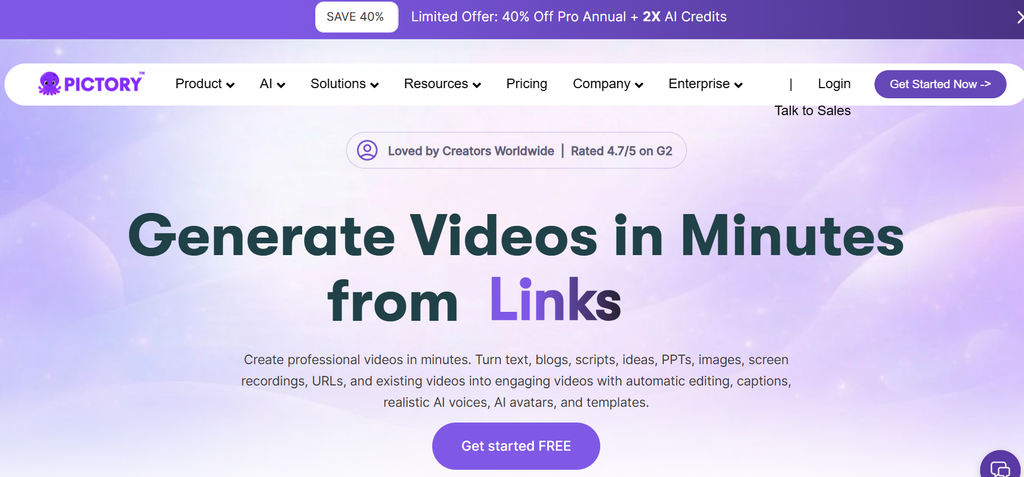
If your main goal is converting written content into videos, Pictory is one of the best choices available in 2026.
It is designed specifically for creators who already have content and want to transform it into engaging videos.
Pictory can convert:
- Blog articles
- Blog URLs
- Scripts
- Text documents
into videos with AI-generated visuals, voiceovers, and captions.
Best Uses:
- Blog articles
- Educational videos
- Marketing content
- YouTube videos
- Social media clips
Why Creators Like Pictory:
- Converts articles directly into videos
- Automatically summarizes long content
- Adds relevant stock footage
- Generates AI voiceovers
- Creates subtitles automatically
- Requires little editing experience
For example, imagine you published 50 blog posts over the last two years.
Instead of letting those articles sit quietly, Pictory allows you to transform them into a video library.
That is where the real value comes in.
Best For:
- Bloggers
- SEO professionals
- Affiliate marketers
- Content teams
- Small businesses
Limitations:
Pictory is excellent for content repurposing, but creators looking for advanced cinematic effects may need professional editing software.
Have a blog? Turn it into a video today with Pictory AI →
2. InVideo AI — Best for Automated Blog-to-Video Creation
InVideo AI is another popular option for turning written ideas into videos.
It focuses on automated video creation by generating scripts, finding visuals, and creating complete video drafts.
Best Uses:
- Marketing videos
- YouTube content
- Promotional videos
- Social media campaigns
Why Users Choose InVideo AI:
- AI script generation
- Large template library
- Automatic B-roll suggestions
- AI voiceovers
- Easy customization
A marketing team can use InVideo AI to quickly create product videos without hiring a full production team.
Best For:
- Social media marketers
- Entrepreneurs
- Agencies
Limitations:
While convenient, some AI-generated videos may require manual editing to match a specific brand style.
Create videos from blogs, scripts, and URLs without complex editing. Try Pictory AI →
3. Fliki — Best AI Tool to Turn Blog Posts into Video With Realistic Voiceovers
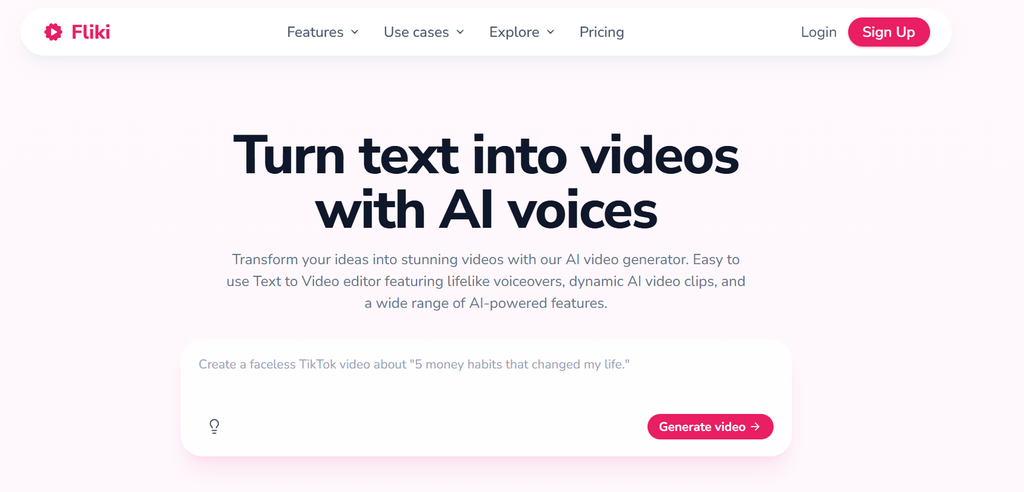
Fliki focuses heavily on AI voice generation and text-to-video conversion.
It is useful for creators who want narration without recording their own voice.
Best Uses:
- Educational videos
- Explainer content
- Storytelling videos
- Audio-driven content
Why Creators Like Fliki:
- Natural AI voices
- Text-to-video conversion
- Multiple languages
- Fast production workflow
For example, a teacher can convert written lessons into narrated educational videos without spending hours recording.
Best For:
- Teachers
- Podcast creators
- Information channels
Limitations:
It may not provide the same level of visual storytelling as some dedicated video editing platforms.
4. Synthesia — Best AI Avatar Tool for Blog-Based Videos
Synthesia takes a different approach.
Instead of creating videos mainly with stock footage, it uses AI presenters.
These digital avatars can explain your content like a human presenter.
Best Uses:
- Corporate training
- Business presentations
- Employee education
- Product demonstrations
Why Businesses Choose Synthesia:
- AI presenters
- Multiple languages
- Professional presentation style
- No camera recording required
For companies creating internal training videos, Synthesia can reduce production time significantly.
Best For:
- Businesses
- Enterprise teams
- Training departments
Limitations:
It is not the best choice for cinematic storytelling or entertainment-style videos.
5. Revid AI — Best AI Tool for Short-Form Content Repurposing
Revid AI is especially useful for creators who want to transform ideas and written content into short-form videos.
Short videos dominate platforms like:
- YouTube Shorts
- TikTok
- Instagram Reels
Best Uses:
- Short-form videos
- Social media clips
- Viral content workflows
- Faceless YouTube channels
Why Creators Like Revid AI:
- Fast video creation
- Social media optimization
- Quick content repurposing
- Simple workflow
For creators publishing daily Shorts, Revid AI can help turn one article into multiple short videos.
Best For:
- YouTubers
- Social media creators
- Faceless content creators
Limitations:
It is more focused on short-form content rather than long educational videos.
Looking for more ways to grow your digital presence? Explore our AI marketing tools guide and find solutions that help businesses create, promote, and optimize content faster. →
Best AI Video Tools for Different Users
| User Type | Recommended Tool |
| Bloggers | Pictory |
| SEO professionals | Pictory |
| YouTube Shorts creators | Revid AI |
| Businesses | Synthesia |
| Marketing teams | InVideo AI |
| Voice-based creators | Fliki |
Free vs Paid AI Blog-to-Video Tools: Which Should You Choose?
Many people search for the best free AI video generator, and free tools can be useful when testing ideas.
However, free versions usually come with limitations.
Free AI Video Tools Offer:
- Basic video generation
- Limited templates
- Testing opportunities
- Learning experience
Common Free Tool Limitations:
- Watermarks
- Limited exports
- Fewer AI voices
- Lower customization
Paid tools usually provide:
- Better quality output
- Commercial usage rights
- More templates
- Faster workflow
- Advanced editing features
If video content is important for your business, investing in the right AI tool often saves more time than it costs.
Create videos from blogs, scripts, and URLs without complex editing. Try Pictory AI →
How to Choose the Best AI Tool to Convert Blog Posts Into Videos
Before choosing a tool, consider your actual workflow.
Ask these questions:
Does It Support Blog URL Conversion?
If you already have articles, direct URL conversion saves significant time.
Is The Voice Quality Good?
A robotic voice can reduce viewer engagement.
Does It Provide Good Visuals?
Look for:
- Stock footage
- AI images
- Scene recommendations
Does It Match Your Platform?
A YouTube documentary requires a different tool than a 30-second Reel.
Can You Customize Branding?
Businesses should check:
- Logos
- Fonts
- Colors
- Templates
Common Mistakes When Using AI to Turn Blogs Into Videos
AI tools can speed up video creation, but they still need human creativity and proper guidance. Avoid these common mistakes to create better results:
- Publishing AI Videos Without Editing: Always review and improve the final output. Adjust the opening hook, storytelling flow, visuals, and overall message to make the video feel more natural.
- Using Generic AI Voices: Choose a voice style that matches your audience. A suitable tone can make educational, marketing, or storytelling videos more engaging.
- Ignoring Platform Differences: Every platform has different expectations. A YouTube video, Instagram Reel, and TikTok Short need different lengths, formats, and presentation styles.
- Creating Overly Long Videos: Keep the content focused and valuable. Viewers prefer videos that deliver useful information quickly without unnecessary sections.
Final Thoughts: Which AI Tool Should You Use to Turn Blog Posts Into Videos?
The best AI tool depends on your goal.
If you want the easiest way to convert blog posts into complete videos, Pictory is the strongest overall choice for most bloggers and marketers.
For short-form social content, Revid AI is a strong option.
For automated marketing videos, InVideo AI works well.
For business presentations, Synthesia offers professional AI presenters.
And for creators who prioritize voice narration, Fliki is worth considering.
The biggest advantage of AI video tools is not just saving time. It is the ability to take content you already created and give it a second life.
A blog post should not end when you hit publish.
With the right AI workflow, one article can become an entire content ecosystem.
6 Responses