
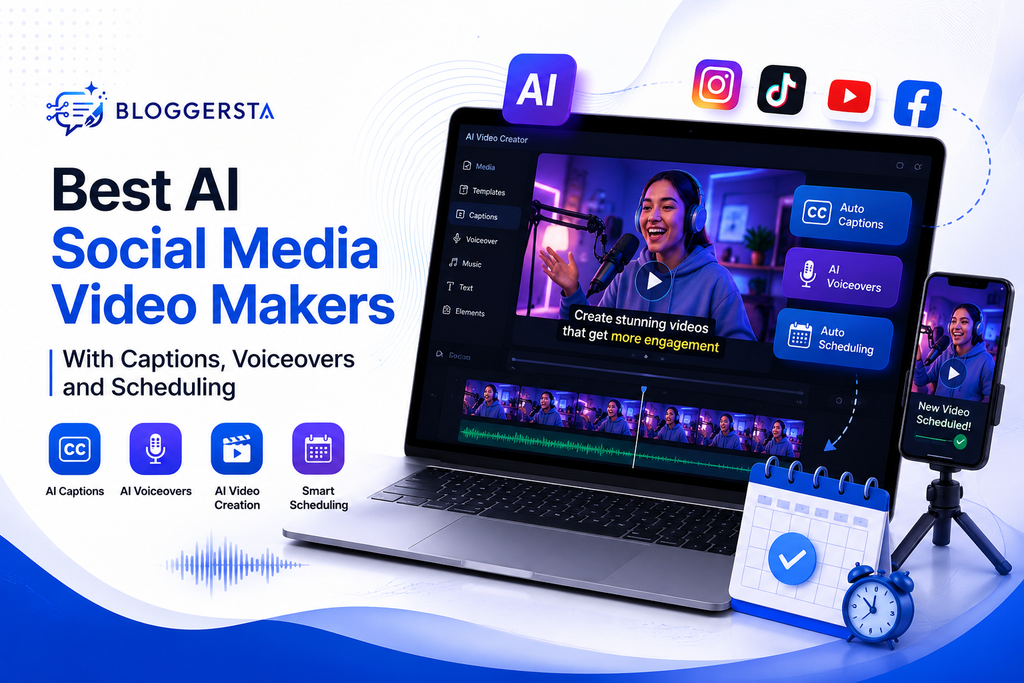
Social video moves fast, and the production queue moves even faster. HubSpot’s 2026 State of Marketing found short-form video delivered the highest ROI for 48.6% of surveyed marketers. Today’s AI tools can create clips, captions, voiceovers, and scheduled posts from one workspace. So, which AI social media video maker handles the whole job best?
| Quick Answer The best AI social media video makers combine video creation, readable captions, natural voiceovers, social formatting, and publishing tools. Quso.ai, Revid AI, and Predis.ai cover the broadest start-to-publish workflows. Captions, InVideo AI, VEED, and Pictory fit narrower production needs better. Your best pick depends on your source material, posting channels, editing control, and budget. The table below shows those trade-offs quickly. |
Best AI Social Media Video Makers at a Glance
A good social video tool should save clicks, not create new chores. The biggest difference appears after editing ends. Some platforms can schedule the finished video directly. Others still need Buffer, native platform tools, or another scheduler before your post goes live.
| Tool | Best For | Captions | AI Voiceovers | Native Scheduling | Free Access |
| Quso.ai | Long-form clipping and all-in-one publishing | Yes | Yes | Yes | Yes |
| Revid AI | Faceless social videos and scheduled publishing | Yes | Yes | Yes | Yes |
| Predis.ai | Social marketing teams and branded content | Yes | Yes | Yes | Yes |
| Captions | Talking-head videos and mobile polish | Yes | Yes | No full social calendar found | Yes, limited |
| InVideo AI | Prompt-to-video creation | Yes | Yes | Not a core feature | Yes, limited |
| VEED | Browser editing and branded production | Yes | Yes | Not a core feature | Yes, limited |
| Pictory AI | Blog, script, and webinar repurposing | Yes | Yes | External publishing workflow | Yes |
If you already repurpose podcasts, webinars, or articles, explore our AI content repurposing tools for creators and marketers to stretch one asset across several channels.
Want to try a social-first workflow right away? Try Revid AI with your next video and see how much app switching disappears.
How We Compared These AI Social Media Video Makers
Feature pages can make almost every product sound identical. A useful comparison should follow the same path creators follow: input, video, captions, voice, formatting, scheduling, and publishing.
Creation, Captions, and Voice Quality
Start with the same 120-word script and one talking-head clip. Then compare caption timing, correction needs, voice pronunciation, visual pacing, and manual editing.
A caption generator from video can look impressive until names, acronyms, or fast speech appear. That’s where correction time matters more than a glossy feature list.
Publishing and Scheduling Workflow
Next, count the handoffs. Can you publish a finished 9:16 video immediately? Does the tool support TikTok, Instagram Reels, YouTube Shorts, LinkedIn, or Facebook?
Can it change post copy by platform? Fewer exports usually mean less friction, especially when you publish several times each week.
Free Plan Limits
“Free” can mean several things. Some products offer weekly credits. Others permit a small number of exports or posts.
Check watermarks, export resolution, AI credits, caption access, and scheduling limits before moving a full content calendar into any platform.
Best AI Social Media Video Makers With Captions, Voiceovers and Scheduling
No single app wins every category. Quso, Revid, and Predis cover more of the publishing chain, while the remaining picks work better for specific video styles.
1. Quso.ai — Best All-in-One for Clipping, Captions, and Scheduling
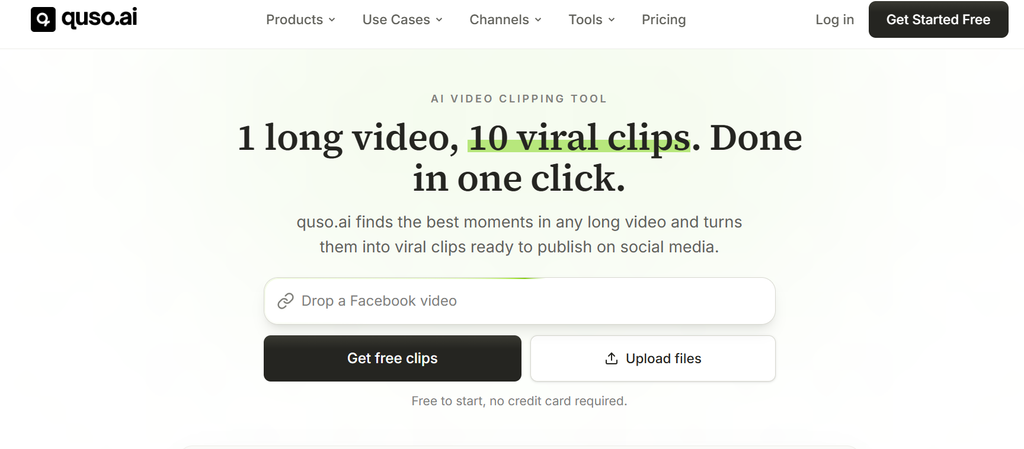
Quso.ai fits creators who start with podcasts, webinars, interviews, or long YouTube videos. It can find short moments, reframe them vertically, add animated captions, apply brand settings, and schedule posts from one calendar.
Quso also offers faceless video creation with captions and voiceovers. Its scheduler supports major social channels from one dashboard.
- Best for: podcasters, coaches, webinar hosts, and long-form creators.
- Watch for: caption-language figures vary across Quso pages. Check the exact feature you plan to use.
If your main goal is long-form to short-form video, Quso makes a strong case. One upload can become several branded clips without the usual export-upload-repeat routine.
2. Revid AI — Best for Social Video Creation and Scheduled Publishing
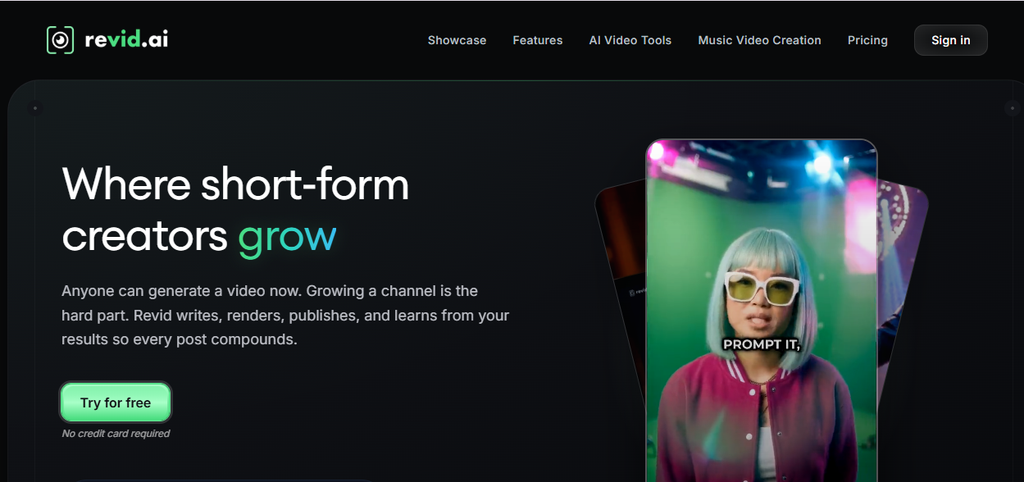
Revid AI takes a social-first route. Give it a prompt, script, article URL, or another source. It can build visuals, AI narration, captions, music, and vertical formatting around the idea.
Revid also schedules and auto-publishes to YouTube, TikTok, and Instagram from its dashboard.
- Best for: faceless channels, Shorts creators, marketers, and frequent publishers.
- Watch for: its native scheduling currently covers fewer networks than broad social managers.
This workflow feels like a small assembly line. You bring the idea. Revid handles much of the production work, then moves the finished video toward publication.
Ready to see how that feels with your own topic? Create a social video with Revid AI and judge the full workflow yourself.
3. Predis.ai — Best for Social Marketing Teams
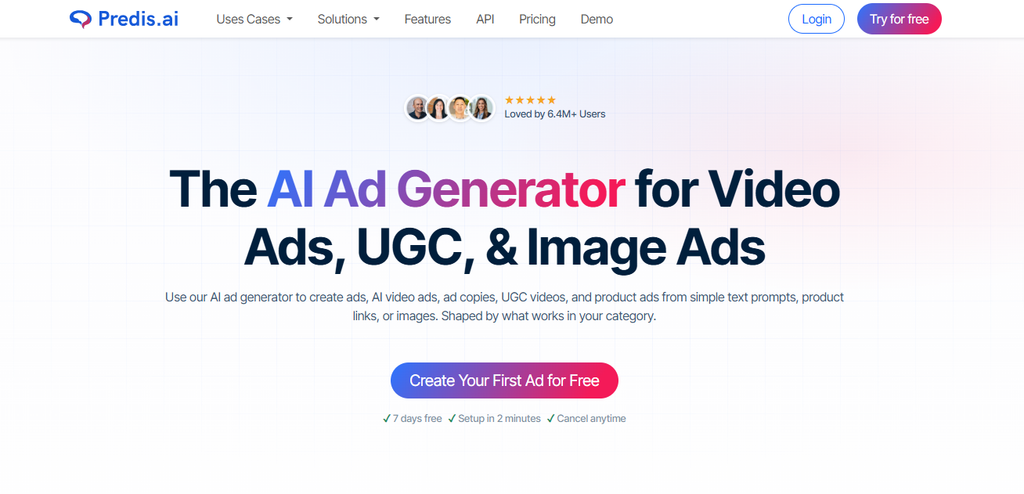
Predis.ai sits closer to a social marketing workspace than a pure video editor. It generates videos from text prompts, adds AI voiceovers, creates post copy, and supports branded assets.
Its built-in social media scheduler can auto-post across several major networks from one content calendar.
- Best for: agencies, small teams, ecommerce brands, and social media managers.
- Watch for: dedicated editors may offer finer control over cuts and timeline work.
Predis makes sense when video is only one part of your weekly posting plan. You can build Reels beside carousels, static posts, captions, and scheduled campaigns without bouncing between separate apps.
4. Captions — Best for Talking-Head Video Polish
Captions focuses heavily on people speaking to camera. Its tools cover automatic subtitles, AI editing, voiceovers, voice cloning, dubbing, translation, avatars, and AI Twin features.
Current product pages also support translated dubbing across 30+ languages.
The weak spot for this article’s exact query is scheduling. Captions doesn’t surface a broad native social calendar comparable with Quso, Revid, or Predis.
- Best for: personal brands, educators, founders, and talking-head creators.
- Watch for: plan on using a separate publishing tool when scheduling matters.
For creators who already shoot their own footage, Captions can remove a surprising amount of cleanup work.
5. InVideo AI — Best for Prompt-to-Video and AI Voiceovers
InVideo AI works well when you have an idea but little source footage. It can build video from text, then add subtitles and AI narration.
Its text-to-speech tools support 50+ languages. The current free plan provides limited credits that reset weekly.
- Best for: faceless explainers, list videos, ads, and script-led social content.
- Watch for: a dedicated social scheduler remains outside its main creation workflow.
If prompt-first creation matters most, compare it with our best text-to-video AI tools before choosing one platform.
InVideo can get you from blank page to finished clip quickly. You may still need another app when the calendar fills up.
6. VEED — Best Browser-Based Editing Suite
VEED fits creators who want more editing control without installing desktop software. Its browser editor supports automatic captions, text-based editing, filler-word removal, AI video creation, text-to-speech, voice cloning, and social resizing.
VEED’s current text-to-speech feature supports 50+ languages.
- Best for: marketing teams, educators, interview clips, and branded video production.
- Watch for: treat scheduling as a separate decision unless your chosen plan clearly supports your publishing needs.
Think of VEED as an editing room living inside your browser. It gives you more hands-on control than many one-click generators.
7. Pictory AI — Best for Turning Written Content Into Social Videos
Pictory works especially well when your content begins as text. You can turn scripts, blog posts, URLs, audio, or long recordings into social videos with captions and AI narration.
Pictory also integrates ElevenLabs voices into its voiceover workflow.
- Best for: bloggers, educators, content marketers, and webinar teams.
- Watch for: its core workflow ends closer to export than full multi-channel scheduling.
Already have a library of articles? Our guide to turning blog posts into videos explains how article-first video workflows compare.
Want to see what one existing article becomes? Try that post with Pictory AI before changing your broader process.
Which Tools Actually Handle Creation, Captions, Voiceovers, and Scheduling Together?
The shortest answer is Quso.ai, Revid AI, and Predis.ai. All three combine video production features with native social scheduling.
Quso has a broader clipping and repurposing angle. Revid is strong for faceless, prompt-led social videos. Predis connects video creation with a wider social content calendar.
Captions, InVideo, VEED, and Pictory still deserve attention. They can produce strong videos, yet scheduling usually adds another step.
That extra handoff may be fine for weekly posts. It becomes annoying when you manage twenty clips.
All-in-One Platform or a Focused AI Video Stack?
Sometimes the best tool is one dashboard. Sometimes it’s three focused products working together. The right choice depends on volume, quality demands, and how much app switching you can tolerate.
When an All-in-One Platform Makes More Sense
Choose Quso, Revid, or Predis when you publish often and hate moving files between tabs. These tools suit solo creators and small teams with recurring schedules.
They also reduce missed posts because the finished video can move into a calendar without another upload.
Before paying for separate creation and scheduling apps, test how much Revid AI can cover for your usual content style.
When a Focused Stack Makes More Sense
A modular setup gives each job to a focused tool. For example, use OpusClip or Submagic for clipping and animated captions.
Add ElevenLabs when voice quality matters most. Then use Buffer for a broad multi-channel publishing calendar.
OpusClip and Submagic now offer social scheduling features too, which can shorten that stack further.
If editing speed matters more than publishing automation, compare our AI video editors for TikToks and Reels.
This route takes more setup. Still, it can give you better control when each production stage matters deeply.
Are Free AI Social Media Video Makers Good Enough?
Free AI video tools work well for testing, but they don’t always suit ongoing production. InVideo currently provides limited free credits that reset weekly. Revid offers free entry points without a card. Quso also lets creators start free.
Before committing, check these points:
- Watermarks on exported videos
- Weekly or monthly AI credits
- Number of free exports
- Caption and voice restrictions
- Allowed video resolution
- Native scheduling limits
- Commercial-use terms
A free AI social media video generator can teach you the workflow. It may not support a heavy posting calendar.
Likewise, a video caption AI free plan can work for occasional clips while becoming restrictive during a campaign.
If budget is tight, test one full week before paying. Create three clips, correct the captions, add voice, and schedule every post.
The bottleneck usually shows itself quickly.
How to Choose the Right AI Social Media Video Maker
The best choice starts with your source material. Don’t buy around a feature list. Buy around the work you repeat every week.
Choose Quso or Revid for Fewer Handoffs
Pick Quso when long recordings feed your short-form strategy. Choose Revid when ideas, scripts, URLs, or faceless formats drive production.
Both reduce the distance between video creation and posting.
Choose Captions for Talking-Head Videos
If you film yourself regularly, Captions deserves a closer look. Its editing, dubbing, subtitle, and voice features fit creator-led footage better than many prompt-first generators.
Choose InVideo for Prompt-First Creation
InVideo suits creators who often start with nothing more than a topic.
For example, a marketer could turn “three mistakes new Etsy sellers make” into a narrated vertical video without filming a single scene.
Choose Pictory When Your Content Starts as Writing
Pictory fits blogs, scripts, guides, webinars, and educational material. That makes it especially useful for teams sitting on a large archive of written content.
If your website already publishes useful articles, test Pictory AI with one evergreen post before building a larger video routine.
Best AI Social Media Video Maker by User Type
Here’s the quickest way to narrow the field:
- Best overall all-in-one workflow: Quso.ai
- Best for faceless creation plus scheduling: Revid AI
- Best for social marketing teams: Predis.ai
- Best for talking-head creators: Captions
- Best for prompt-to-video: InVideo AI
- Best browser editor: VEED
- Best for blog-to-video: Pictory AI
- Best modular route: OpusClip or Submagic + ElevenLabs + Buffer
The winner changes with your workflow. A podcaster and a faceless Shorts creator rarely need the same production setup.
Which AI Social Media Video Maker Should You Choose?
The right AI social media video maker should remove work, not add another tab. Start with the tool that matches your content source and publishing routine. Quso.ai suits creators wanting a connected workflow, while Revid AI fits social video creation and scheduled publishing.
Pictory makes more sense when articles or scripts drive your video strategy. Test one real project before paying for a plan. Check caption quality, voice clarity, editing time, platform support, and posting controls.
A good tool should help you publish consistently without flattening your style. Pick your strongest match, create one video, and judge the result yourself.