
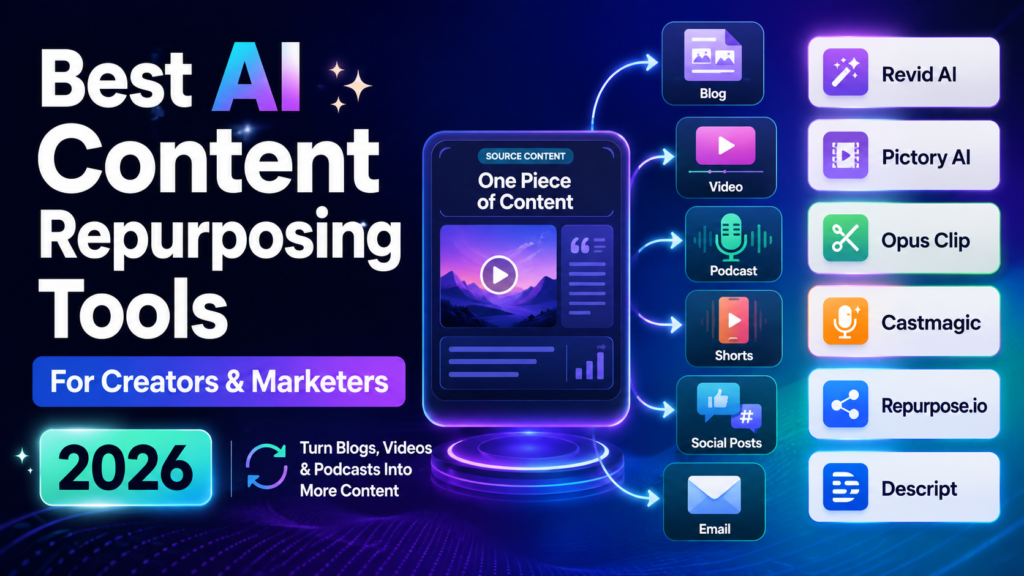
Creating content is no longer only about publishing one blog post or uploading one video. Today, creators and marketers need content for multiple platforms at the same time. A single idea may need to become a YouTube video, Instagram Reel, LinkedIn post, email and short clip. Research from Adobe shows that creators are increasingly adopting AI tools to speed up creative workflows and handle repetitive tasks. So, which AI content repurposing tools can help you create more content without constantly starting from scratch?
Quick Answer
The best AI content repurposing tools help creators and marketers turn existing content into multiple formats with less manual work. Tools like Revid AI and Pictory AI are useful for creating videos from ideas, scripts and written content. Platforms like Opus Clip work well for converting long videos into short clips, while tools like Castmagic help podcast creators turn conversations into written assets. The right choice depends on your content type, publishing goals and workflow. Before selecting a tool, understand how each platform solves a different content challenge.
What Are AI Content Repurposing Tools?
Creating valuable content takes time. The difficult part is not always coming up with ideas. The real challenge starts after publishing.
A creator may spend several days producing a detailed YouTube video. A marketer may spend hours writing a research-based article. However, that content often reaches only one audience on one platform.
AI content repurposing tools solve this problem by helping you reuse existing content in different ways.
Instead of treating every platform as a separate project, these tools help you build a connected content system.
For example:
- A podcast episode can become short videos, quotes and newsletter content.
- A blog post can become a video script, social captions and email material.
- A webinar can become multiple educational clips.
Think of your original content as a large piece of raw material. AI helps you cut, reshape and prepare that material for different audiences.
Many creators now use this approach because content demand keeps increasing. Current AI repurposing tool comparisons also show strong interest in platforms that support video clipping, publishing workflows and multi-format creation.
Why AI Content Repurposing Matters for Creators and Marketers
The internet rewards consistency.
A creator who posts once a month usually struggles to stay visible. Meanwhile, someone who shares useful content regularly has more chances to reach new people.
The problem is simple: creating everything manually is exhausting.
Imagine recording a one-hour interview.
Without AI:
- You watch the full recording.
- You find interesting moments.
- You write captions.
- You create social posts.
- You edit videos.
- You prepare descriptions.
This process can take an entire day.
With AI content repurposing software, much of the repetitive work becomes faster.
Main Reasons People Use AI Repurposing Tools:
Save Time During Content Production:
The biggest advantage is speed.
Creators can spend more time thinking about ideas instead of repeating the same editing tasks.
For example, a business owner can record one educational video and create:
- Three short videos
- Five social posts
- One newsletter
- One blog summary
The original idea keeps working without requiring constant effort.
Reach Different Audiences:
Every platform has its own content style.
A long article may work well on Google. However, many social media users prefer quick videos or short explanations.
Repurposing helps you meet people where they already spend time.
A marketing lesson can become:
- A detailed article for search traffic
- A LinkedIn post for professionals
- A short video for social media users
The message stays similar but the format changes.
Extend The Life Of Existing Content:
Many creators publish something once and forget about it.
That is a missed opportunity.
Older content often contains valuable ideas that can still attract attention.
A successful article from two years ago might become:
- A video series
- A carousel post
- A podcast topic
- A downloadable guide
AI makes this process easier.
How AI Content Repurposing Tools Work
AI repurposing may look simple from the user side. You upload content, click a button and receive new assets.
Behind the scenes, several technologies work together.
Content Understanding And Analysis
First, AI studies your original content.
It identifies important information such as:
- Main topics
- Key statements
- Strong opinions
- Frequently discussed points
- Interesting sections
For example, a podcast recording may contain 60 minutes of conversation. AI can scan the transcript and identify moments that could work as short videos.
This is especially useful for:
- Interviews
- Educational videos
- Webinars
- Tutorials
Instead of manually searching through hours of footage, creators can quickly find potential content pieces.
Converting One Format Into Another
The next step is transformation.
AI tools can change content formats based on your goal.
Examples:
| Original Content | New Content Format |
| Blog article | Video script |
| Podcast episode | Social media posts |
| Webinar | Short clips |
| YouTube video | Instagram Reels |
| Research report | Newsletter |
This process is called content atomization.
The idea is simple: create one strong piece of content, then break it into smaller valuable pieces.
Improving And Preparing Content For Platforms
Different platforms require different approaches.
A video that works on YouTube may not perform well on TikTok.
AI repurposing tools often help with:
- Captions
- Video resizing
- Titles
- Descriptions
- Social formats
- Templates
However, human review still matters.
AI can speed up production but your experience, creativity and understanding of your audience create the final quality.
Learn how to create videos from written content with our guide on Best Text to Video AI Tools in 2026.
Best AI Content Repurposing Tools At A Glance
Choosing the right tool depends on what type of content you create.
| Tool | Best For | Main Strength |
| Revid AI | Short video creation | Fast social video generation |
| Pictory AI | Blog and video conversion | Turning text into videos |
| Opus Clip | Long videos | Creating short clips |
| Repurpose.io | Distribution | Publishing workflows |
| Castmagic | Podcasts | Turning conversations into content |
| Descript | Editing | Text-based video editing |
Best AI Content Repurposing Tools for Creators and Marketers
There is no perfect tool for everyone.
A YouTuber, blogger, agency and small business owner may need completely different features.
Below are the strongest options based on different workflows.
Revid AI – Best AI Tool for Short-Form Video Creation
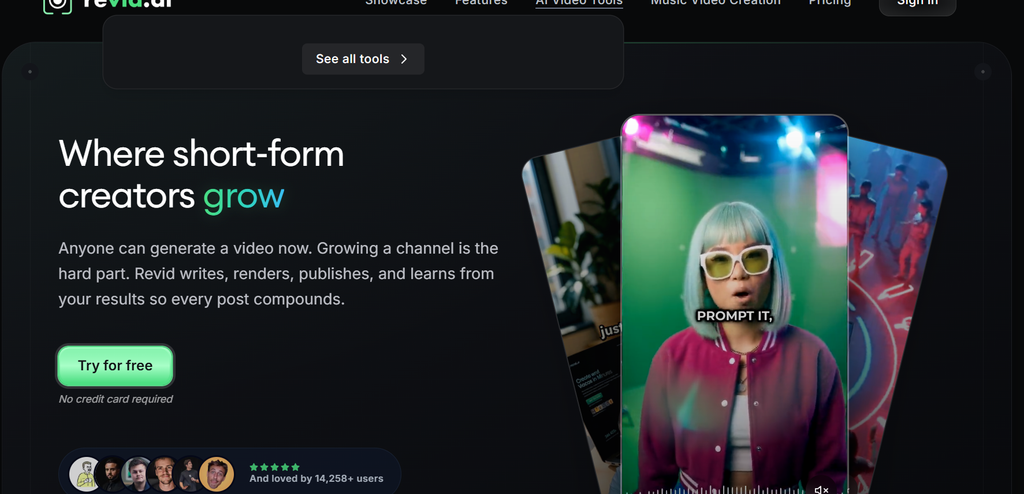
Short-form video has become one of the fastest ways to reach new audiences. However, creating multiple videos every week requires significant time.
Revid AI helps creators speed up this process by turning ideas and existing content into short-form videos.
It is especially useful for people creating:
- TikTok videos
- Instagram Reels
- YouTube Shorts
- Social media advertisements
What Makes Revid AI Useful?
Revid AI focuses on reducing the gap between an idea and a finished video.
For example, imagine you have written a guide about productivity.
Normally, you would need to:
- Write a script
- Find visuals
- Edit clips
- Add captions
- Format the video
A tool like Revid AI can help simplify these steps.
Best Features:
- AI-assisted video creation
- Short-form content workflows
- Faster social media production
- Easy idea-to-video process
Best For:
- Content creators
- Personal brands
- Social media marketers
- Entrepreneurs
Limitation:
AI-generated videos may still need personal editing. Your unique style and brand voice are what make content memorable.
If you regularly create short videos and want to reduce production time, you can explore Revid AI and test how it fits your workflow.
Pictory AI – Best AI Content Repurposing Tool for Blog-To-Video Creation
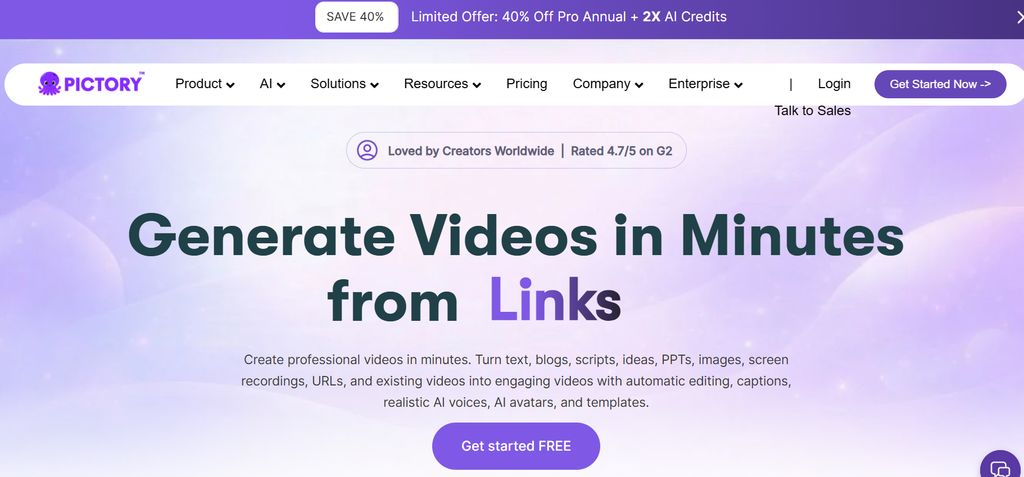
Many bloggers and marketers face the same problem: they have valuable written content but lack the time or skills to turn it into videos.
Pictory AI focuses on solving this exact challenge.
It helps convert:
- Blog posts
- Scripts
- Articles
- Existing videos
into engaging video content.
For content marketers, this creates a bridge between search traffic and video audiences.
For example, a company that publishes an article about email marketing can use Pictory AI to create a simple educational video from the same topic.
Key Pictory AI Features:
- Text-to-video creation
- Automatic captions
- Video templates
- Script-based workflows
- Content summarization
Best For:
- Bloggers
- Marketing teams
- Online businesses
- Educational creators
Limitation:
Professional video editors may want deeper manual controls for advanced projects.
If your content strategy starts with articles and guides, Pictory AI can help you turn written ideas into videos faster.
Opus Clip – Best AI Tool for Turning Long Videos Into Short Clips
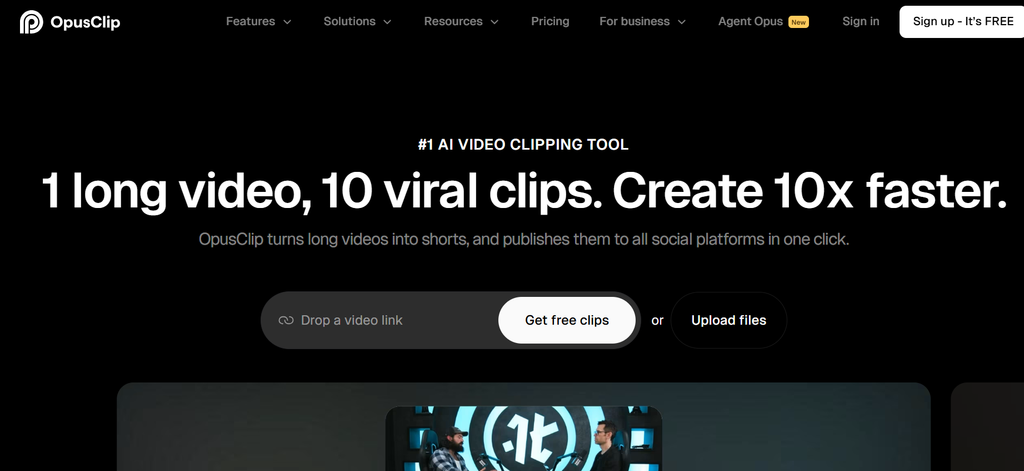
Long-form video content contains many valuable moments but finding those moments manually can take hours. This is where AI video clipping tools become useful.
Opus Clip focuses on transforming long videos into short, engaging clips for platforms like YouTube Shorts, TikTok and Instagram Reels.
For example, a business owner records a 90-minute webinar about marketing strategies. Instead of letting that recording sit unused, Opus Clip can help identify important sections and turn them into smaller educational videos.
Why Creators Use Opus Clip:
- Finds potentially strong moments from longer videos
- Creates short-form clips automatically
- Adds captions and formatting
- Helps adapt videos for social platforms
The tool is especially useful for creators who already produce long videos but struggle with distribution.
A podcast episode, interview or educational tutorial can become multiple smaller pieces that continue attracting viewers.
Best For:
- YouTube creators
- Podcast hosts
- Coaches
- Educators
- Businesses producing video content
Limitation:
Opus Clip works mainly with video content. If your workflow starts with written articles or newsletters, another tool may fit better.
Repurpose.io – Best AI Content Repurposing Tool for Multi-Platform Publishing
Creating content is only one part of digital growth. Publishing it everywhere can become another full-time task.
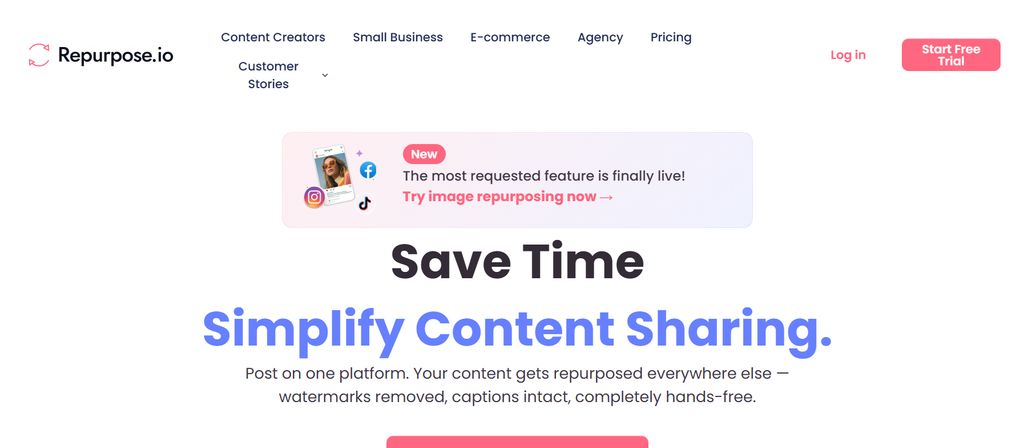
Repurpose.io focuses on simplifying content distribution.
Instead of downloading and uploading the same video manually across different platforms, creators can build automated workflows.
For example:
A creator uploads a YouTube video.
The workflow can help send that content toward:
- TikTok
- Other connected platforms
This saves time for creators who already have a consistent publishing schedule.
Main Features:
- Automated publishing workflows
- Multiple platform connections
- Content scheduling support
- Reusable publishing systems
Best For:
- Social media managers
- Agencies
- Full-time creators
- Businesses publishing frequently
Limitation:
Repurpose.io focuses more on distribution than creating completely new content from existing ideas.
It works best when you already have content and need a smoother publishing process.
Castmagic – Best AI Content Repurposing Tool for Podcast Creators
Podcasts contain a huge amount of reusable information.
A single conversation can include expert advice, stories, opinions and useful quotes. However, manually turning every episode into additional content takes significant effort.
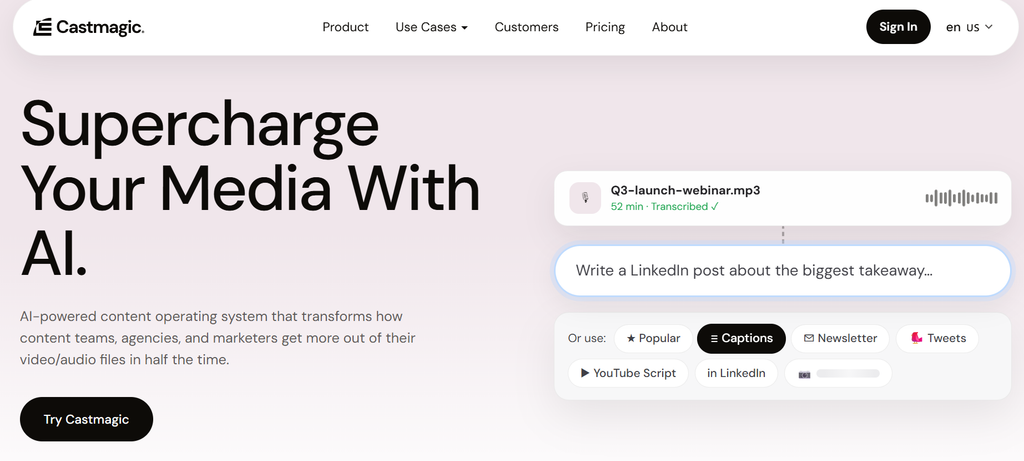
Castmagic helps podcast creators extract more value from each episode.
It can help create:
- Show notes
- Social media posts
- Summaries
- Written content
- Marketing materials
For example, a one-hour interview with an industry expert can become:
- A blog summary
- Several LinkedIn posts
- Quote graphics
- Email content
Why Podcast Creators Like Castmagic:
The biggest advantage is reducing the manual work after recording.
Many podcasters enjoy recording conversations but dislike the editing and writing process afterward.
Castmagic helps bridge that gap.
Best For:
- Podcast hosts
- Interview creators
- Content teams
- Personal brands
Limitation:
It is mainly designed around podcast workflows, so other creators may find different tools more suitable.
Descript – Best AI Tool for Editing And Repurposing Media Content
Editing videos traditionally requires learning complex software.
Descript takes a different approach.
It allows creators to edit videos and audio through text transcripts.
For example, instead of searching through a long recording manually, you can edit the transcript and remove sections like editing a document.
This makes content production easier for beginners.
Main Features:
- Transcript-based editing
- Audio cleanup
- Video editing
- Screen recording
- Collaboration features
Best For:
- Course creators
- YouTubers
- Educational businesses
- Marketing teams
Limitation:
Creators who need advanced cinematic editing may still prefer professional editing software.
How We Selected These AI Content Repurposing Tools
Choosing an AI tool should not only depend on marketing claims.
Many platforms promise faster content creation. However, the real question is simple:
Does the tool actually improve your workflow?
For this list, important factors include:
Content Transformation Quality:
A useful tool should create outputs that need minimal corrections.
We considered:
- Accuracy
- Creativity
- Formatting
- Final content quality
Ease Of Use:
Creators usually do not want another complicated system.
A good platform should make the process simple:
Upload → Generate → Review → Publish
The fewer unnecessary steps, the easier it becomes to maintain consistency.
Supported Content Types:
Different creators work differently.
Some tools focus on:
- Video
- Audio
- Blogs
- Social media
- Marketing campaigns
The best option depends on where your original content starts.
Pricing And Value:
A cheaper tool is not always better.
A platform that saves ten hours every month may provide more value than a free tool with limited features.
Improve your AI instructions with our guide on What Is Prompt Engineering in AI?.
How To Choose The Right AI Content Repurposing Tool
Choosing software becomes easier when you understand your own workflow first.
Many people make the mistake of choosing a tool because it has the longest feature list.
However, more features do not always mean better results.
Choose Based On Your Main Content Format:
Your starting content should guide your decision.
If You Create Blog Content:
Look for tools that can:
- Convert articles into videos
- Generate scripts
- Create social content
Pictory AI fits this type of workflow because it connects written content with video creation.
You can also explore more AI writing workflows in our guide about AI Tools to Turn Blog Posts Into Videos in 2026.
If You Create YouTube Videos:
Prioritize tools that provide:
- Clip detection
- Caption generation
- Short video creation
- Social formatting
A long YouTube tutorial can become multiple Shorts without recording new material.
If You Create Podcasts:
Focus on:
- Transcription quality
- Quote extraction
- Written content generation
Podcast repurposing tools can help turn conversations into marketing assets.
Consider Your Publishing Goals
Not every creator has the same objective.
A personal brand may want more social reach.
A business may want more leads.
A blogger may want more search traffic.
Your goal changes the ideal tool.
Examples:
For Audience Growth:
Choose tools that help create:
- Shorts
- Reels
- Social clips
For Lead Generation:
Choose tools that support:
- Educational videos
- Email content
- Marketing materials
For Brand Building:
Choose tools that maintain:
- Consistent messaging
- Visual identity
- Content quality
Free Vs Paid AI Content Repurposing Tools
Many creators start with free tools.
That makes sense because you want to test whether AI fits your workflow.
However, free options usually come with limitations.
Free Tools Usually Offer:
- Basic features
- Limited exports
- Watermarks
- Fewer customization options
They work well for beginners who are experimenting.
Paid Tools Usually Provide:
- More content generation
- Better templates
- Higher limits
- Advanced automation
- Professional workflows
For someone publishing regularly, paid software often saves more time than it costs.
A creator producing content every week may benefit more from a reliable paid platform than switching between several limited free tools.
Discover how creators build channels without showing their face in How to Make Faceless YouTube Shorts With AI.
Common Mistakes When Using AI Content Repurposing Tools
AI makes content production easier but it does not remove the need for strategy. Many beginners make the same mistakes.
Publishing AI Output Without Reviewing It:
AI-generated content can contain:
- Incorrect information
- Generic wording
- Weak hooks
Always review the final result before publishing.
Repurposing Weak Content:
AI cannot turn a poor idea into a viral masterpiece.
The foundation still matters.
Start with content that already provides:
- Useful information
- Strong opinions
- Clear solutions
Using The Same Format Everywhere:
Different audiences behave differently.
A LinkedIn audience may prefer detailed insights.
TikTok viewers may prefer quick explanations.
The message can stay similar but the presentation should change.
Choosing Tools Without Testing Your Workflow:
A tool may look impressive but fail in your daily process.
Before committing:
- Upload your own content
- Test the output
- Compare editing time
- Check quality
Real testing reveals more than feature pages.
Best AI Content Repurposing Tool Based On User Type
The best choice depends on what you create.
| User Type | Recommended Tool | Reason |
| Short video creators | Revid AI | Fast social video creation |
| Bloggers | Pictory AI | Converts written content into videos |
| YouTubers | Opus Clip | Finds short clips from long videos |
| Podcasters | Castmagic | Creates written assets from conversations |
| Agencies | Repurpose.io | Helps manage multiple platforms |
| Video educators | Descript | Simplifies editing |
Final Recommendation: Which AI Content Repurposing Tool Should You Choose?
The best AI content repurposing tool depends on your starting point.
There is no universal winner because every creator has different needs.
If your main goal is short-form social videos, Revid AI is a strong option to explore.
If you want to convert articles into videos, Pictory AI fits naturally into that workflow.
For YouTube creators with long recordings, Opus Clip can save hours by finding useful moments.
Podcast creators may prefer Castmagic, while teams managing multiple channels may benefit from Repurpose.io.
The smartest approach is not choosing the tool with the most features.
Choose the one that removes your biggest content bottleneck.
When used correctly, AI content repurposing tools help you get more value from every idea you create. One strong piece of content can become many useful assets, allowing creators and marketers to stay consistent without burning out.
6 Responses