
A 30-second video sounds easy until you make one.
First comes the idea. Then you need a script, visuals, narration, captions, music, editing, resizing and finally publishing. Suddenly, that tiny video has eaten an hour.
The best AI video generators for TikTok, Instagram Reels and YouTube Shorts can remove much of that work. However, they don’t all solve the same problem.
Quick answer:
Revid AI is our top pick for automated short-form workflows. InVideo AI offers broader prompt-to-video creation. HeyGen shines with AI presenters, while CapCut remains strong for trend-driven editing. OpusClip is better when you already have long videos worth repurposing.
The right choice depends on where your content starts.
Best AI Video Generators at a Glance
If you don’t want to compare seven dashboards, start here.
- Best Overall for Short-Form Automation: Revid AI
- Best for Prompt-to-Video Creation: InVideo AI
- Best for AI Avatars and Presenters: HeyGen
- Best for TikTok Editing and Trends: CapCut
- Best Browser-Based Video Suite: VEED
- Best for Long-Video Repurposing: OpusClip
- Best for Branded Reels and Shorts: Canva AI
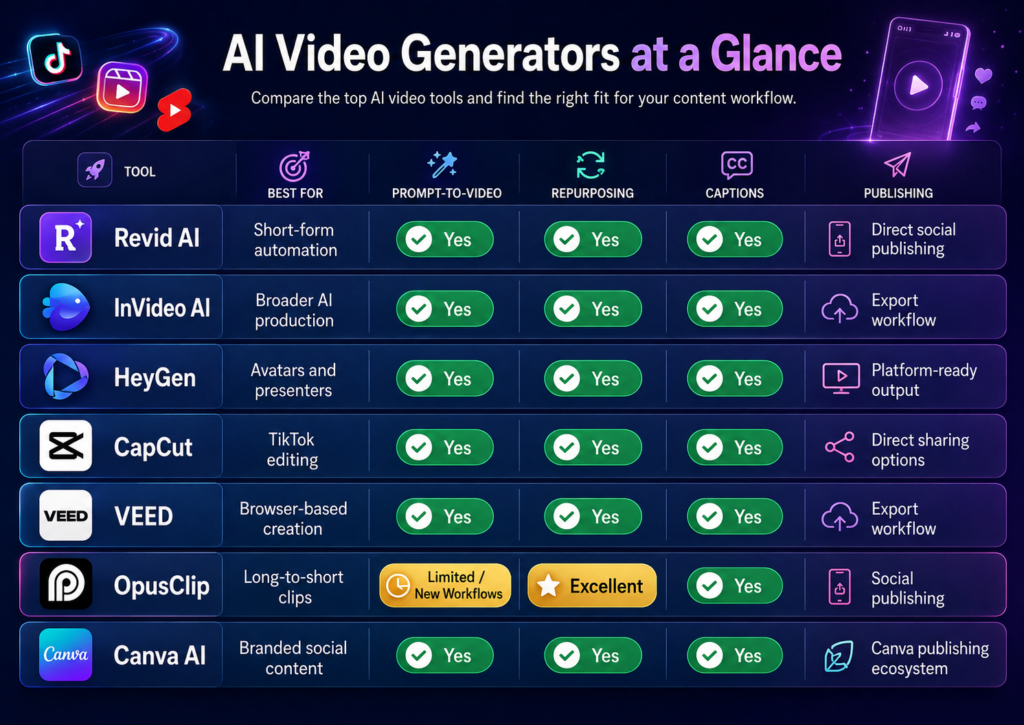
Revid currently combines video creation with scheduling and auto-publishing to TikTok, Instagram and YouTube. InVideo takes a broader approach, with paid plans offering access to more than 200 image, video, audio and music models.
How We Chose the Best AI Video Generators
A flashy demo video doesn’t tell you much. What matters is how much work remains after the AI finishes.
So, these recommendations focus on the complete short-form workflow:
- First-Draft Quality: Does the result look usable?
- Short-Form Readiness: Does it support vertical social content?
- Script and Hook: Can it build a useful opening?
- Visuals: Do scenes match the message?
- Voice and Captions: Are narration tools built in?
- Editing Control: Can weak scenes be fixed quickly?
- Repurposing: Can existing content become short videos?
- Publishing: What happens after rendering?
- Automation: Can frequent creators reduce repeated work?
- Value: Are you paying for features you’ll actually use?
That’s also why this list favors complete creator platforms over raw generative video models.
If you’re mainly looking for tools to polish existing footage, our guide to AI video editors for TikTok and Reels is the better place to start.
7 Best AI Video Generators for TikTok, Reels and Shorts
These tools overlap, but they aren’t interchangeable. Some create videos from scratch. Others excel at avatars, branding, editing or turning existing footage into short clips.
1. Revid AI — Best Overall for Short-Form Automation
Revid AI makes the strongest case when short-form content is the main job.
You can begin with text, a link, a recording or existing content. Revid then handles pieces such as scripts, media, voiceovers, subtitles and video creation. Its workflow is particularly centered on TikTok, Instagram Reels and YouTube Shorts.
Where Revid becomes more interesting is after generation.
Its current publishing system can schedule and auto-publish videos to TikTok, Instagram and YouTube from one dashboard. Bulk scheduling is also supported.
Why it stands out:
- Short-form focus: Designed around vertical social content.
- Multiple inputs: Create from ideas, links or recordings.
- Faceless workflows: Voice, visuals and captions work together.
- Content repurposing: Existing material can become new videos.
- Auto-publishing: Fewer tabs between creation and posting.
- Automation: Auto-Mode supports recurring content workflows.
The main catch is credits. If you generate frequently or keep retrying scenes, usage matters. Current paid plans use monthly AI-credit allowances.
Revid makes the most sense for creators publishing several short videos each week.
Try Revid AI for Short-Form Video →
2. InVideo AI — Best for Full Prompt-to-Video Creation
InVideo AI feels less like a Shorts machine and more like a broad production toolbox.
A prompt can become a complete video with generated or sourced visuals, narration, music and editing. Its text-to-video tools also support social-style prompts rather than limiting creators to traditional landscape videos.
The real advantage is choice.
Current paid plans provide access to 200+ image, video, audio and music models, including multiple major generative-video models. Paid tiers also include stock resources such as iStock.
That makes InVideo useful when your workload changes constantly.
One day you might need a faceless Short. The next could be an explainer, product video or AI-generated advertisement.
Best for: creators needing a broader production environment.
Watch out for: the platform may feel excessive if you only create simple Shorts.
For a closer look, read our InVideo AI review for faceless YouTube videos.
3. HeyGen — Best for AI Avatars and Presenter Videos
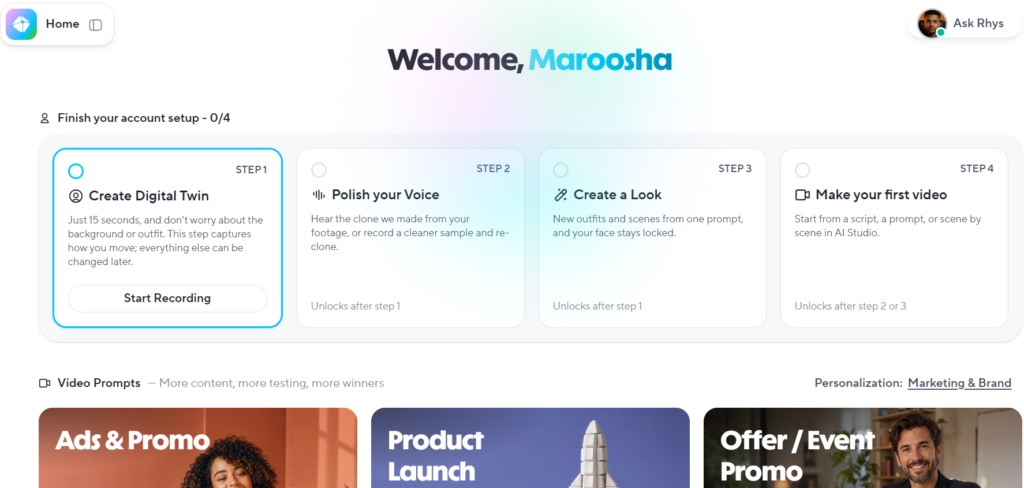
Sometimes “faceless” doesn’t mean removing the presenter. It means replacing yourself with one.
That’s where HeyGen fits.
Its current AI TikTok workflow can turn a prompt, script or URL into vertical content with captions, voiceover and generated visuals. HeyGen’s Reel generator also supports vertical videos for Instagram, TikTok and YouTube Shorts.
HeyGen becomes particularly useful when you need:
- AI presenters: Keep a recognizable person on screen without filming.
- Multilingual videos: Create content for different audiences.
- Talking-head formats: Useful for explainers and educational Shorts.
- URL-to-video: Repurpose useful source material.
- Long-to-short clipping: Existing recordings can become social clips.
HeyGen says its social-video tools support AI avatars speaking in 175+ languages.
Still, don’t buy an avatar platform simply because avatars look impressive.
If your videos mainly use stock footage, captions and narration, a simpler faceless video generator may fit better.
4. CapCut — Best for TikTok Trends and Hands-On Editing
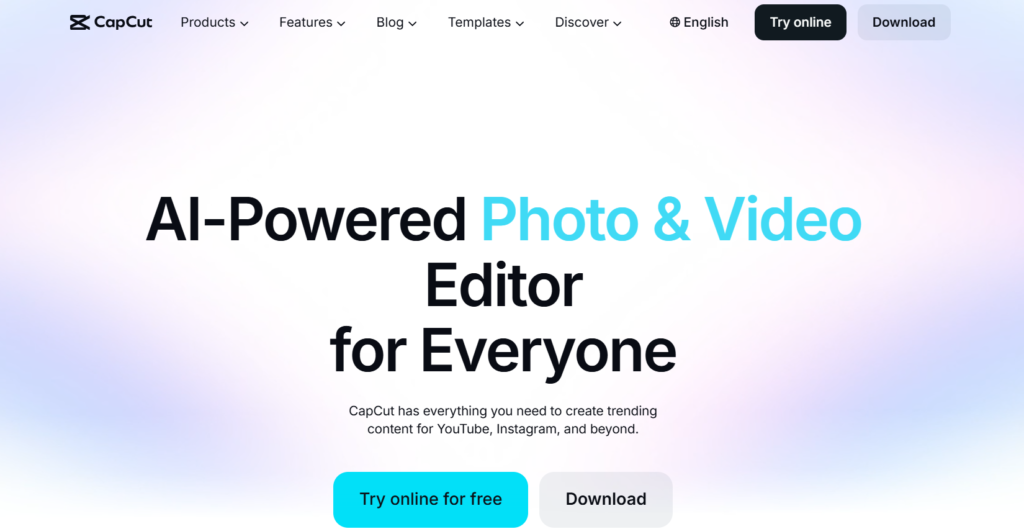
CapCut sits in a different lane.
It has AI generation tools, but its biggest strength remains the ability to jump between automation and manual editing.
That matters on TikTok. Trends move quickly and sometimes you need to tweak timing, captions, audio, transitions or templates yourself.
CapCut’s current AI TikTok tools can turn longer footage into multiple clips. Its long-video-to-short workflow identifies highlights and reformats them for vertical platforms. Direct sharing to major social platforms is also supported.
CapCut works especially well when:
- you want more editing control
- trends influence your style
- templates matter
- you already have footage
- long videos need repurposing
- free accessibility matters
It’s less hands-off than Revid’s automation-first workflow. That’s not necessarily a weakness.
Sometimes you want AI to help. You don’t want it driving the whole car.
5. VEED — Best Browser-Based AI Video Generator and Editor
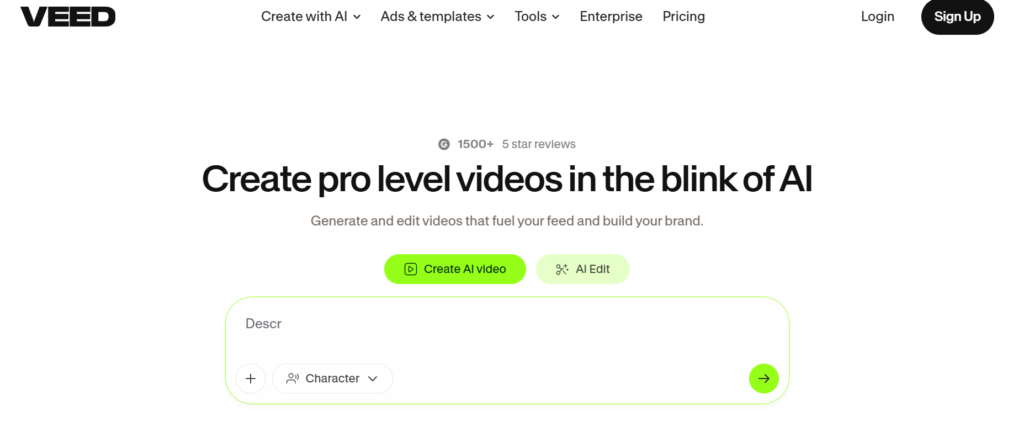
VEED is a strong middle ground.
Its AI tools can create TikTok videos from prompts, then let you refine the result inside a browser editor. You can also add stock footage, music, AI voices and other elements without moving between several apps.
Its Reel generator follows a similar approach. You can create Instagram-focused videos from prompts while using VEED’s stock media and editing tools for cleanup.
Best for: creators who want generation and traditional editing nearby.
VEED is especially useful when AI gets you 80% there. You can then fix the last 20% yourself.
That’s a practical advantage. Generated videos often need a human pass before publishing.
If voice quality matters heavily, compare dedicated options in our guide to realistic AI voice generators.
6. OpusClip — Best for Turning Long Videos Into Shorts
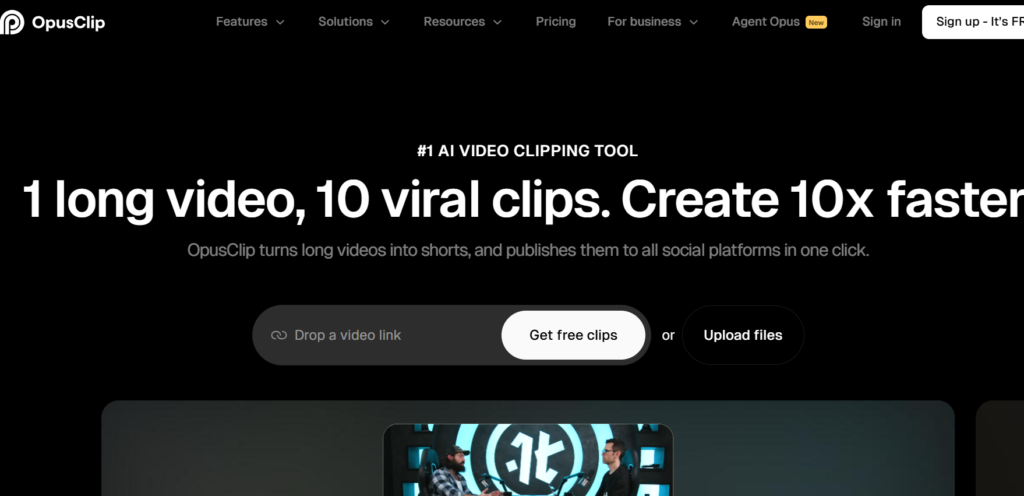
OpusClip solves a different problem.
If you already have a 45-minute podcast, you probably don’t need an AI short video generator to invent another video. You need software that finds the best 45 seconds hiding inside your existing recording.
That’s OpusClip’s sweet spot.
Its current tools can analyze long videos, identify useful moments, reframe clips vertically, add captions and prepare them for YouTube Shorts, Instagram Reels and TikTok.
Imagine recording one podcast on Monday.
Instead of manually scrubbing through the timeline, OpusClip can help turn that single recording into several short clips during the week.
That’s content repurposing in its most practical form.
Best for:
- podcasters
- interviews
- webinars
- talking-head YouTube channels
- educational videos
- creators with large footage libraries
If your strongest content already exists, don’t reinvent the wheel.
7. Canva AI — Best for Branded Reels and Social Content
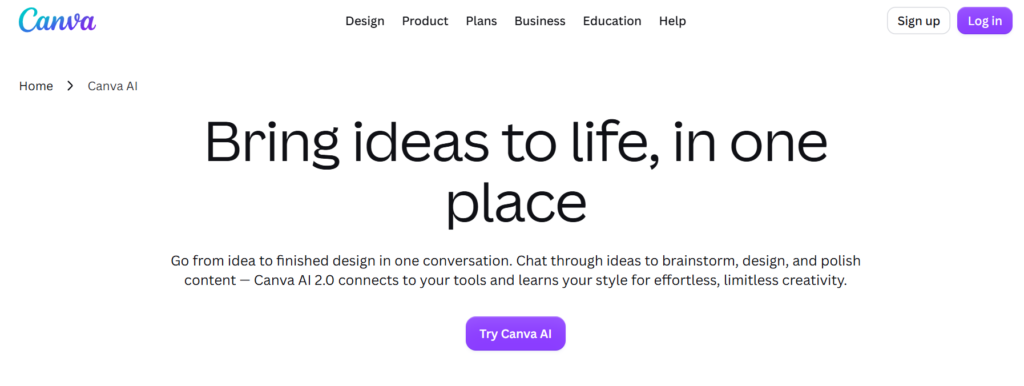
Canva is a natural fit when every video needs to look like it belongs to the same brand.
Its current AI Reel Maker can create short-form videos from scratch or repurpose existing content for Instagram, TikTok and YouTube. Canva also offers separate AI TikTok and YouTube Shorts tools.
The real advantage isn’t raw generation power.
It’s everything surrounding the video.
You can keep fonts, colors, templates, logos, graphics and other brand elements within the same design environment.
That makes Canva attractive for:
- small businesses
- social media managers
- ecommerce brands
- agencies
- visually consistent creators
If branding matters more than full automation, Canva deserves a serious look.
It also connects naturally with a broader stack of AI tools for content creators.
Which AI Video Generator is Best for Each Platform?
TikTok, Instagram Reels and YouTube Shorts may all use vertical video, but creator priorities differ.
| Platform | Best Pick | Strong Alternative | Main Reason |
| TikTok | Revid AI | CapCut | Automation versus trend editing |
| Instagram Reels | Revid AI | Canva | Fast creation versus brand polish |
| YouTube Shorts | Revid AI | OpusClip | New faceless videos versus repurposing |
Best AI Video Generator for TikTok
For TikTok, speed matters.
A useful AI TikTok video generator should create 9:16 content, handle captions, support fast edits and reduce the distance between an idea and publishing.
Revid is strongest when you want a repeatable automated workflow. CapCut is better when trends, templates and manual creative control matter more. Revid supports direct TikTok scheduling, while CapCut’s tools support TikTok-oriented creation and sharing.
Best AI Video Generator for Instagram Reels
Instagram Reels usually benefit from stronger visual consistency.
Revid works well for frequent creation and scheduling. Canva has an edge when brand colors, fonts, graphics and polished templates are central to your content. VEED is another useful option when you want AI generation plus browser editing.
Best AI Video Generator for YouTube Shorts
For new faceless Shorts, Revid offers a strong end-to-end workflow.
However, existing YouTubers face another situation. If you already publish interviews, podcasts or explainers, OpusClip can turn that long-form library into Shorts rather than making everything again.
That’s why the “best” tool changes with your starting point.
Create Your Next Short With Revid AI →
Create From Scratch or Repurpose Existing Videos?
This distinction can save you money.
Create New Videos From an Idea
Choose:
- Revid AI: For automated short-form creation.
- InVideo AI: For broader prompt-to-video production.
- HeyGen: For avatar-led content.
- VEED: For AI generation plus browser editing.
- Canva: For branded social videos.
Turn Existing Content Into Shorts
Choose:
- OpusClip: For podcasts and long-form footage.
- CapCut: For long-video-to-short editing.
- Revid AI: For URLs and other existing source content.
- HeyGen: For clipping and repurposing workflows.
The rule is simple.
If you start with an idea, choose a generator. If you start with strong footage, choose a repurposing tool.
Free vs Paid AI Video Generators: What Should You Pay for?
A free AI video generator is usually enough for experimenting.
The limitations start to matter when video becomes part of your weekly marketing.
Before paying, check:
- Watermarks: Free exports may carry branding.
- AI credits: Better generative models consume allowances.
- Resolution: Export quality can vary by plan.
- Video length: Some plans restrict generation time.
- Stock footage: Premium libraries often sit behind paid tiers.
- Commercial rights: Always verify usage terms.
- AI models: Premium models may require more credits.
- Automation: Scheduling or auto-publishing may be paid.
- Volume: Frequent regeneration can change the real cost.
CapCut provides accessible free editing tools, while OpusClip currently advertises free Shorts creation without requiring a credit card. VEED’s AI generator uses AI credits, so availability depends on your plan.
Don’t compare subscriptions only.
A better formula is:
Cost per usable video = subscription + credits + extra tools + editing time
That number tells you far more.
How to Choose an AI Video Generator for Short-Form Content
Your ideal tool should match the bottleneck that’s actually slowing you down.
- For Faceless Channels: Prioritize scripts, AI voiceovers, automatic captions and repeatable formats.
- For TikTok Trends: Look for fast editing, templates and vertical output.
- For Branded Reels: Choose strong brand controls and reusable video templates.
- For YouTube Creators: Long-video-to-short repurposing can save hours.
- For High Volume: Automation, video scheduling and auto-publishing matter.
- For AI Presenters: Compare avatar realism and language support.
- For Creative Footage: Generative video model choice becomes more important.
- For Tight Budgets: Compare usable results rather than headline prices.
Also think about your wider workflow. If generation is easy but publishing still eats an afternoon, your problem hasn’t really disappeared.
For that side of the equation, see our guide to AI social media automation tools.
Which AI Video Generator Should You Choose in 2026?
There isn’t one winner for every creator.
Choose Revid AI when TikToks, Reels and Shorts dominate your content calendar and automation matters.
Choose InVideo AI when you want broader text-to-video AI capabilities and more model choice.
Choose HeyGen when AI avatars and presenters lead the story.
Choose CapCut when trend-aware editing and manual polish matter most.
Choose VEED when you want generation and editing inside one browser.
Choose OpusClip when great long-form footage already exists.
Choose Canva AI when visual branding needs to stay consistent.
For frequent short-form publishing, Revid currently offers the most focused creation-to-publishing workflow of this group. That doesn’t make it universally better. It simply makes its strengths line up well with this particular use case.
Try Revid AI for Short-Form Video →
Conclusion
The best AI video generators for TikTok, Instagram Reels and YouTube Shorts aren’t always the tools producing the flashiest demo clips.
What matters is the whole journey.
A faceless creator starting from a blank idea needs something different from a podcaster sitting on fifty hours of footage. Likewise, a branded Instagram account has different priorities from a high-volume Shorts channel.
Start with your bottleneck. Then choose the AI video generator that removes it without creating three new ones.
One Response