
Blank canvases aren’t always the problem. Repetitive resizing, background cleanup, and endless revisions often drain a designer’s day. Adobe’s 2025 Creators’ Toolkit Report found that 86% of creators actively use creative generative AI. So, which AI tools help graphic designers create faster without writing code?
Modern design platforms turn short prompts into layouts, images, mockups, and campaign ideas. They remove slow production work while you control the message and final result.
| Quick Answer The best AI tools for graphic designers who don’t code are Canva AI, Adobe Firefly, Midjourney, Figma AI, Leonardo AI, Microsoft Designer, and Ideogram. These platforms create images, layouts, logos, mockups, and visual concepts from plain instructions. Canva suits beginners, Firefly fits Adobe users, and Midjourney works brilliantly for concept art. Let’s compare them properly. |
Why are AI Tools Useful for Graphic Designers Who Don’t Code?
AI makes advanced design tasks easier without programming. You can describe an idea, test several directions, and edit the strongest result. That leaves more time for color, typography, brand meaning, and client communication.
AI can help you:
- Generate several concepts quickly.
- Create images from written prompts.
- Remove backgrounds or unwanted objects.
- Resize assets for different platforms.
- Test new styles without rebuilding everything.
Think of AI as a fast studio assistant. It brings options, while you choose what stays.
What Should Graphic Designers Look for in AI Design Tools?
A polished demo may hide a clumsy workflow. Before paying, test how quickly you can move from prompt to editable design. Beautiful output offers little value when you can’t fix its wording, spacing, or colors.
Look for:
- Simple controls: Can you learn the basics quickly?
- Editing freedom: Can you change separate design elements?
- Useful templates: Does it cover your common project types?
- Output quality: Will the images look sharp after export?
- Free access: Can you test the main features first?
- Usage rights: Can you use the work for client projects?
- Software compatibility: Does it fit your current process?
Best AI Tools for Graphic Designers in 2026
The best AI tools for graphic designers 2026 list covers different jobs. Some produce finished layouts, while others suit concepts, generated images, or digital products.
| Tool | Best For | Starting Access | Main Limitation |
| Canva AI | Marketing graphics | Free plan | Premium limits |
| Adobe Firefly | Professional image work | Free limited use | Credit system |
| Midjourney | Visual concepts | From $10 monthly | No free plan |
| Figma AI | UI and product design | Varies by plan | Digital focus |
| Leonardo AI | Image experiments | Free daily access | Token limits |
| Microsoft Designer | Quick social graphics | Free starting access | Less manual control |
| Ideogram | Text-heavy designs | Always-free plan | Limited free credits |
1. Canva AI – Best Overall AI Design Tool for Beginners
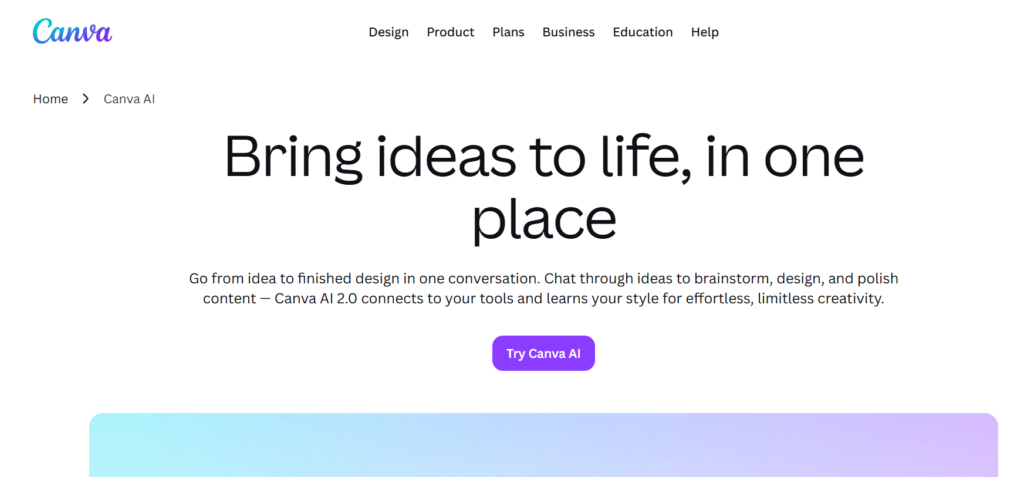
Canva AI is an easy starting point for social posts, presentations, flyers, and marketing graphics. Magic Design builds editable templates from text or uploaded media, while Canva’s image tools create fresh visuals. The free plan includes selected AI features. Choose Canva when speed matters more than detailed pixel control.
Imagine receiving a last-minute request for three Instagram posts. Instead of staring at an empty artboard, you can generate several directions within minutes. You still adjust the spacing, fonts, and brand colors, though the slow first step disappears.
2. Adobe Firefly – Best AI Graphic Design Generator for Professionals
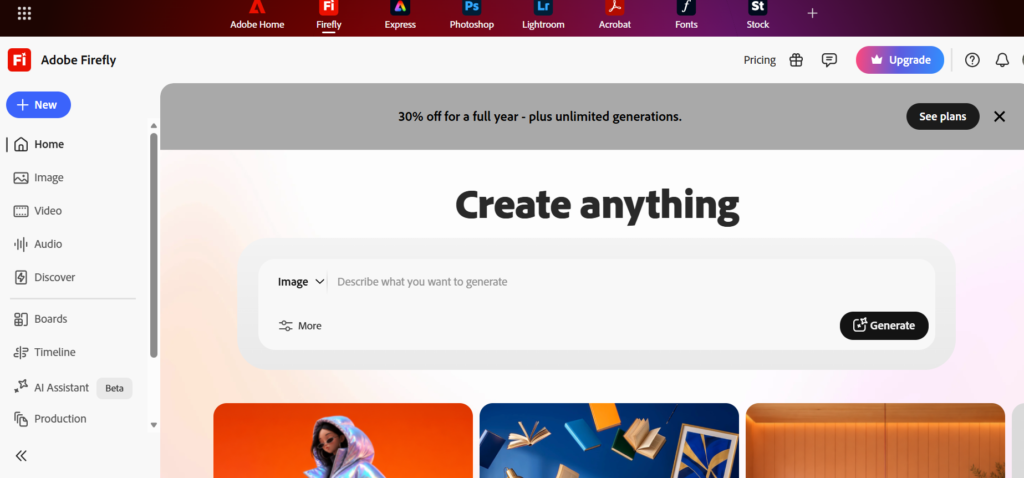
Adobe Firefly suits designers using Photoshop, Illustrator, or Adobe Express. It generates images, fills missing areas, removes objects, and creates variations from everyday language. Adobe offers limited free generations and paid credit plans. Its Firefly models use licensed and public-domain training material, which appeals to professional users.
Firefly feels less like a separate novelty and more like an assistant inside familiar software. For example, you can extend a narrow product photo for a banner without rebuilding the full background manually.
3. Midjourney – Best AI Tool for Creative Visual Concepts

Midjourney shines for dramatic campaign ideas, illustration styles, mood boards, and unusual branding directions. Detailed prompts can produce polished visuals with strong atmosphere. Its web editor supports remixing, inpainting, panning, and zooming. Midjourney has no permanent free plan, and subscriptions begin at $10 monthly.
Use it like a digital sketchbook rather than a final production tool. Generate broad ideas first, choose the strongest direction, and rebuild it with accurate brand elements afterward.
4. Figma AI – Best AI Tool for UI and Product Designers
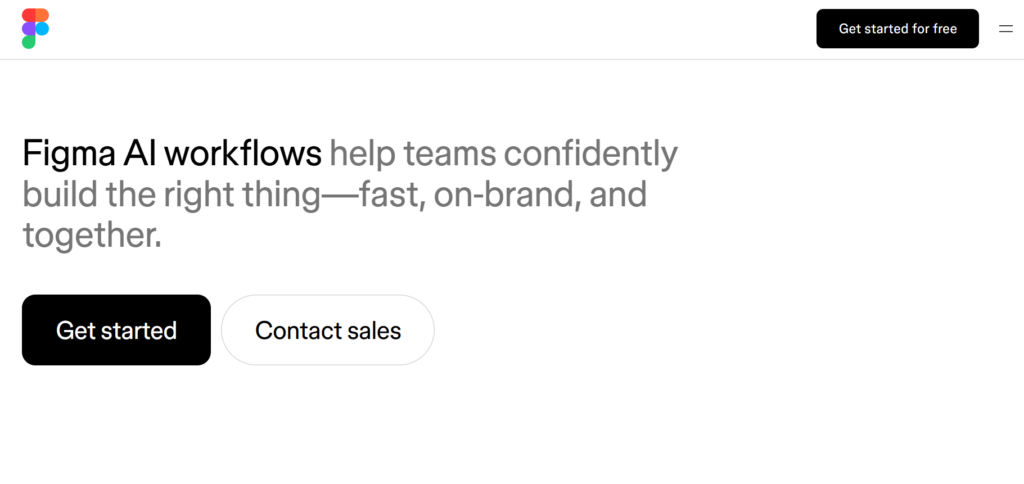
Figma AI helps digital designers explore directions, edit images, search files, and develop product ideas. AI-assisted prototypes also support testing without requiring code. Access differs by plan, seat, and feature. Figma fits websites, apps, dashboards, wireframes, and clickable demos.
A product designer can describe a landing page idea, create an early structure, and test its flow. However, human review remains necessary because attractive screens don’t always create a clear user journey.
5. Leonardo AI – Best Free AI for Graphic Design Experiments
Leonardo AI offers control over styles, references, and visual consistency. You can create art from text or images, compare models, and refine concepts before using your main editor. Leonardo provides limited daily access for free. It suits mood boards, product scenes, ads, fantasy art, and early branding ideas.
Leonardo works especially well when you want several images that share a similar look. That consistency can help with storyboards, advertising concepts, or themed social campaigns.
6. Microsoft Designer – Best Free AI Graphic Design Tool for Quick Posts
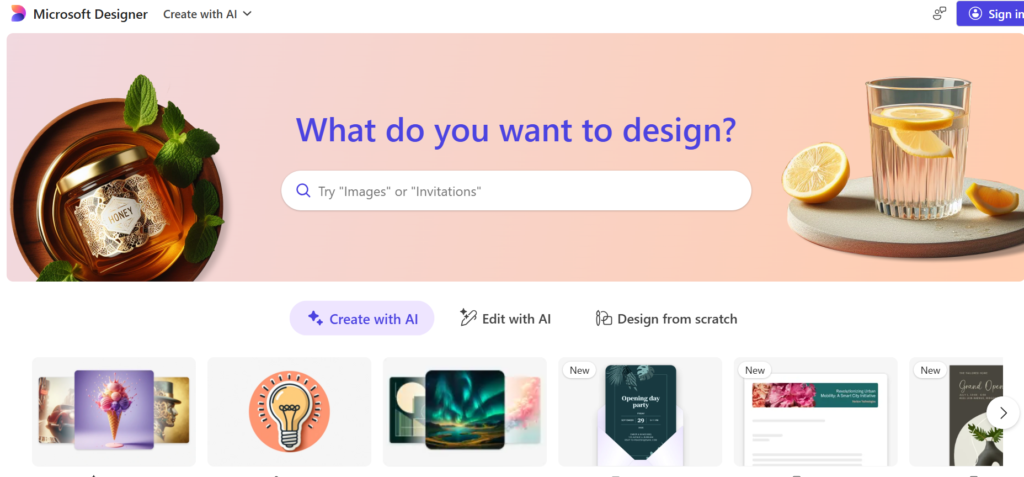
Microsoft Designer creates social posts, invitations, banners, cards, and simple brand graphics from written instructions. It also generates images and offers photo-editing features. Microsoft provides free starting access, though limits may vary. Use it for everyday graphics rather than complex packaging or editorial systems.
It’s a practical choice when you need something clean without opening advanced software. A small business owner could prepare an event announcement, sale graphic, or digital invitation with very little training.
7. Ideogram – Best AI Graphic Design Generator for Text and Posters
Ideogram deserves attention because many image generators still mangle words. It focuses on clearer typography, text placement, posters, logos, and editable text layers. Its $0 plan offers limited credits, making it useful for AI tools for graphic designers free searches. Try it for posters, apparel graphics, labels, and typographic concepts.
Readable text makes a huge difference. A beautiful poster becomes useless when its headline contains misspelled words. Ideogram tackles that common headache better than many general image generators.
Also Read: Best AI Thumbnail Makers for YouTube Videos in 2026
How can AI Help Graphic Designers Without Replacing Them?
AI handles speed better than judgment. It can create a draft quickly, though it doesn’t know why a quiet layout may suit a law firm. Designers still bring empathy, storytelling, taste, and responsibility.
AI can:
- Produce rough compositions.
- Break creative blocks.
- Create several variations.
- Clean images and repeat edits.
- Resize work for several channels.
AI is more like a creative partner than a replacement. The machine supplies clay. You shape the sculpture.
A client may ask for a “modern and friendly” design. AI can suggest several looks, though only you can ask what “friendly” means for that audience. Is it playful typography, softer colors, or clearer language? Those decisions still need a person.
Best Free AI for Graphic Design
People searching AI graphic design free options usually want more than a short trial. Several platforms offer starter access, though most limit credits, speed, or premium features.
- Canva AI: Selected tools on Canva Free.
- Microsoft Designer: Free access for quick designs.
- Leonardo AI: Limited daily generations.
- Adobe Firefly: Limited generations on its free plan.
- Ideogram: An always-free tier with usage caps.
Free plans suit learning and small drafts. Read each tool’s current commercial terms before delivering paid client work. Canva permits many commercial uses under its AI terms, while Adobe publishes separate guidance for Firefly outputs.
Also Read: 5 AI Graphic Design Tools That Save Hours of Work (2026)
AI Graphic Design Generator vs Traditional Design Software
An AI graphic design generator offers a quick starting point. Traditional software gives deeper manual control. Most designers gain more by combining both.
| Feature | AI Graphic Design Generator | Traditional Software |
| Learning curve | Usually easier | Needs more practice |
| Concept speed | Very fast | More manual |
| Creative direction | Prompt-assisted | Designer-led |
| Fine control | Tool-dependent | Usually greater |
| Repetitive edits | Often automated | Often manual |
| Final production | May need cleanup | Better for precise delivery |
It works like a relay race. AI runs first, then your design skills cross the line.
For instance, you might generate a product background with AI. You can then finish the typography, alignment, color values, and print setup inside your regular design software.
Will AI Replace Graphic Designers?
No. AI will replace certain repetitive tasks, though it won’t remove the need for human direction. Clients pay for research, communication, revisions, brand understanding, and decisions that solve a business problem.
Designers using AI may create early concepts faster. That leaves more room for strategy and stronger final choices. Adobe’s creator research also shows people want creative control to stay with humans.
The real danger isn’t simply AI. Designers face a greater risk when they ignore new tools while client expectations continue changing. Learning the basics can protect your value rather than reduce it.
How to Choose the Best AI Tool for Graphic Design
Begin with the work you produce most often. Logo designers, social media managers, and UX designers need different tools. Test one real project because random prompts rarely reveal weak spots.
- Define your main task and required output size.
- Pick two tools that match that job.
- Test both platforms using the same brief.
- Compare editing control and export quality.
- Check commercial rights before client delivery.
- Keep the tool that saves time without flattening your style.
Don’t chase every shiny platform. One well-chosen tool can improve your work more than seven unused subscriptions.
You may also find Bloggerta’s guides on AI Writing Tools for Bloggers and Content Writers and Best AI Thumbnail Makers for YouTube Videos useful.
FAQs
What is the Most Creative AI Tool?
Midjourney often leads for imaginative concepts and dramatic compositions. Adobe Firefly connects better with professional editing, while Leonardo offers useful style choices. Creativity still depends on your brief, prompts, references, and edits.
What is the Best AI Platform for Graphic Design?
Canva AI is the best all-around choice for beginners and fast marketing graphics. Adobe Firefly suits experienced Adobe users, while Figma AI works best for interfaces. Your choice depends on what you create and how much control you need.
Will AI Replace Graphic Designers?
AI won’t fully replace graphic designers. It will handle more resizing, cleanup, and early concepts. Human designers still guide the message, hierarchy, brand meaning, and final quality. Used as a helper, AI saves time without taking creative responsibility.
Which AI is 100% Free?
No major platform offers every feature with unlimited free use. Ideogram has an always-free plan, while Microsoft Designer offers free starting access. Canva provides selected free AI features, and Leonardo gives limited daily generations. Check current limits before a large project.
Which AI Tool is Best for Graphic Design?
Canva AI is best for beginners and quick layouts. Adobe Firefly fits professional image work, while Midjourney suits art direction. Ideogram handles readable text well, and Figma AI fits interfaces and app projects.
Final Thoughts
The best AI tools for graphic designers remove technical barriers without taking creativity from your hands. Canva AI offers the easiest start. Adobe Firefly fits professional workflows, while Midjourney brings bold concepts. Figma, Leonardo, Microsoft Designer, and Ideogram solve different problems. Don’t subscribe to everything at once.
Pick one project, test two tools, and compare them with your usual process. Keep what saves time and drop what adds noise. Your eye, judgment, and story still matter most. Choose one platform today, create a small design, and learn by doing.