
Creating a YouTube thumbnail should not consume an entire afternoon. Finding images, removing backgrounds, testing layouts, and fixing text can make creating a thumbnail tedious. YouTube says 90% of its best-performing videos use custom thumbnails. It also reports that half of all channels and videos have an impressions CTR between 2% and 10%.
That does not mean a prettier thumbnail automatically earns more clicks. Thumbnail design, audience fit, topic relevance, and YouTube CTR work together. The right AI tool can remove repetitive production work while leaving creative judgment with you.
Quick Answer
The best AI thumbnail generator depends on your workflow. YouTube creators may prefer specialized platforms for concepts and variations. Bloggers may benefit more from flexible design tools that support blog thumbnails and branded graphics. Free options are useful for experimentation, while testing-focused platforms help creators make decisions using real performance data.
The biggest time savings usually come from generating multiple concepts quickly rather than replacing every design decision.
If you are building a wider AI content workflow, you can also explore our guide to AI content repurposing tools.
Key Takeaways
- AI can reduce repetitive thumbnail design work.
- A generated image still needs human refinement.
- Mobile readability matters when evaluating thumbnails.
- AI YouTube thumbnails should match the video’s actual promise.
- Free plans are useful for testing before paying.
- CTR should be evaluated alongside impressions and audience context.
- AI works best as a rapid concept and variation engine.
Best AI Thumbnail Generators at a Glance
| Tool | Best For | Main Strength | Free Route |
| Canva | Blogs and beginners | Templates and editing | Yes |
| Pikzels | YouTube creators | Thumbnail-focused workflow | Check current plan |
| vidIQ | YouTube creators | Creator ecosystem | Yes |
| 1of10 | Thumbnail strategy | Data-led concepts | Check current plan |
| ThumbMagic | Fast variations | Video-to-thumbnail workflow | Check current plan |
| Adobe Express | Branded designs | Design ecosystem | Yes |
| Subscribr | Creator workflows | Content-production tools | Check current plan |
| Thumbnail.AI | Quick experiments | Simple generation | Check current plan |
| ThumbnailCreator | High-volume workflows | Production speed | Check current plan |
Pricing note: AI tools frequently change credits, limits, and plans. Always verify current pricing before publishing exact figures.
How We Evaluated These AI Thumbnail Generators
A five-second AI demo tells you very little about production value. The real question is whether a tool shortens the journey from video idea to usable thumbnail.
We considered five practical factors:
- Generation speed: How quickly can creators develop concepts?
- Workflow friction: How many manual steps remain afterward?
- Small-size readability: Does the design remain clear on smaller screens?
- Brand control: Can creators maintain a consistent visual identity?
- Variation potential: Can users create genuinely different concepts?
This distinction matters because generation speed and production speed are different.
A tool may create ten thumbnails quickly. If all ten require heavy editing, then little time has been saved.
9 Best AI Thumbnail Generators
The best AI thumbnail generator depends on what you need most, whether that’s fast concept creation, YouTube-focused workflows, flexible editing, or data-driven testing. The tools below cover different creator needs, so you can choose one that fits your workflow.
1. Canva — Best for Blogs and Flexible Design
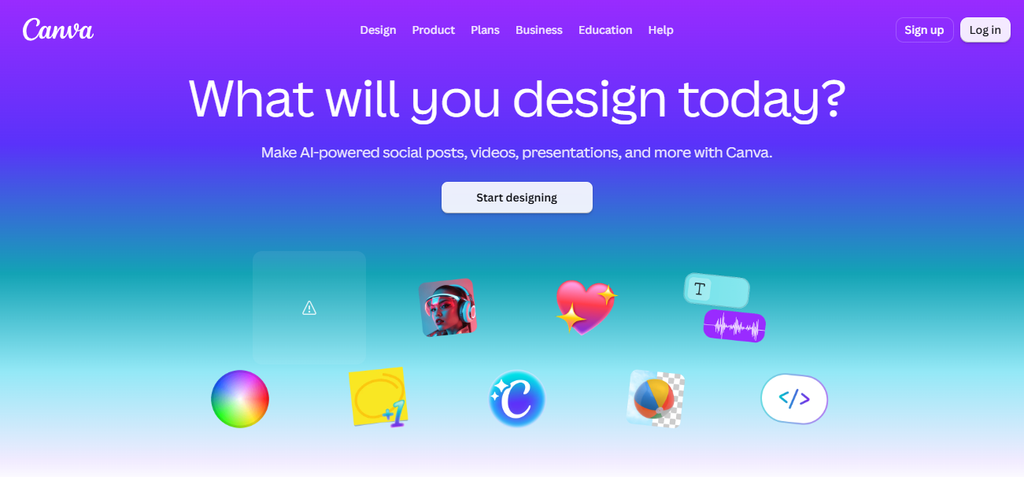
Canva is useful when thumbnails are only one part of your visual workflow. You can create YouTube thumbnails, blog graphics, social posts, and branded visuals within the same environment.
Its biggest advantage is control. Creators can start with templates, modify layouts, add images, adjust typography, and maintain consistent branding.
Best for: Bloggers, beginners, and multi-format creators.
Why it saves time: One platform can handle multiple visual assets.
Watch for: General-purpose flexibility can require more manual decisions.
Bloggersta verdict: Canva is a practical choice when you need both blog thumbnail and video design capabilities.
For more ways to create visuals efficiently, see our guide to AI tools for bloggers.
2. Pikzels — Best for YouTube-Focused Creation
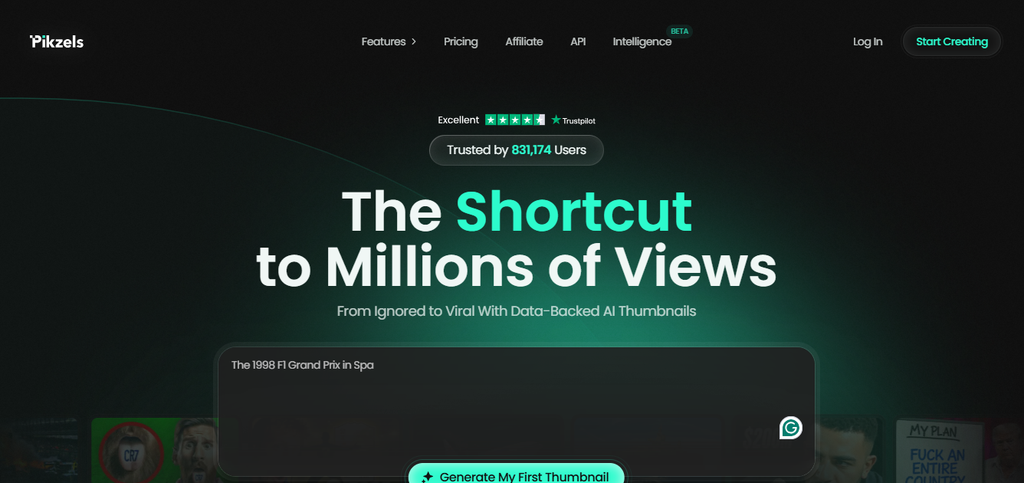
Pikzels takes a specialized approach to thumbnail production. Instead of treating thumbnails like another graphic-design task, it focuses heavily on YouTube packaging.
That specialization can reduce experimentation time for creators who regularly publish videos. The focus is less on generic image creation and more on developing concepts that work beside a title.
Best for: YouTube creators.
Why it saves time: Its workflow centers around thumbnail production.
Watch for: It may be less useful for bloggers needing broader design assets.
Bloggersta verdict: Pikzels is worth considering when YouTube packaging is a recurring bottleneck.
3. vidIQ — Best for Creators Using Its Ecosystem
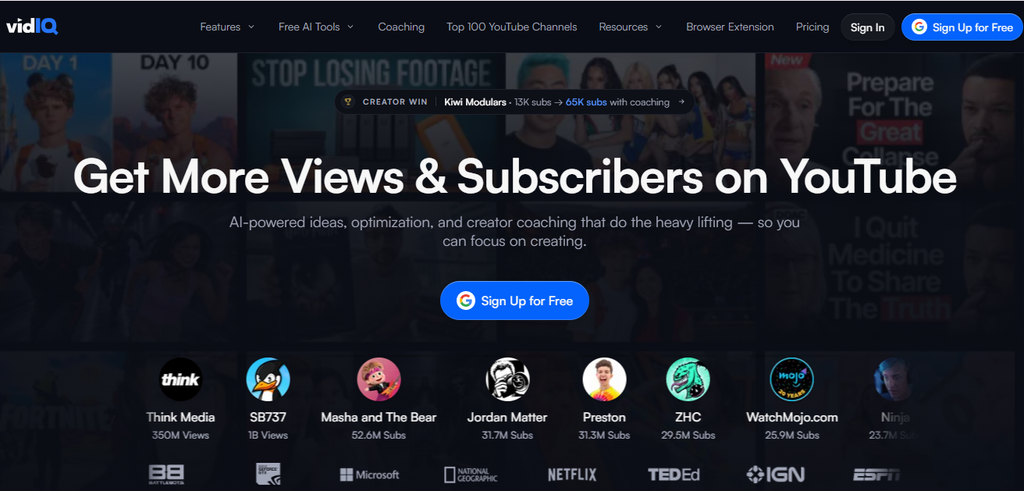
vidIQ approaches thumbnails from a broader YouTube-growth perspective. That can be useful because thumbnails do not work independently.
Titles, topics, audiences, and packaging all influence viewer behavior. A thumbnail workflow inside a broader creator platform can therefore reduce context switching.
Best for: Creators already using vidIQ.
Why it saves time: Thumbnail work can sit closer to content planning and channel analysis.
Watch for: Buying a larger platform solely for thumbnails may not provide enough value.
Bloggersta’s verdict: vidIQ makes the most sense as part of an existing YouTube workflow.
4. 1of10 — Best for Data-Led Thumbnail Strategy
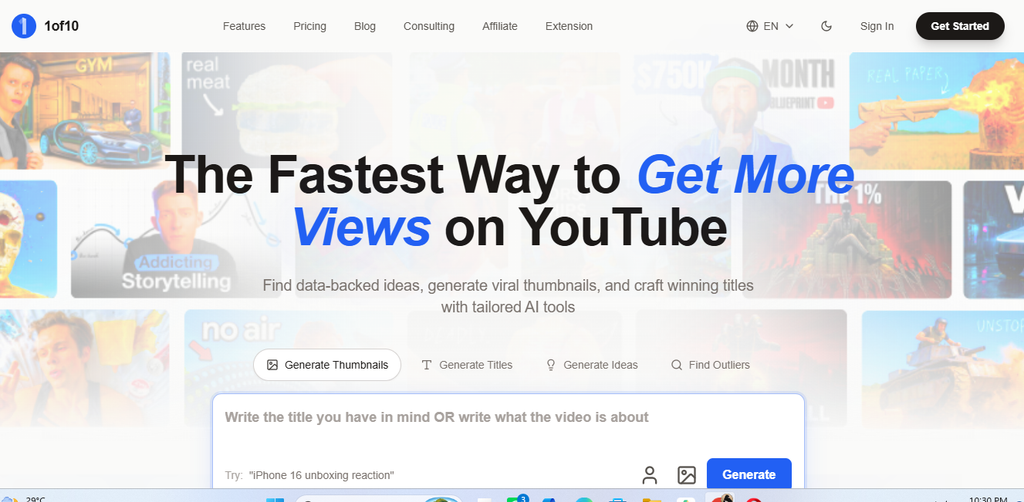
1of10 focuses on the strategic side of thumbnail development. That makes it different from tools designed mainly to generate attractive images.
The difficult question is often not “How should this image look?” It is “What should this thumbnail communicate?”
A data-oriented approach can help established creators think about packaging and audience response.
Best for: Established YouTube channels.
Why it saves time: It can reduce guesswork during concept development.
Watch for: Strategic tools become more useful when you have performance data to analyze.
Bloggersta verdict: 1of10 is interesting for creators who want to improve thumbnail strategy rather than simply generate images faster.
5. ThumbMagic — Best for Video-to-Thumbnail Workflows
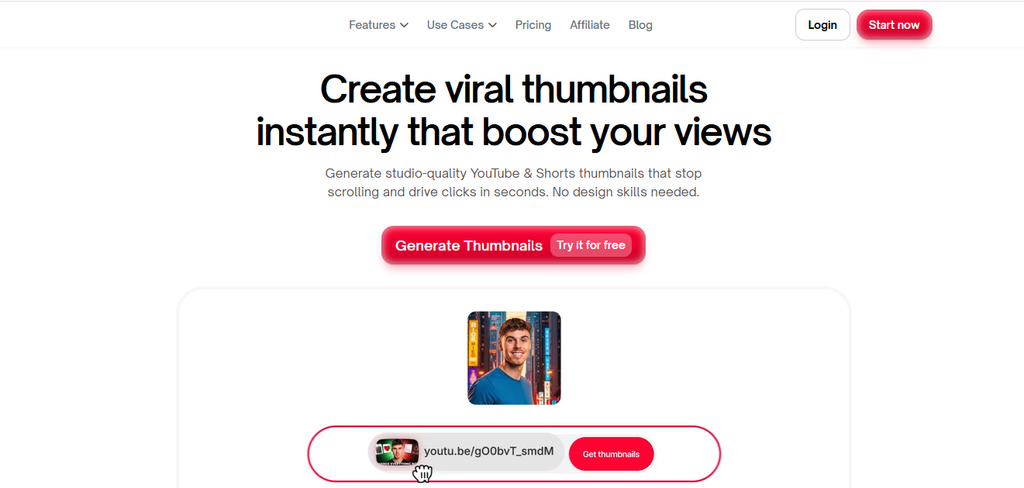
ThumbMagic is useful when your video already contains the raw material for a thumbnail. This can reduce the time spent deciding which visual direction to develop.
For high-volume creators, that shortcut can make recurring production easier.
Best for: Creators converting existing video content into thumbnail concepts.
Why it saves time: It reduces the gap between video production and thumbnail creation.
Watch for: Generated concepts still require a quality check.
Bloggersta verdict: Consider it when thumbnail production is slowing down frequent publishing.
6. Adobe Express — Best for Branded Designs
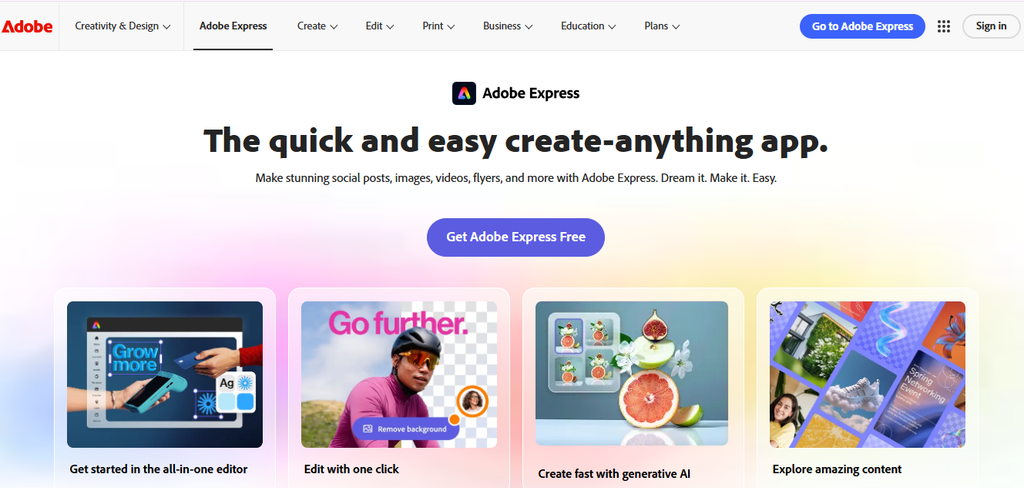
Adobe Express combines AI assistance with broader design controls. That makes it useful for creators who need thumbnails alongside social graphics and promotional content.
The main advantage is refinement. AI can provide a starting concept while the design environment handles branding and final adjustments.
Best for: Brand-focused creators.
Why it saves time: AI accelerates the starting point while editing tools handle refinement.
Watch for: Dedicated YouTube platforms may provide more specialized workflows.
Bloggersta verdict: Adobe Express works well when thumbnails need to match your wider visual identity.
7. Subscribr — Best for Combined Creator Workflows
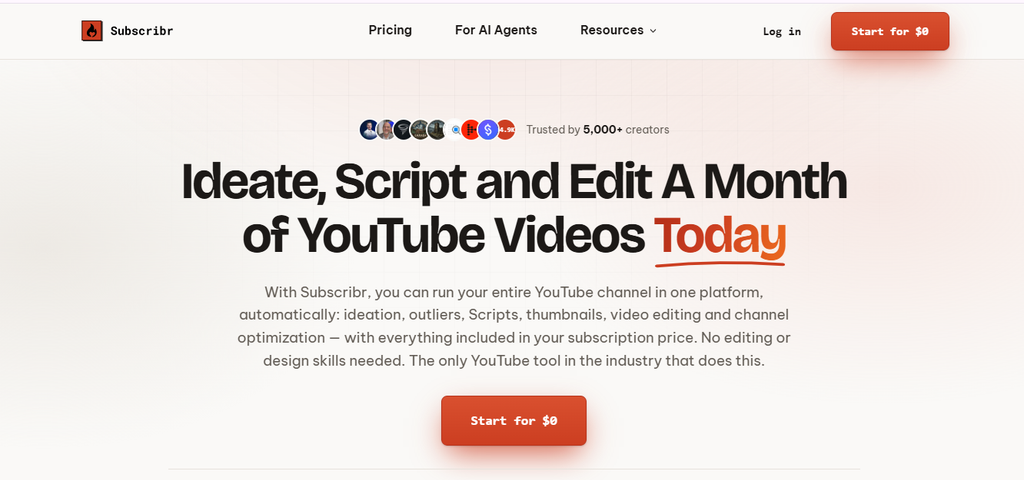
Subscribr takes a broader content-production approach. Its value comes from keeping several YouTube-related tasks closer together.
That can reduce context switching. Moving between multiple platforms creates extra logins, exports, and asset management.
Best for: YouTube creators managing multiple production stages.
Why it saves time: Related content tasks can sit within one broader workflow.
Watch for: It may be unnecessary if thumbnails are your only requirement.
Bloggersta verdict: Subscribr is more attractive for creators building a larger YouTube production system.
8. Thumbnail.AI — Best for Quick Experiments
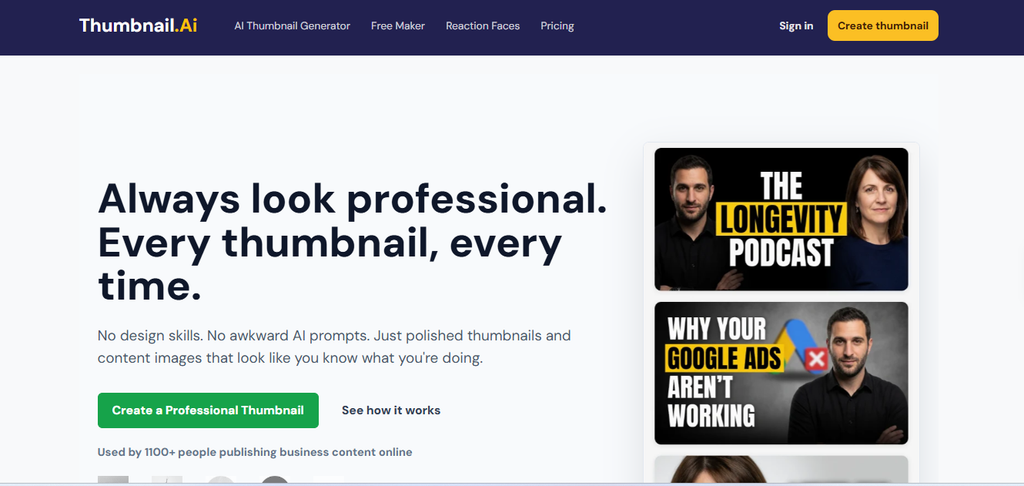
Thumbnail.AI is useful for creators who want to explore ideas without building elaborate designs from scratch.
This simplicity can be valuable when you need a visual concept before investing more editing time.
Best for: Quick concept exploration.
Why it saves time: It shortens the gap between an idea and a visual draft.
Watch for: Simple tools may provide less customization.
Bloggersta verdict: Use it as a fast concept generator rather than automatically publishing the first result.
9. ThumbnailCreator — Best for Speed-Focused Workflows
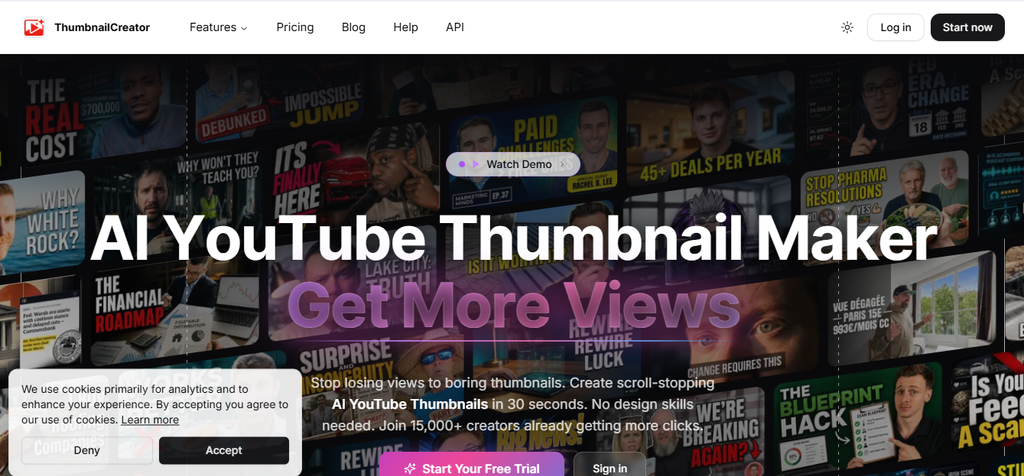
ThumbnailCreator is aimed at reducing repetitive thumbnail-production work. This can matter more than advanced design controls for creators publishing frequently.
A predictable workflow makes recurring content production easier to manage.
Best for: High-frequency creators.
Why it saves time: It can simplify repetitive production steps.
Watch for: Speed does not remove the need for visual review.
Bloggersta verdict: It makes sense when production volume is your primary bottleneck.
Why AI Thumbnails Do Not Guarantee More Clicks
AI thumbnail marketing sometimes treats attractive design and CTR as the same thing. They are not.
YouTube says impressions CTR varies by content type, audience, and traffic source. It also warns creators against using clickbait to increase CTR.
For example, a video can move from 9% CTR with 10,000 impressions to 3.5% CTR with 100,000 impressions. The lower percentage can still reflect successful expansion to a broader audience.
That is why CTR should be treated as evidence rather than a promise.
A better question is:
Can this tool help me create and test stronger concepts faster?
That is something you can actually measure.
YouTube A/B Testing Makes AI More Useful
AI becomes more valuable when creators use it to develop multiple concepts rather than chase one “perfect” thumbnail.
YouTube’s Test & Compare feature allows creators to compare up to three thumbnail or title combinations. This makes meaningful variation more useful than endless manual tweaking.
For example:
- Concept A: Close-up subject with one dominant object.
- Concept B: Strong visual contrast showing transformation.
- Concept C: Minimal design built around one curiosity gap.
The variations should be genuinely different. Changing only a background color provides limited strategic insight.
This is one of AI’s strongest thumbnail advantages:
AI can function as a variation engine rather than a replacement designer.
Thumbnail testing becomes even more useful when it is part of a broader AI video automation workflow.
How to Write Better AI Thumbnail Prompts
A strong prompt establishes visual hierarchy before adding details.
Start With One Dominant Subject
Identify the element that should receive immediate attention. Avoid describing several objects as equally important.
Define the Emotional Direction
Useful directions include curiosity, surprise, urgency, excitement, or transformation.
Describe the Composition
For example:
Create a YouTube thumbnail featuring a surprised creator on the right side. Place one oversized laptop on the left showing a dramatic before-and-after result. Keep the subject clear at the mall size and leave clean space for short headline text.
Keep Text Short
AI image generators can struggle with typography. Generate the visual first when possible. Then add important text manually for better thumbnail readability.
Include Brand Instructions
Mention your preferred framing, visual style, brand colors, and recurring elements. Avoid filling the prompt with unnecessary adjectives.
Common AI Thumbnail Mistakes
1. Designing Only at Full Size
A detailed design can become visual noise when reduced. Always check the thumbnail at a smaller viewing size.
2. Using Too Many Elements
One dominant idea usually communicates faster than several competing objects.
3. Trusting AI-Generated Text
Check every word manually. A single spelling error can undermine an otherwise polished thumbnail.
4. Copying Competitor Designs
Study successful patterns without closely reproducing another creator’s visual identity.
5. Ignoring the Title
The thumbnail and title should complement each other. Repeating identical information wastes attention space.
6. Publishing the First Output
Generate several concepts before choosing one. The first AI result is rarely the only useful option.
If you want to automate more of the production process, read our guide on AI video generators vs AI video editors.
Are Free AI Thumbnail Generators Worth Using?
Yes. A free AI thumbnail generator plan can help you evaluate quality before paying.
However, check more than the word “free.” Look at:
- Generation credits
- Watermarks
- Export resolution
- Commercial-use permissions
- Daily limits
- Template access
- AI generation restrictions
- Whether failed generations consume credits
A free tool becomes less attractive when every usable result requires multiple paid generations.
For beginners, though, free plans can be enough to discover whether AI actually improves their workflow.
How to Choose the Right AI Thumbnail Generator
Your best AI thumbnail generator should match your biggest production bottleneck.
- YouTube creator: Choose a specialized thumbnail platform.
- Blogger: Prioritize flexible templates and editing.
- Beginner: Look for simple controls and a free starting option.
- High-volume creator: Prioritize repeatability and production speed.
- Testing-focused creator: Choose tools that make variations easy.
- Brand-focused business: Prioritize typography and brand controls.
Do not pay for capabilities you rarely use.
Final Verdict: Use AI to Remove Friction
The best AI thumbnail generator should make your workflow faster without removing creative judgment. Generate several concepts. Simplify visual clutter. Check every design at a small size. Make sure the thumbnail matches the actual video. Then use performance data to improve future concepts.
The smartest workflow is not AI versus human design.
It is:
AI for speed. Human judgment for quality. Analytics for validation.
For creators who also turn articles into videos, Bloggersta’s guides on AI video generators and content repurposing tools can help build a broader production workflow.
You can also explore Revid AI when your workflow extends from video creation into short-form promotional content.
FAQs
Which AI is best for thumbnails?
For most creators, Canva is a strong all-around choice because it combines AI generation, templates, editing, and branding in one workflow. For YouTube-focused creators, Pikzels or vidIQ may be better when specialized thumbnail creation and performance-focused features matter.
Which is the best AI image generator in 2026?
GPT Image 2 is a strong overall choice for prompt accuracy and general-purpose image creation, while tools such as Midjourney and Google’s Nano Banana family can be better for specific creative or editing needs.
What’s the best AI video generator in 2026?
Google Veo 3.1 is currently a leading overall choice for AI video generation, particularly for quality, native audio, and cinematic output. Runway is a strong alternative when creative control and editing flexibility are more important than one-click generation.
Do AI-generated thumbnails increase CTR?
Not automatically. CTR depends on the topic, audience, title, traffic source, and overall viewer experience. AI can increase the number of concepts you can create and test.
Can I use AI thumbnails for blog posts?
Yes. AI-generated images can work well as featured images and supporting graphics. A blog thumbnail generator AI workflow can also help maintain consistent visuals across multiple articles.
Create Thumbnails Faster Without Sacrificing Quality
AI thumbnail tools can compress repetitive design work into a shorter creative cycle. The best workflow is not necessarily the one that generates an image fastest. Choose one tool that matches your bottleneck. Test it across several real videos or articles. Compare the workflow instead of judging one impressive demo. Then refine your process based on what actually saves time.
For more practical AI workflows, explore Bloggersta’s guides on AI content creation tools, AI video generators, and content repurposing platforms.