
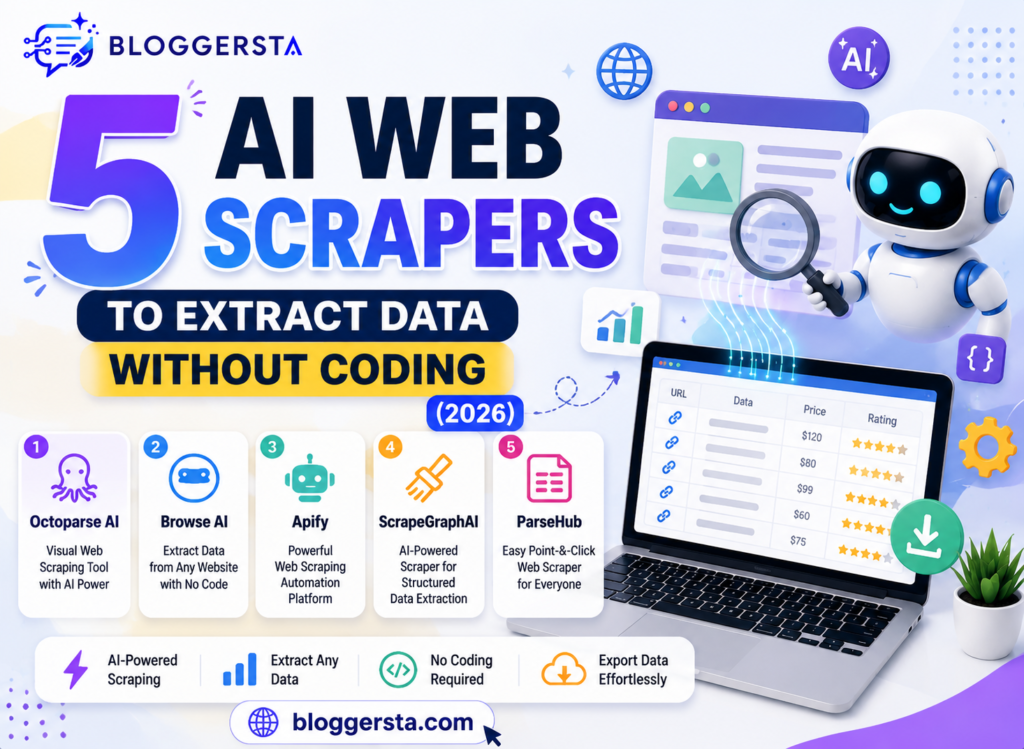
Web data scraping through manual collection is very frustrating. It is very time-consuming to copy product pricing, business lists, or real estate information into a spreadsheet; it always ends up broken or messy. This only gets more complicated as websites keep changing their structure or fetching data dynamically.
So now, as AI has advanced, this process has been severely simplified. The modern AI web scraper can automatically read a webpage, understand its underlying structure, and extract exactly what you are looking for. It detects page elements, manages dynamic content, and gives everything you interact with a place to land in tidy files using nothing more than simple commands in plain text. Now, even websites with complex layouts or security systems can be managed more easily.
- Simply extract any data from a website
- Collecting data without writing a single line of code
- Quick access to clean results for business use and research
This guide covers five tools that help you scrape websites with AI based on speed, accuracy, pricing, and ease of use.
Can AI Extract Data From Websites Automatically?
Yes, AI can scrape data from websites by itself without you having to code. It dares to interpret a webpage as a human would, using computer vision and machine learning — reading text, layout, and structure without complex scraping scripts or manual setup.
Traditional scraping tools based on fixed HTML rules frequently broke when websites modified their layouts or rearranged components. When scraping data, many no-code tools today are much more reliable (and simpler to use) because they automatically adapt their design as layouts change.
- Understanding page content like a human
- Requires no coding or setup of a technical
- The identification of the structure of the website still works
- Easily takes care of endless scroll & dropdowns
Modern AI tools have also speed trackers for dynamic content similar to this, that is, pages that only load data as you scroll. It streamlines the data collection, making it more efficient and accurate than existing web scraping methods.
Also read: 5 Best AI Website Builders to Launch in 10 Minutes (2026)
Top No-Code Scrapers Overview
This table shows the most popular no-code scraping tools used by users to extract data from websites. This type of platform is designed for automation, dynamic pages, and the export of clean datasets in multiple formats.
| Software Name | Best Extraction Target | CAPTCHA Auto-Bypass? | Max Free Monthly Credits | Export Formats (CSV/JSON/API) |
| Octoparse | Business data & listings | Limited | Medium free tier | CSV, JSON, Excel |
| Apify | Large-scale web scraping | Yes (via actors) | Free trial credits | CSV, JSON, API |
| Browse AI | Competitor tracking | Yes (AI-based) | Limited free tasks | CSV, Google Sheets, API |
| ParseHub | Dynamic websites | Partial support | Free basic plan | CSV, JSON |
| Web Scraper.io | Simple page scraping | No | Unlimited local use | CSV, JSON |
Reviewing the 5 Best AI Web Scraper Solutions
AI web scrapers have become quite essential when it comes to collecting structured data from modern websites. They are designed for specific purposes — such as large-dataset extraction, competitor monitoring, API-based scraping, and workflow automation. Here is a performance-by-performance, automation-level-by-automation-level, and price-flexibility overview of these top five solutions.
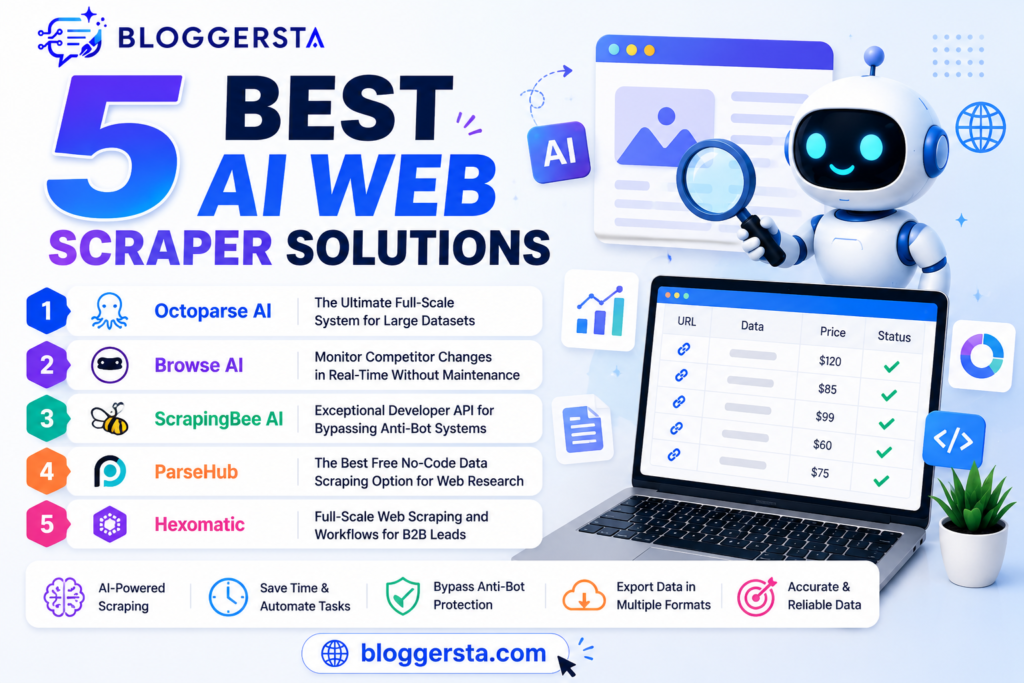
1. Octoparse AI – The Ultimate Full-Scale System for Large Datasets
Octoparse is a widely used data scraping or web crawling tool in enterprise environments for its powerful visual point-and-click interface and cloud-based processing. Get your data in minutes. It enables users to create scraping jobs without coding and handles bulk extraction with ease.
When a target URL is entered, its intelligent extraction Mode automatically identifies Pages, tables, and images; setup is rapid for beginners.
- Feature: Auto-rotating proxy network to avoid IP blockade
- Pros: Multi-page scraping (in a very stable way), Scheduling automation, E-commerce
- Cons: Desktop installation to get advanced workflow
Technical Prompt Template: “Extract product name, product price, and product rating from all listing pages and convert to a CSV File and enable pagination.
2. Browse AI – Monitor Competitor Changes in Real-Time Without Maintenance
Marketers and growth teams like Browse AI because it tracks competitor websites and automatically pulls updated data for you. It records your actions on the web and then converts them into a reusable scraping bot.
This is also one of the easiest tools to start with, because you can train a scraping robot in under a minute by clicking through a webpage.
- Featured: Works directly with Zapier and Google Sheets to sync in real-time
3. ScrapingBee AI – Exceptional Developer API for Bypassing Anti-Bot Systems
ScrapingBee caters to the growing need of developers who require highly available API-based scraping at scale. It can automatically handle complex JavaScript rendering, dynamic pages, and CAPTCHA challenges.
- Residential proxy rotation
- Headless browser rendering
- Clean JSON output formatting
4. ParseHub – The Best Free No-Code Data Scraping Option for Web Research
ParseHub is a free, student- and research-friendly web scraping tool. Enabling you to scrape even from JavaScript-heavy/dynamic websites without writing any code.
Pros: Free plan, easy visual setup
Cons: Incrementally slower on complex or bulky websites
5. Hexomatic – Full-Scale Web Scraping and Workflows for B2B Leads
Hexomatic is more of a web scraping tool that also offers automation workflows and is useful for agencies as well as B2B leads because it can do a lot quite quickly. In one workflow, it pulls in data and can do something like look up a person’s email or even translate.
- Feature: Automated Schema Parsing — Pull out complete company data in one go
Also read: Top 5 AI Presentation Makers to Create Slides Instantly (2026)
What is the Best AI Web Scraper for Beginners?
If you don’t have programming skills, the best AI web scraper depends on what you want to do—simple monitoring, large-scale scraping, or free research. Modern tools now allow beginners to collect website data using visual clicks or AI automation instead of coding.
Strategic Selection Framework
1. Browse AI – Best Overall for Beginners: Best for competitor monitoring and lead generation with a set-and-forget approach. It allows you to train a scraping bot using clicks on web page data, and it runs automatically in the background. Ideal for non-technical users looking to deliver quality results fast.
2. Octoparse – Best for Large E-Commerce Data: Perfect for scraping large websites like e-commerce or directories. With a visual builder that comes with templates and no-code components, it can create complex pages at an enterprise level.
3. ParseHub – Best Free Option for Beginners: Great for research projects as an entry-level tool. Works with some basic scraping but is a great choice for anyone who prefers to start free of charge.
Overall, Browse AI is the simplest and most practical option for beginners who want to scrape a website using AI without needing to learn programming.
How to Scrape Web Data Legally and Ethically
Here are some key guidelines to ensure your web data collection is safe, legal, and user-friendly for both the website and its users.
- Check the Target Site’s Robots.txt: Before scraping, always check the target site’s robots.txt file. This will show which pages and/or directories are restricted, helping you avoid prying into forbidden or private places.
- Maintain Acceptable Crawl Delays: Set reasonable delays between requests to prevent your web scraper from placing excessive strain on the server. This will keep the website healthy and prevent slow page load times for actual users.
- Don’t Extract Personal Biometric Profiles: Only target and collect data that is publicly available, for example, the details of a product or its price. Scraping sensitive private user data such as Personal Identification Data, Biometric Data, or Credential Data is strictly forbidden.
Frequently Asked Questions
1. Can I really extract web data without any coding experience?
Yes, no-code AI scraping tools allow you to pull data with visual clicks or simple English commands. They transform websites into structured spreadsheets while being a zero-coding tool.
2. Do these tools break when a website updates its layout?
Many advanced AI scrapers dynamically adjust to changes made to the layout. They detect updates and modify extraction rules to ensure that your data continues to be collected without any manual fixes.
3. Are there free versions or trials available?
Yes, every service tends to offer some sort of free tier to get started or free trial credits. For example, Browse AI, among others, has a free tier.
4. What file formats can I export the data into?
Scraped data can be exported in CSV, Excel, and JSON. Data can also be piped directly to APIs and automation tools.
5. Are AI web scrapers legal to use?
No, web scraping is legal when it involves publicly available data. Be sure not to scrape in restricted areas, be aware of robots.txt, and follow the website’s terms of service.
Conclusion: Powering Your Business Growth with Automated Web Data
Digital marketing research has improved significantly due to faster, more convenient access to data and improved decision-making practices. Businesses no longer have to inefficiently skip hours populating data in a spreadsheet. Businesses can spend that time analyzing and optimizing their data to develop growth strategies.
There are plenty of options to choose from to find the best AI web scraper. The options available to you highly depend on your needs and the business data you work with daily. The perfect tool, used the right way, can provide the best outcomes for your business.
- Try Browse AI or Octoparse today.
- Enter your competitor’s website.
- Data will populate in a live spreadsheet in seconds.