
A good headshot can be expensive, and not everyone has the time or budget to hire a photographer. The same is true for content creators who want to swap faces, improve selfies, or edit photos for social media and marketing. Simple tasks like fixing lighting, removing distractions, or creating a professional profile picture can take a lot of time when done manually.
That’s why AI face editing tools have become so popular. Many of these platforms can swap faces, improve image quality, fix blurry photos, and create realistic headshots in just a few clicks. Behind the scenes, technologies such as facial mesh alignment and image blending help make results look more natural. In this guide, we’ll review five of the best free AI face swappers and photo editors based on face accuracy, privacy, speed, background editing, and overall image quality.
- Create professional-looking headshots in minutes.
- Swap faces quickly with realistic results
- Improve photo quality without advanced editing skills
Tech Behind the Mask: How Face Swapping and Deep Portrait Editing Work
Modern face swap tools are more advanced than simply covering one face with another. Many platforms use GANs to analyze and map more than 100 facial landmarks, including the eyes, nose, lips, jawline, and facial contours. This helps the software link up angles, expressions, lighting, and shadows to ensure the final image looks natural rather than edited in.
Portrait editing has also made huge strides. Previously, editors would spend hours manually defining clipping paths. Now, background removal AI tools can detect edges, clothing details, and even individual hair strands in seconds. This significantly speeds up portrait editing and improves accuracy.
Portrait Optimization Snapshot
- Aligns the face in a realistic manner by mapping over 100 facial landmarks
- It detects fine facial features such as the eyes, nose, jawline, and hairline for accurate alignment.
- Restore lost skin texture and facial details using the unblur image AI technology.
- Improved image quality by reconstructing missing information instead of a coarse pixel sharpness
One additional significant improvement is image restoration. For years, unblur photo AI tools have just sharpened blurry photos when you run out of battery on your camera or in a similar situation. New methods analyze facial patterns and restore lost detail, creating clearer portraits that look like the person in real life.
Best Free AI Face Swap & Photo Editing Tools (Comparison)
When it comes to finding a free AI face swapper or portrait editor,Don’t judge a tool only by its interface, as image results and features matter more. The daily usage limits, privacy policies, download options, and editing tools all matter.
| Software Name | Best Structural Feature | Max Free Daily Swaps | Privacy/Data Deletion Policy | HD Download Without Watermark? |
| Remaker AI | Multi-face photo and video swapping | Limited daily credits | Uploaded images can be deleted after processing | Limited on the free plan |
| Aragon AI | AI-generated professional headshots | Limited free generations | Images processed under account controls | No |
| Photoroom | Fast background removal and portrait cleanup | Limited daily usage | User-managed file removal options | Limited on free plan |
| Vidnoz AI Face Swapper | Quick cloud-based face swapping | Limited free swaps | Uploaded files are not stored permanently | Yes, with some limitations |
| VanceAI | AI image enhancement and unblur technology | Limited daily credits | Automatic file deletion after the processing period | Limited on the free plan |
5 Best Free AI Face Swappers and Portrait Editors
Most AI face swappers are created for a specific purpose, and not every software shares the same benefits or has the same image quality. They may be good for professional portraits, or specialize in face swap (Edit the face), background changing and photo enhancement.
Let me walk you through the best free tools for 2026.
Also Read: 7 AI Social Media Tools to Automate Your Marketing (2026)
1. Remaker AI – The Absolute Best AI Face Swapper Online for Multiple Formats
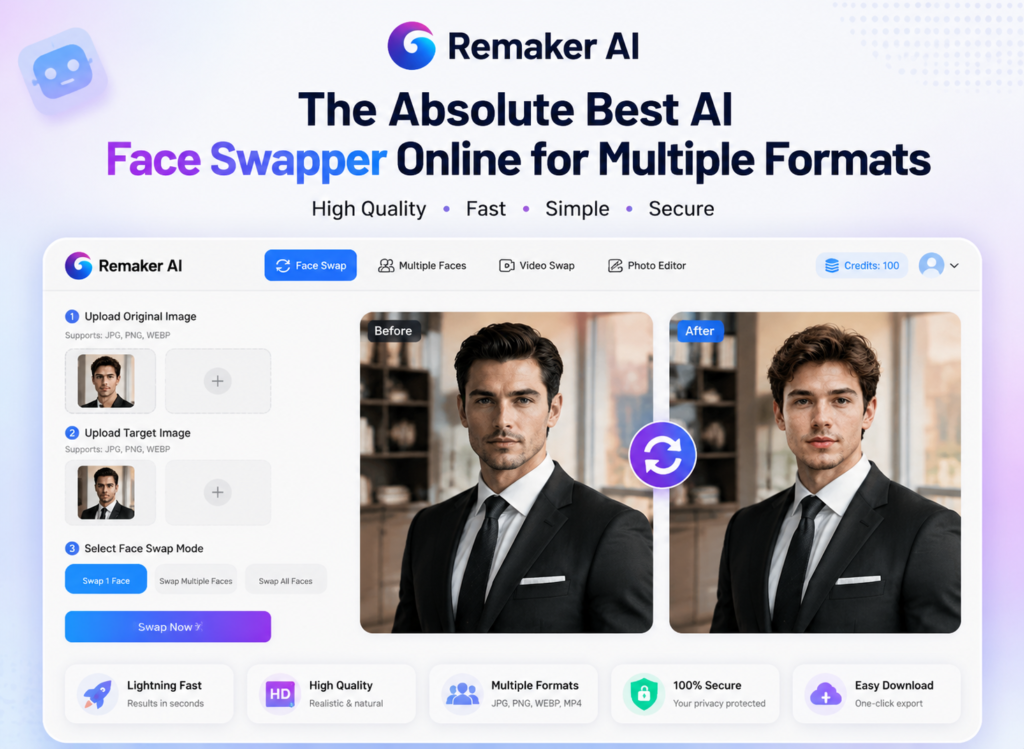
If you’re wondering whether there is a free AI face swapper? You might also consider Remaker AI– the best option. Either a casual or a content creator can use it for the face swap from one person and in bulk too, i.e., pic, group photo, 1st task with big-name faces. For example, its facial recognition can detect individual faces in a group photo and change only the selected person, leaving everyone else untouched.
Feature Focus: Multi-Face Face Swapping
Remaker AI can perfectly line up the angular features of the face, identical facial expressions and matching skin tones, seamlessly incorporating you into your new featureless version for organic results.
- What makes it stand out: Among many other types of face swaps, swap faces on a video at high speed!
- Pros: Smooth skin blending, keeps the face aligned to its position and gives credits daily for free.
- Cons: Download quality may be slightly reduced in complex multi-face edits.
- Pricing: Daily credits for free; pricing plans from $2.99
2. Aragon AI – The Premier Studio-Grade Free AI Headshot Generator
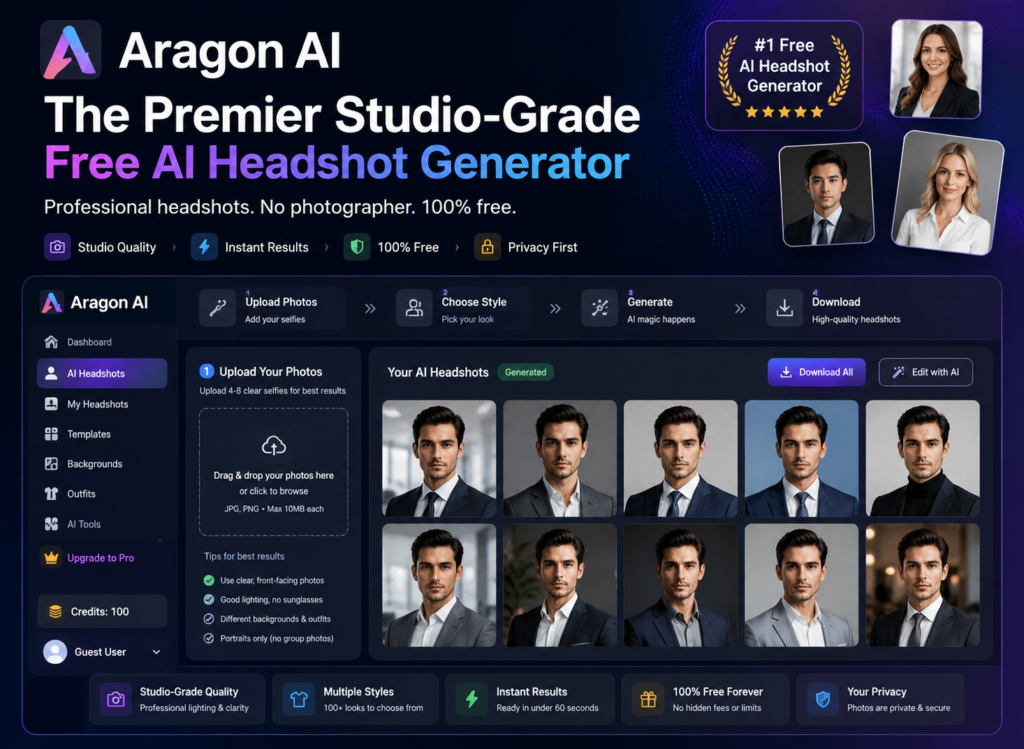
To all those searching for: “How do I create professional AI headshots?” Aragon AI one of the best options could be Aragon AI. It makes business portraits by turning any average phone selfies into professional lighting, wardrobe types and studio backgrounds in an automated way.
- Feature: Including offices, studio sets and even the views of the city as custom background.
- Pros: Looks professional, real lighting, easy to upload.
- Cons: Some competitors have lengthy free tiers.
- Cost: Premium Headshot Packages Available
3. Photoroom – Blistering Fast Remove Background AI for Professional Profiles
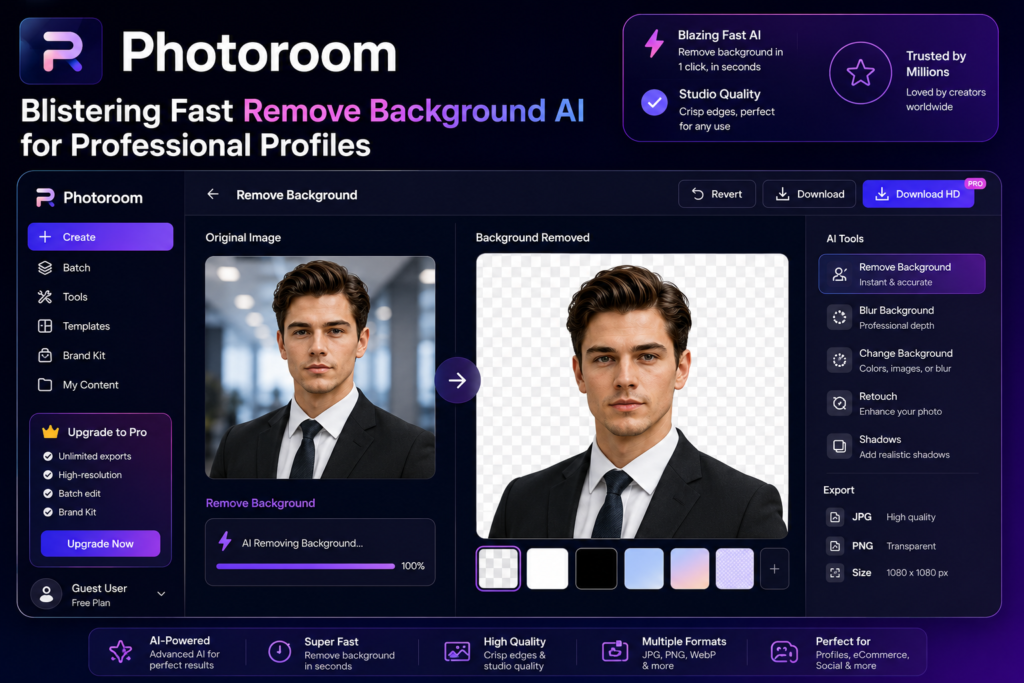
Photoroom is made for users who need clear profile or product photos in no time. Its AI removes complex backgrounds in seconds without compromising hair details and image quality, making it a great alternative for LinkedIn profiles, resumes, and company directories.
Feature Checklist
- Background removal in seconds, where it matters
- Manual edge softening controls for hair-line edits
- Automatic shadow matching to suit multiple backgrounds
- LinkedIn-ready image templates and ready setups, the right size for your resume or team to make you look good
4. Vidnoz AI Face Swapper – Fast Multi-Style Generative Swap Engine
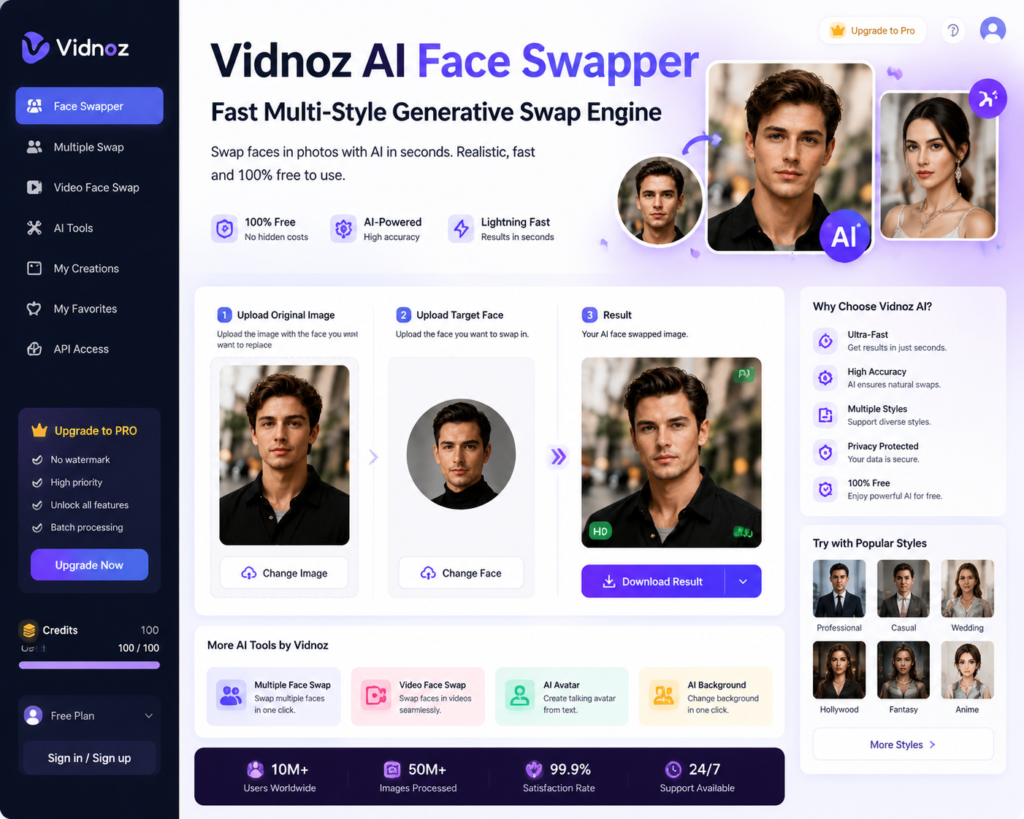
Vidnoz AI Face Swapper is the most widely used quick face-swap tool for replacing faces in pictures, movies, memes, and creative projects. Because it’s cloud-based, you eliminate the need to install software on local computers and get rapid results.
| Pros | Cons |
| Fast cloud processing | Limited advanced lighting controls |
| Supports multiple image styles | Less manual editing flexibility |
| Easy for beginners | Quality may vary in complex scenes |
| Quick image generation | Fewer professional editing tools |
5. VanceAI – The Ultimate Unblur Image AI for Reclaiming Low-Res Photo Clarity
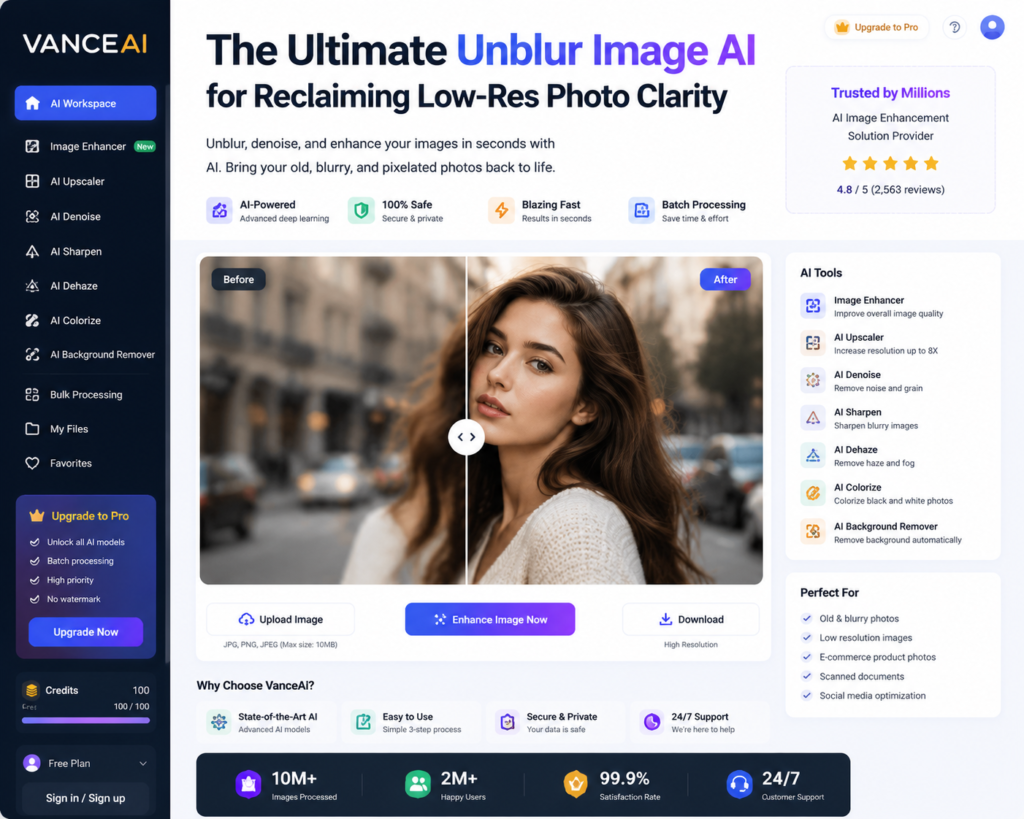
VanceAI focuses on face swapping; rather, it enhances image quality. This can be used extensively to restore old portraits, deblur photographs, reduce image noise, and enhance facial details in low-resolution images.
- Standout Feature: AI face enhancer for automatic restoration of eyes, skin, and other features.
- Pros: image sharpening, noise reduction, portrait restoration
- Cons: Free exports might have some limitations.
- Pricing Structure: Free trial available with premium upgrade options.
Also Read: Top 5 AI Music Generators for YouTubers (No Copyright Concerns)
Frequently Asked Questions
1. What are the best free AI face swap tools right now?
The most popular are Remaker AI, Canva Face Swap, Reface, Pixlr AI Face Swap, and Fotor. They allow quick face swapping, decent image quality, and free-to-use options.
2. Is it safe and legal to use AI face swap tools?
Yes, as long as you use them responsibly. Always get permission before using other people’s photos and do not create misleading or harmful content with them.
3. What photos work best for AI face swapping?
Clear, high-resolution, and well-lit. This is usually best when applied to front-facing images.
4. Do free AI face swap tools add watermarks?
Sometimes. Many free plans include watermarks on downloaded images, while premium plans usually remove them.
5. Can I use AI face swaps for commercial projects?
It depends on the platform. Some tools allow commercial use with a paid plan, while free versions are often limited to personal use. Always check the licensing terms before using images commercially.
Conclusion: Streamlining Portrait Management via Cloud Editing Tools
Photo editing has come a long way. Modern AI tools allow us to do in a few minutes what would take even expert designers hours of work and cost expensive software. Offering everything from face swaps and background removal to creating a professional headshot, these services save time and cut editing costs for both personal and business use.
For those looking for an AI face swapper online or a portrait editor, features aren’t everything. The best tools balance high-quality image output with stringent privacy and data coverage practices.
Choose the tool that fits your needs and always consider privacy, output quality, and usage limits before getting started.