
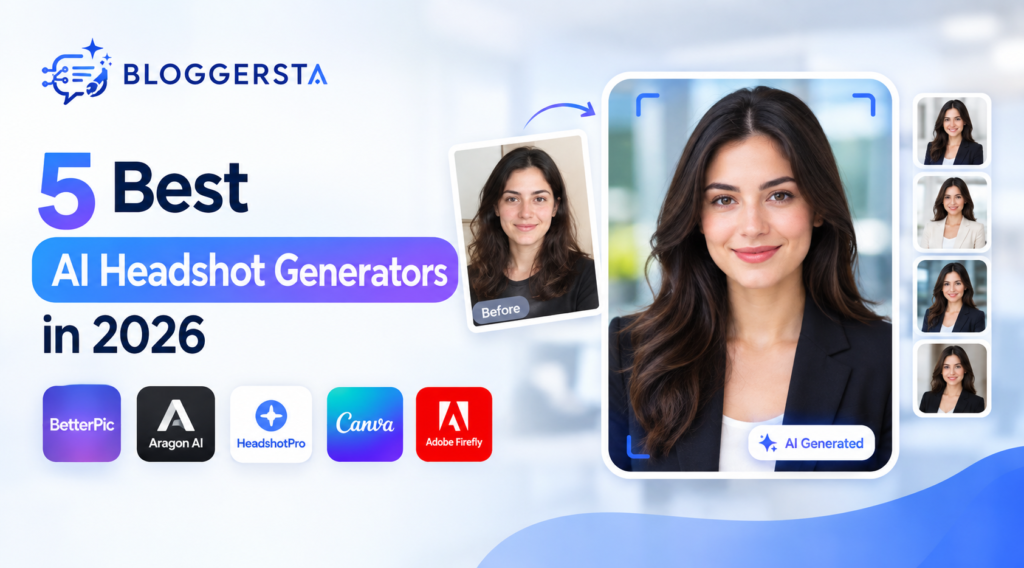
A professional photo can make your LinkedIn profile look more credible. But booking a photographer is not always practical or affordable. An AI headshot generator can turn ordinary photos into polished professional portraits within minutes.
The real challenge is realism. Some AI portraits look sharp but still feel artificial. Unnatural eyes, perfect skin, strange teeth, or altered facial features can make the result obvious.
For professional use, the goal is simple. Your headshot should look like you on your best day, not like someone else.
Quick Answer
BetterPic is our best overall pick for 2026 because it combines high-resolution output, multiple styles, and one-time pricing. Aragon AI is a strong choice when speed matters. HeadshotPro works well for affordable individual and team headshots. For a genuinely free starting point, Canva offers two free AI headshot credits before its free allowance resets.
Key Takeaways
- BetterPic: Best overall for professional headshots.
- Aragon AI: Best for speed and image variety.
- HeadshotPro: Best budget-focused dedicated option.
- Canva: Best for beginners who also need editing tools.
- Adobe Firefly: Best for custom AI photo editing.
- Your source photos have a major impact on realism.
- Check the latest pricing before purchasing because plans can change.
Best AI Headshot Generators at a Glance
| Tool | Best For | Starting Price | Free Option | Main Strength |
| BetterPic | Overall quality | $35 | Limited availability | Professional headshot generation |
| Aragon AI | Speed | $35 | Limited/trial options | Fast professional portraits |
| HeadshotPro | Budget users | $29 | Preview options | Affordable dedicated service |
| Canva | Beginners | Free | Yes | Generation + editing |
| Adobe Firefly | Custom editing | Free options | Yes | Prompt-based control |
Prices and free allowances can change. Check the official pricing page before purchasing.
1. BetterPic — Best Overall
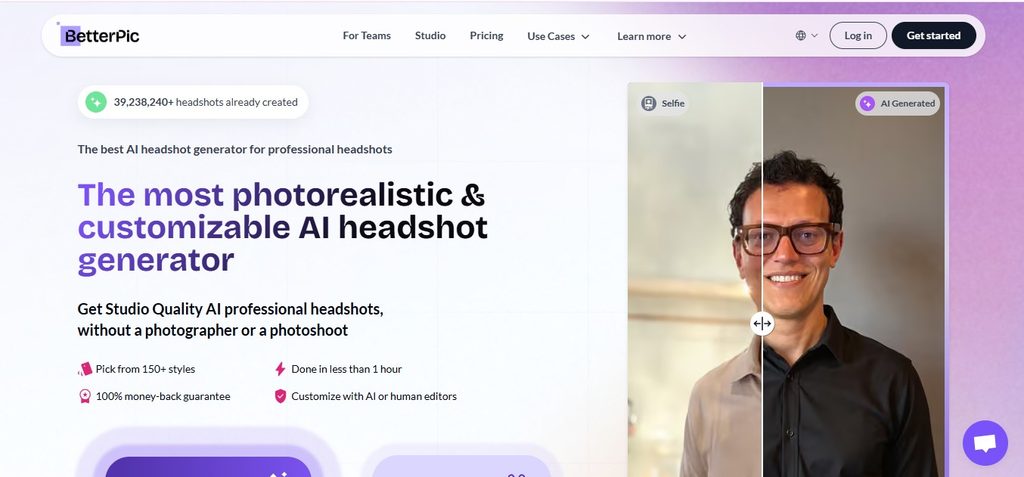
BetterPic is designed specifically around AI professional headshots. That specialization gives it an advantage over general-purpose image generators. Its individual packages provide different numbers of generated portraits and styles. Higher-tier options can also include additional editing or refinement features.
The main advantage is choice. Instead of receiving one polished-looking portrait, you can review several versions and select the one that feels most natural.
Best for: Professional LinkedIn and business headshots
Starting price: Around $35
Free option: Limited availability may apply
Pros
- Professional headshot-focused workflow
- Multiple portrait styles
- High-resolution outputs
- One-time purchase options
- Suitable for professional profiles
Cons
- Not completely free
- Large image packages may be unnecessary for one profile
- Results depend heavily on uploaded photos
Verdict: BetterPic is the strongest overall choice if you want several professional portraits to choose from.
Best for you if you want realistic professional headshots without booking a traditional photo session.
2. Aragon AI — Best for Fast Headshots
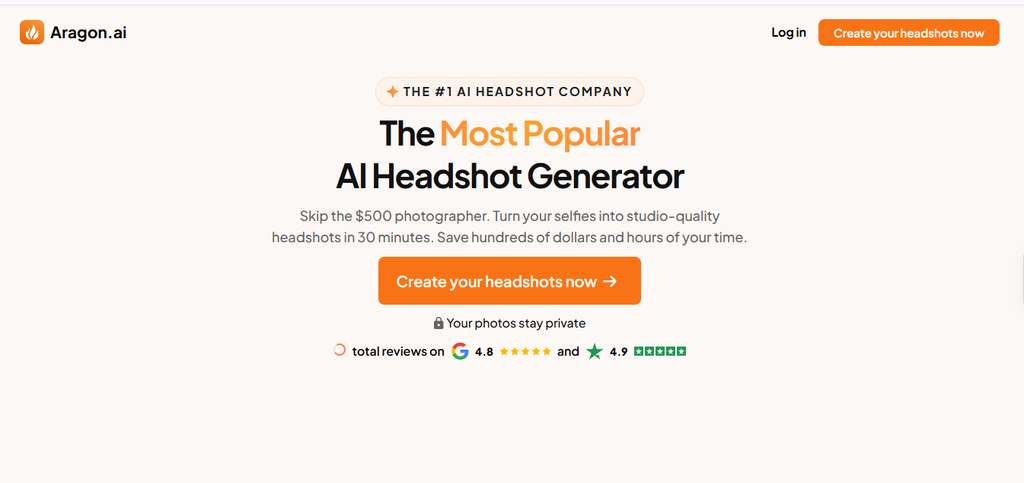
Aragon AI focuses specifically on professional AI photography.
Its packages provide multiple generated headshots rather than a single final image. That makes it useful when you need different poses, backgrounds, or professional looks.
Speed is another advantage. Aragon is particularly appealing when you need updated profile photos quickly rather than waiting for a photographer.
Best for: Fast professional headshots
Starting price: Around $35
Pros
- Fast generation
- Large image packages
- Professional styles
- Multiple outfit and background options
- Dedicated headshot workflow
Cons
- Higher plans cost more
- Customization varies by package
- Some generated images may look less natural than others
Verdict: Aragon is a good option when speed and variety matter more than getting the lowest possible price.
Best for you if you need several professional portraits quickly.
3. HeadshotPro — Best Budget Option
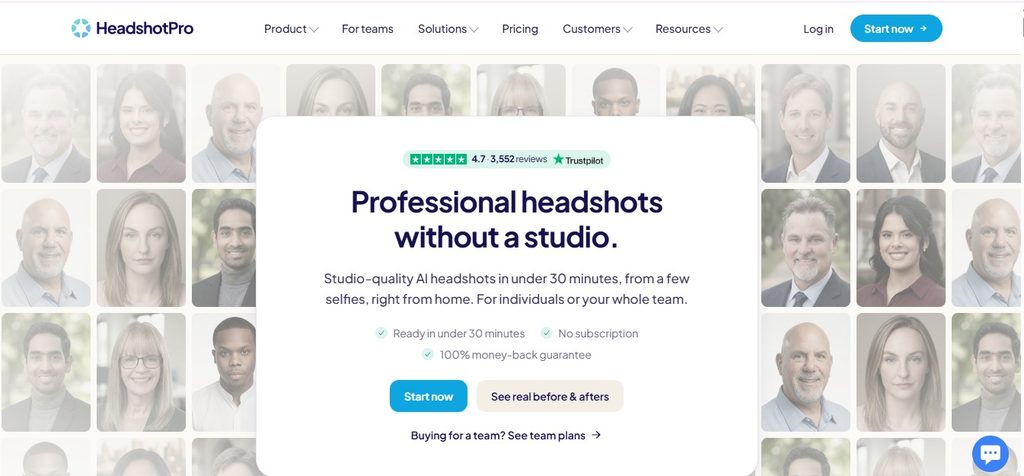
HeadshotPro is another dedicated AI headshot platform with relatively affordable individual packages.
Its focus is straightforward. Upload your photos, select suitable styles, and receive a collection of professional-looking portraits.
It also supports team use, making it more interesting for businesses that need consistent employee photos.
Best for: Budget-conscious professionals
Starting price: Around $29
Pros
- Low starting price
- One-time purchase options
- No standard recurring subscription for individual packages
- Team-focused features
- Dedicated headshot workflow
Cons
- Output quality can vary
- Advanced features may require higher plans
- Free access is limited
Verdict: HeadshotPro makes sense if you want a dedicated service without spending heavily on your first AI headshot.
Best for you if you want professional-looking results at a lower starting price.
4. Canva — Best for Beginners
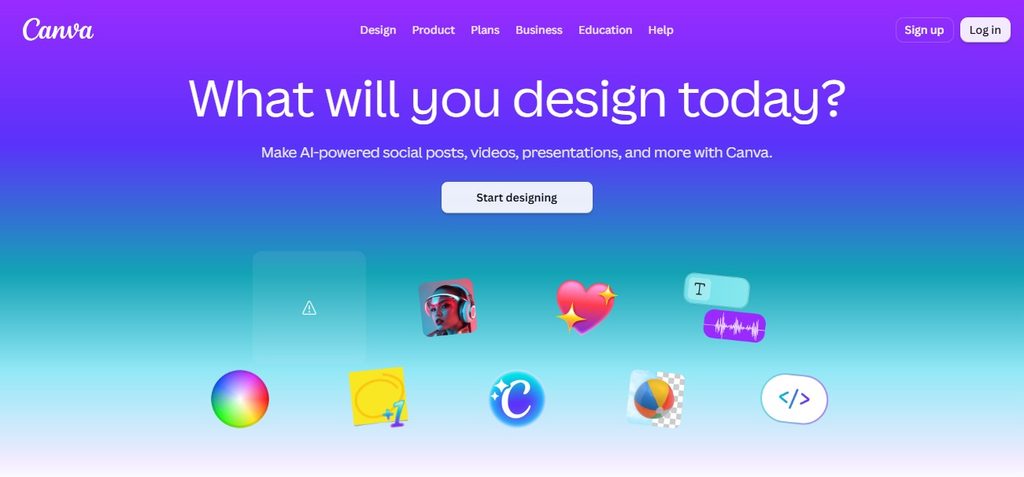
Canva is different from the dedicated headshot platforms above. It combines AI image creation with a broader design and editing workflow.
You can generate or edit a portrait and then adjust the background, layout, text, or other visual elements inside the same platform. Canva is useful if you want to polish your headshot after generation. Its wider design features also make it useful alongside other AI graphic design tools.
The biggest advantage is convenience. You do not need to learn a separate photo editor after generating your image.
Best for: Beginners and simple professional profiles
Starting price: Free options available
Pros
- Beginner-friendly interface
- AI image features
- Strong editing tools
- Useful templates
- Good for LinkedIn and social graphics
Cons
- Less specialized than dedicated headshot services
- AI access depends on current plan limits
- Results may vary between generations
Verdict: Canva is a practical choice if you already use it for design and want to create and edit your headshot in one place.
Best for you if you want a simple workflow instead of a dedicated headshot service.
5. Adobe Firefly — Best for Custom Editing
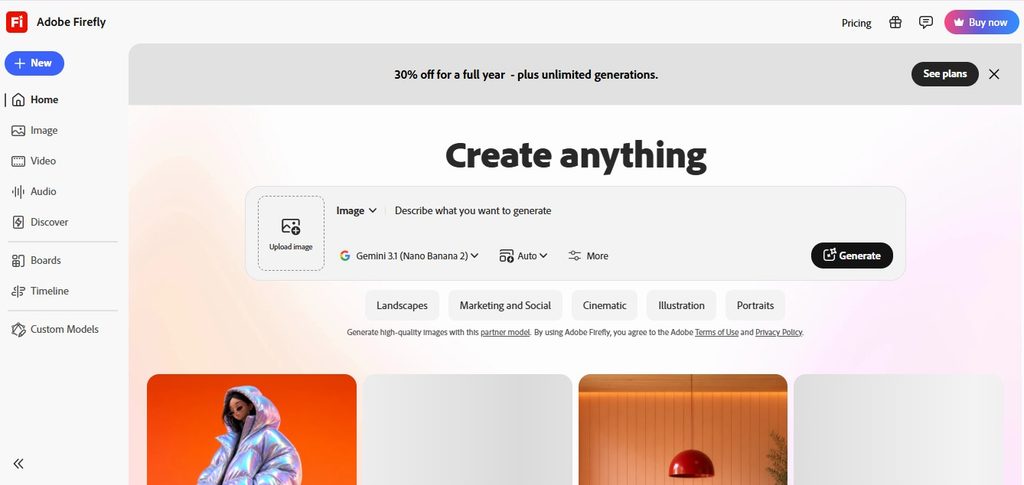
Adobe Firefly is better suited to users who want more control over the final image. Instead of relying only on a predefined headshot package, you can use prompts to guide elements such as lighting, background, clothing, and overall visual style.
That flexibility comes with a trade-off. You may need more experimentation before getting a natural result.
Best for: Custom AI photo editing
Starting price: Free options available
Pros
- Free access options
- Prompt-based editing
- Strong creative controls
- Useful beyond headshots
- Works well for visual experimentation
Cons
- Requires more experimentation
- Prompt quality affects results
- Less specialized than dedicated headshot tools
Verdict: Firefly is a better choice when customization matters more than generating a large batch of ready-made headshots.
Best for you if you want to control the background, lighting, and overall visual direction.
Are AI Headshots Actually Realistic?
A sharp image is not automatically a realistic image. AI headshots can still produce problems around skin texture, eyes, teeth, hairlines, glasses, jewelry, and clothing.
The most important test is identity consistency. Look at your original photo beside the generated portrait. Check whether your face shape, eyes, nose, smile, hairline, and overall age still look familiar.
A professional headshot is only one part of your LinkedIn presence. If you also create video content, choosing the right AI video tool for content strategy can help build a stronger personal brand.
That is especially important for LinkedIn AI headshots. Recruiters or clients may eventually meet you in person. A dramatically altered portrait can create an unnecessary mismatch.
What Makes an AI Headshot Look Fake?
Several small details can expose an AI-generated portrait.
- Overly smooth skin is one common warning sign. Real skin normally has texture and small imperfections.
- Unnatural eyes can also make an otherwise impressive portrait look artificial.
- Perfect teeth or altered facial proportions are another problem. If the generated face looks noticeably different from your normal appearance, the result is probably too aggressive.
- Lighting matters too. An extremely dramatic corporate background may look impressive but feel unrealistic for a normal LinkedIn profile.
- The safest approach is simple: aim for professional and believable, not perfect.
What Reddit Users Worry About
Discussions about AI profile photos often return to one question: does the image still look like the person?
That concern is more important than an expensive-looking background.
For professional profiles, authenticity usually beats visual drama. A realistic portrait with a simple background can work better than an impressive AI scene that immediately looks synthetic.
Before using your final image, compare it with your normal photos.
Check:
- Face shape
- Hairline
- Eyes
- Nose
- Smile
- Skin tone
- Apparent age
If several characteristics have changed, generate another version.
How Much Should You Pay for an AI Headshot?
You usually do not need to spend $100 for a professional AI portrait.
Dedicated services commonly start around $29–$35, while larger packages can reach roughly $75 or more.
| Budget | What to Expect |
| $0 | Basic testing and limited generations |
| $20–$30 | Budget-focused options |
| $35–$45 | Strong individual packages |
| $50–$80+ | Larger galleries and premium features |
For one LinkedIn photo, buying 100 images may be unnecessary.
A $29–$45 package can already provide enough choices for most individual users.
Always check the current pricing page before purchasing because AI tool plans change frequently.
How to Make AI Headshots Look More Real
Your input photos matter more than many people expect.
Use:
- Clear, well-lit photos
- Several different angles
- Natural facial expressions
- Minimal filters
- Recent photos
- Photos without sunglasses
- Images showing your current hairstyle
Avoid heavily edited selfies.
If your face is hidden by shadows, sunglasses, or aggressive filters, the AI has less reliable information to work with. Small edits can also improve the final image. You can use AI image editing tools to adjust backgrounds, lighting, and other visual details.
Are AI Headshots Good for LinkedIn?
Yes, but use them carefully. A good LinkedIn AI headshot should improve your presentation without changing your identity.
Choose:
- Neutral backgrounds
- Natural lighting
- Professional clothing
- Relaxed expressions
- A clear facial crop
Avoid exaggerated offices, unrealistic luxury settings, dramatic poses, or major facial changes. Your profile photo should support your professional identity. It should not become the most distracting part of your profile.
If you also create video content around your professional identity, you can explore our Revid AI vs. HeyGen comparison for different AI video workflows.
Frequently Asked Questions
What is the best AI headshot generator in 2026?
BetterPic is our overall pick because it focuses specifically on professional headshots and provides multiple portrait options. Its current individual pricing starts around $35.
What is the best free AI headshot generator?
Canva is one of the easiest starting points for beginners because it combines AI image creation with editing tools. Adobe Firefly also provides free access options, depending on current usage limits.
How much does an AI headshot generator cost?
Dedicated AI headshot services commonly start around $29–$35. Larger packages and premium options can cost $75 or more.
Can I use an AI headshot on LinkedIn?
Yes. An AI-generated portrait can work well on LinkedIn if it accurately represents your appearance and maintains a professional look.
Do AI headshots look fake?
Some do. Common warning signs include unnatural skin, eyes, teeth, hair, glasses, and facial proportions. High-quality source photos usually improve the result.
Is a free AI headshot generator worth using?
Yes, if you want to test the concept first. Free options are useful for experimentation. Dedicated paid services can be better when you need several polished professional portraits.
Final Verdict
An AI headshot generator can be a practical alternative to a traditional photo session in 2026. For most professionals, BetterPic is the strongest overall option. It combines dedicated headshot generation with multiple styles and professional output. Choose Aragon AI when speed and variety matter. Pick HeadshotPro when you want a lower starting price. Canva is better for beginners who also need editing tools, while Adobe Firefly suits users who want more creative control.
For creators building a complete content workflow, other AI video editors can help turn professional visuals into short-form content.
For creators who also turn professional visuals into videos, Revid AI can fit naturally into that broader content workflow. If you create longer personal-brand videos, Pictory AI is another option to explore.