
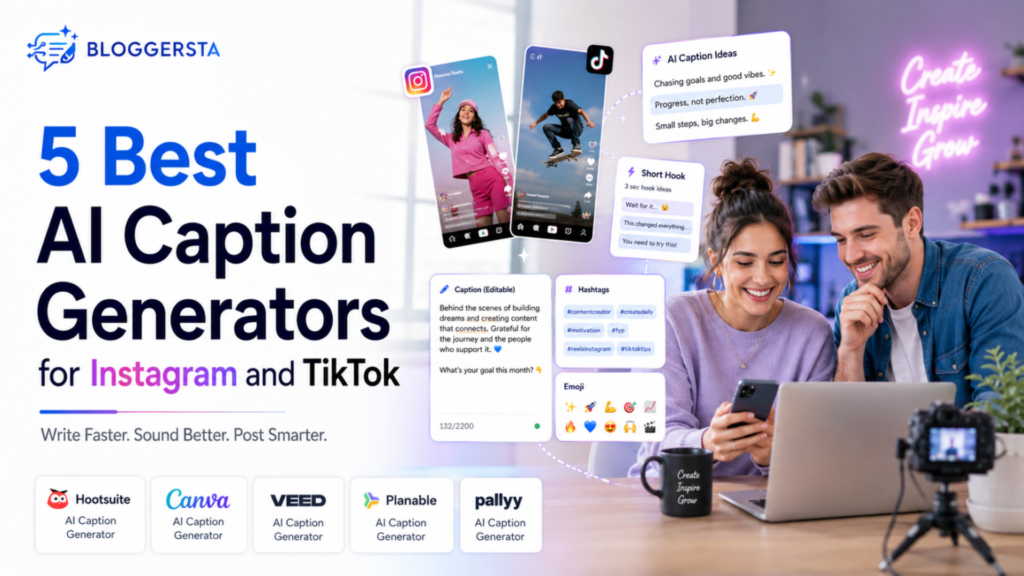
Posting a photo or video is easy. Writing a caption that sounds sharp, natural and worth reading is the part that slows people down. Hootsuite says Instagram captions work best around 138 to 150 characters, while TikTok captions should ideally stay under 150 characters too. So, which AI caption generators are actually worth using for Instagram and TikTok?
| Which AI Caption Generators Are Best for Instagram and TikTok? The best AI caption generators for Instagram and TikTok help you write faster without making every post sound like it came off an assembly line. Good tools give you tone control, editable drafts, keyword help and ideas for hooks or hashtags instead of one bland caption. Some work better for polished Instagram posts, while others are built for quick TikTok-style lines and short punchy copy. That is why the right choice depends on how you create, what you post and how much editing you want to do after the first draft. |
AI Caption Generators at a Glance
What Makes a Good AI Caption Generator?
A good AI caption generator does more than spit out a sentence with an emoji and a hashtag. It should help you get unstuck, shape a stronger opening and give you something worth editing. Think of it like a sous-chef, not the head chef. It can prep the ingredients fast but you still need to season the dish.
Platform fit matters, too. Instagram often rewards captions with a stronger voice and smoother flow, while TikTok usually works better with tighter hooks and more direct wording. Hootsuite’s tool lets you choose a network, tone, language, description and keywords, which shows how much context affects the output.
- Tone control: The tool should let you aim for casual, witty, brand-safe or creator-style copy.
- Platform fit: It should handle Instagram storytelling and TikTok-style short hooks differently.
- Hashtag help: Some tools can suggest hashtags and keyword cues, which can help with visibility.
- Editing ease: A useful tool should make it easy to rewrite or rephrase what it gives you.
- Workflow value: The best tool saves real time instead of giving generic filler you have to rebuild from scratch.
Also Read: Best AI Tools for Content Creators in 2026: The Master List
The 5 Best AI Caption Generators for Instagram and TikTok
If you have ever stared at a blinking cursor longer than you want to admit, these are the tools worth looking at first. Each one solves a slightly different problem.
Hootsuite AI Caption Generator
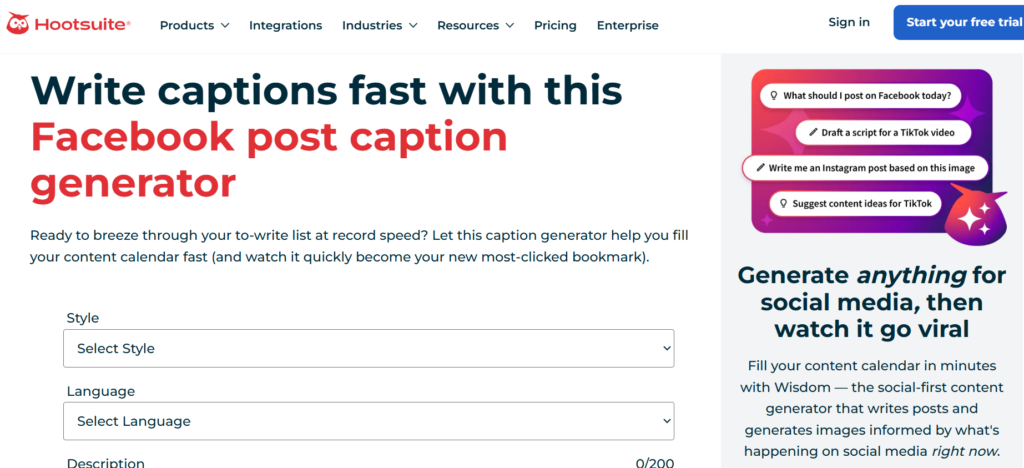
Hootsuite is a strong pick if you post on more than one network and want a simple drafting tool that does not make you jump through hoops. Its free AI caption generator supports several social platforms, lets users choose a style, language, short description and keywords and can also help with hashtag ideas. That makes it useful for creators and teams who need quick first drafts across channels.
- Best for: Cross-platform users who want one tool for Instagram, TikTok and more.
- Why it stands out: It supports multiple networks and lets you add keywords to shape better caption output.
- Watch for: It is great for speed but you still need to polish the copy so it sounds like you.
Canva AI Caption Generator
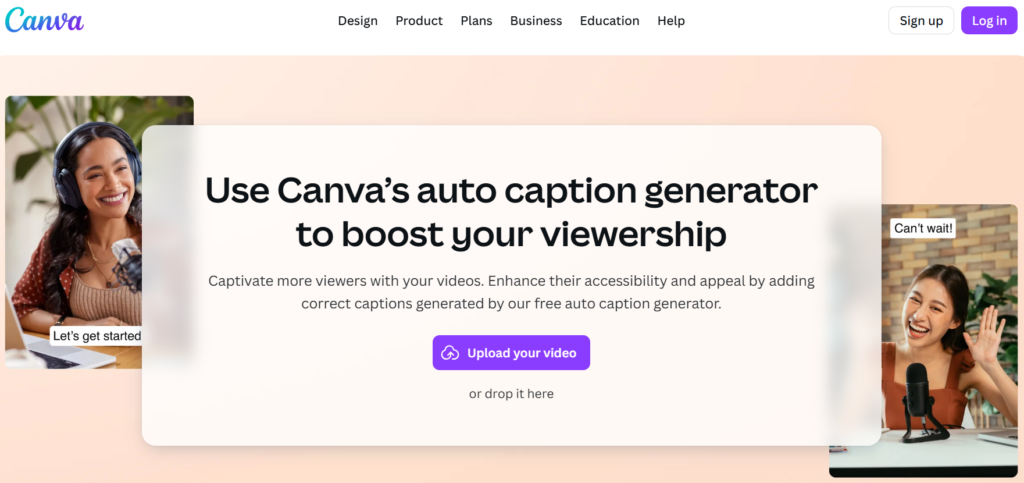
Canva works especially well for people who already design posts, reels or stories in Canva and want the caption written in the same place. Canva says its tool can generate captions for Instagram posts, stories and reels and it also supports hashtag generation, rewriting and editing inside the same workflow. That all-in-one feel is its real strength.
- Best for: Instagram-first creators who already build visuals in Canva.
- Why it stands out: It blends caption writing with design, scheduling and light editing tools.
- Watch for: It is less tailored to TikTok-native tone than tools built around short-form video first.
VEED
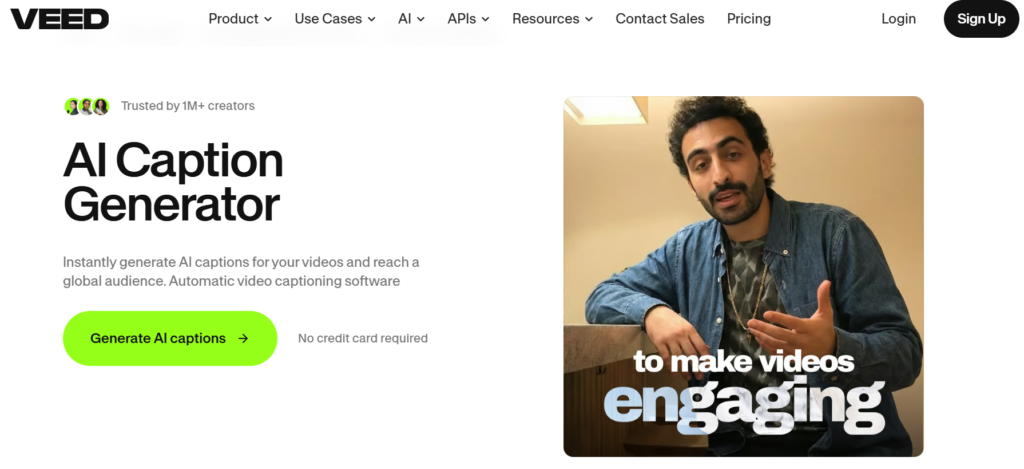
VEED is better known as a video tool but that is exactly why it makes sense here. If your content starts with short video, a TikTok caption generator that understands short hooks, CTAs and hashtag support can save time at the last minute. VEED’s TikTok caption generator is positioned around fast caption creation for trending, scroll-stopping posts. That makes it a natural match for creators who think in clips first, then words.
- Best for: Video-first creators and TikTok-heavy workflows.
- Why it stands out: It is built around TikTok caption use cases, not just general social posting.
- Watch for: It is not the best fit if your main goal is long-form Instagram storytelling.
Planable
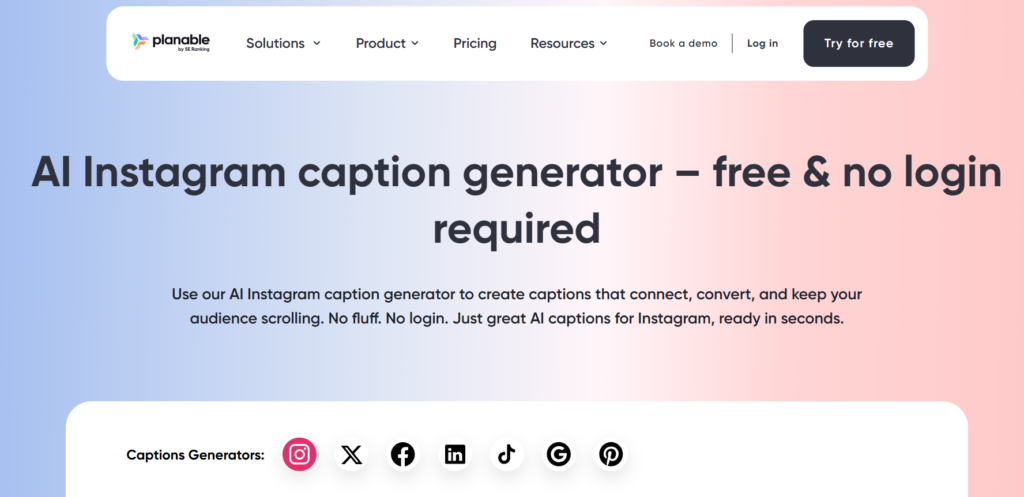
Planable is a smart option for teams, agencies or anyone who wants smoother review and approval steps. Its TikTok caption generator positioning makes it relevant for short-form posting but the bigger draw is how it fits into collaborative social workflows. If your captions need feedback before they go live, that matters more than people think. One person writes, another tweaks and nobody is stuck sorting ideas in a group chat at midnight.
- Best for: Teams with approvals, reviews or shared publishing calendars.
- Why it stands out: It supports workflow-heavy content creation, not just one-off caption drafting.
- Watch for: Solo creators may find it more structured than they need.
Pallyy
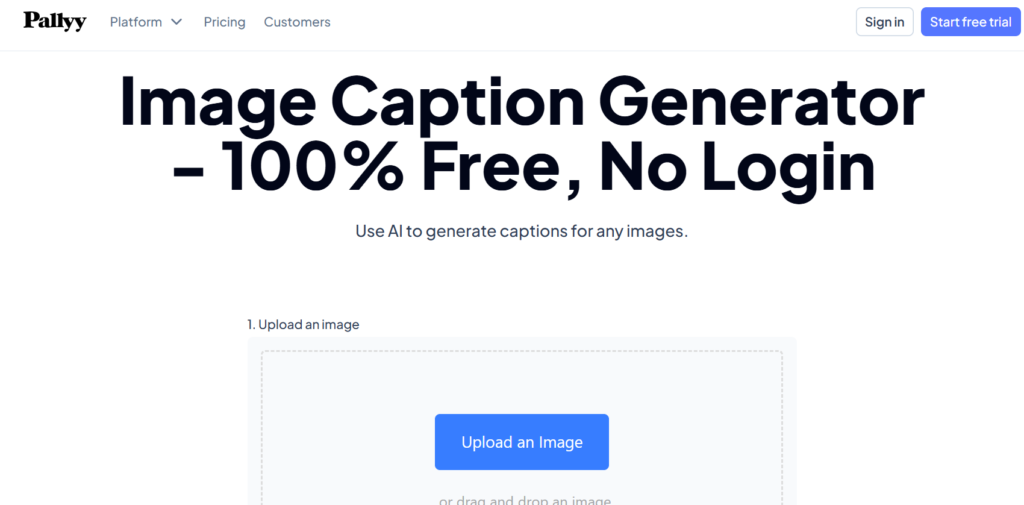
Pallyy is a good fit for people who live and breathe Instagram scheduling. Its Instagram caption generator is simple, direct and clearly designed for users who want quick caption ideas without too much clutter. That straightforward setup can be a blessing when you just need three decent options and a way to move on with your day. Not every creator wants a full marketing suite.
- Best for: Instagram-focused creators and schedulers.
- Why it stands out: It is built around a direct Instagram caption workflow.
- Watch for: It does not have the same broad recognition or wider ecosystem as Canva or Hootsuite.
Which AI Caption Generator Is Best for Instagram?
For Instagram, Canva and Pallyy are the easiest fits. Canva works well if your process starts with design, because the caption, hashtags, visual and planning tools sit in one place. Pallyy makes more sense if your main goal is fast caption help inside an Instagram scheduling routine.
Hootsuite is also a solid option if Instagram is only one part of your content mix. Its social-first setup is broader, which is handy for brands posting across several networks. Still, if you care most about voice, visuals and polished feed copy, Canva usually feels more natural.
Also Read: 5 AI Video Editors to Make Viral TikToks and Reels (2026)
Which AI Caption Generator Is Best for TikTok?
For TikTok, VEED has the clearest edge because it leans into short-form video and the kind of quick, punchy wording the platform favors. Its tool positioning is tied directly to TikTok caption creation, which makes it feel less generic. Planable also works if TikTok posts pass through a team workflow first.planable+1
That said, even the best AI TikTok caption generator still needs a human touch. TikTok rewards captions that feel current, a little rough around the edges and native to the platform. If the caption sounds too polished, it can land with a thud.
How to Choose the Right AI Caption Generator
The right tool depends less on hype and more on your workflow. If you design first, choose the tool that lives where your visuals already live. If you post fast-moving videos, choose the one that understands short hooks. It is really that simple.
You also need to think about how much hand-holding you want. Some tools are better at ideas. Others are better at speed. A few help with process more than copy quality.
- Choose Canva: If you create inside a design workflow and want captions, hashtags and visuals in one place.
- Choose VEED: If your content starts with short-form video and TikTok matters most.
- Choose Hootsuite: If you want a broad AI social media caption generator across several networks.
- Choose Planable: If review, approval and collaboration are part of your routine.
- Choose Pallyy: If Instagram posting is your main use case.
Can AI Caption Generators Help With Instagram and TikTok SEO?
Yes but only if you use them with some common sense. Hootsuite says adding a few keywords to your caption prompt can help social algorithms categorize content and support social SEO. That is useful but it does not mean you should cram keywords into every line like you are packing a suitcase five minutes before a flight.
A better approach is to use AI for structure, then edit for clarity and platform feel. For example, if you are posting a recipe reel, you might ask for a TikTok caption with a strong hook, one relevant keyword and a short CTA. The AI gives you the bones. You make it sound alive.
FAQs
How Do AI Caption Generators Work for Instagram and TikTok?
They take a prompt, then generate caption ideas based on your topic, tone, platform and sometimes keywords. Hootsuite and Canva both guide users to add context first, which improves the output.
Can AI Caption Generators Write Captions With Hashtags?
Yes. Hootsuite says its tool can help with hashtag ideas and Canva says its caption workflow can generate AI-powered hashtags for posts.
Are Free AI Caption Generators Good Enough?
Often, yes, if you need help with first drafts. Hootsuite offers a free tool and Canva says its caption generator supports up to 50 free queries before higher usage requires a paid plan.
Should You Edit AI-Generated Captions Before Posting?
Absolutely. AI is fast but it does not fully know your audience, your timing or your brand voice. The best result usually comes when you edit the draft before publishing.
What Is the Best AI Caption Generator for Beginners?
Canva and Hootsuite are the easiest starting points because both tools explain the input process clearly and are built for everyday users, not just advanced marketers.
Pick the Tool That Saves You Time, Not Just Clicks
The best AI caption generators for Instagram and TikTok do not replace your voice. They help you find it faster. That is the real win. A strong tool gives you momentum, breaks writer’s block and gets you to a usable draft without making every post sound like the last one.
If you are choosing today, test two or three tools on the same post idea. Compare the hooks, tone, hashtags and how much editing each draft needs. The right tool is not the one with the flashiest promise. It is the one that saves time and still leaves room for you.