
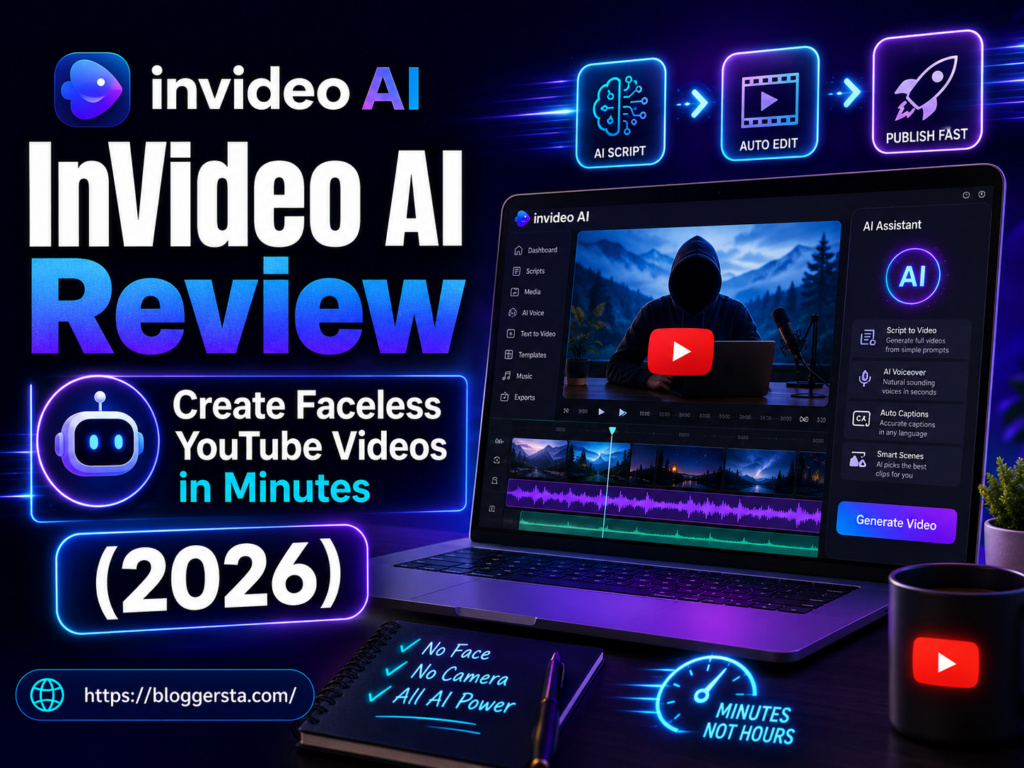
Faceless YouTube channels are becoming really popular in the USA, but most creators still struggle with the same thing—making videos takes too much time. You have to write scripts, search for clips, record voice-overs, and then spend hours editing everything together just to finish one video. For beginners, especially, it can feel overwhelming before even publishing anything.
InVideo AI aims to solve this problem by consolidating everything into a single, simple tool. You just type your idea, and it helps turn it into a complete video. In this invideo AI review, we’ll see how easy it is to use, how well it understands prompts, how natural the voiceovers sound, and what you should know about its pricing before you start using it seriously.
- We cover how quickly InVideo AI turns a simple idea into a full video,
- how well it handles clips, audio, and voiceover quality
- Everything you need to know about pricing before committing to a paid plan.
What is InVideo AI? The Complete Faceless YouTube Channel AI Engine
InVideo AI is an end-to-end AI-based video-generation platform that operates like a virtual production studio. It streamlines the entire YouTube content creation pipeline—scriptwriting, voiceovers, subtitles, visuals, and final edit—all with a single text prompt.
How It Works
Instead of complex editing timelines, InVideo AI works through simple text prompts and conversational commands — making video creation accessible to complete beginners.
- The Prompt: You put in a topic/idea (e.g., create a faceless YouTube video based on the history of AI).
- AI Engine: Creates a script, finds b-roll, adds voiceover, subtitles, and background music.
- Conversational editing: You add instructions to the video, type it like:” Change music / Add a tone or Change Scenes
Core Features for Faceless Channels
- AI Video Automation: A complete video from text in minutes
- AI Voice Cloning: Turn your own voice into a consistent narrator
- Automated Subtitles: Builds exact subtitles, fully customizable
- Multilingual Support: Voiceovers in 50+ languages with natural-sounding voice output
- Media Library Access: Built-in stock footage and animations available at arm’s length, the Editors have to pick up a stock file.
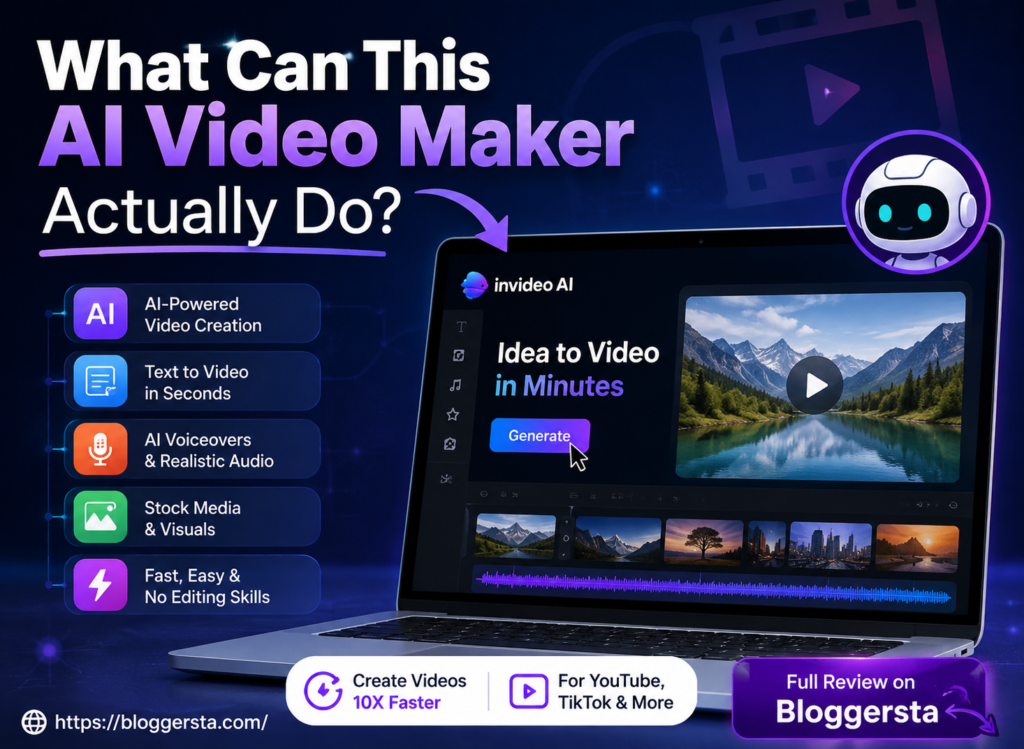
What Can This AI Video Maker Actually Do?
Modern AI video makers have evolved far beyond basic editors. They now function as full automation systems — taking a simple text input, image, or script and producing a complete video in minutes.
Users can now control everything essentially through prompts rather than manually editing clips, which also makes the entire workflow significantly quicker and easier.
| Feature Pillar | Performance Level | Ideal Target Content | Human Customization Required? |
| Text-to-Video Generation | High | Ads, explainers, faceless YouTube videos | Low (prompt refinement needed) |
| Image-to-Video Animation | Medium–High | Social media clips, motion visuals, reels | Medium (style + motion control) |
| AI Avatars & Lip-Sync | High | Training videos, sales videos, tutorials | Low–Medium (script tuning needed) |
| Script-to-Video Automation | High | YouTube automation, blog-to-video content | Low (content structure matters) |
| Camera & Motion Control | Medium | Cinematic shots, b-roll, storytelling | High (prompt precision required) |
| Text-Based Editing | High | Fast revisions, faceless content scaling | Low |
| Automated Localization | High | Global content, multilingual videos | Medium (voice + tone adjustment) |
- Read full guide: 7 Best AI Writing Tools for Bloggers (Tried & Tested)
Step-by-Step Guide: How to Use InVideo AI to Generate Viral Content
The best use case for InVideo AI is when you do not just let it work on automation, but drive it with clear intent. Strong prompts, tight editing control, and retention-focused structure frame the anatomy of viral videos. Here is the exact workflow of creators to convert simple ideas into content with amazing numbers.
Step 1: Writing the Ultimate Command Prompt
This step is about giving the AI a clear direction. Instead of just typing a topic, you define the target audience, platform format, tone, and pacing — so the output is structured for engagement from the start.
- Target Audience (eg, Gen Z, the entrepreneur, US viewers)
- Pick what platform format (YouTube Shorts, TikTok, landscape videos)
- Pacing style: quick cuts, cinematic flow, or story-driven narration
Bad Prompt Example:
- “Make a video about space travel.”
Good Prompt Example:
- Create a 60-second YouTube Short on Apollo 11. Regardless, throw in a booming voiceover, rapid-fire movie-like edits, and brash on-screen text.
Step 2: Customizing the Script and Stock Media Layer
Once the video is created, you polish it through the InVideo AI-integrated editing system. You also don’t use timelines like in traditional animation, but change up scenes and scripts with a few lines of text commands.
You can directly edit or instruct the AI like:
- Replace the clip at 0:15 with a realistic Mars surface shot
- Make the voiceover more intense and dramatic
- Increase pacing in the first 10 seconds for better retention
You can also edit the script line-by-line to improve storytelling and engagement flow.
Step 3: Audio Design, Subtitle Generation, and Final Export
This stage focuses on polishing the video for maximum engagement. InVideo AI automatically generates voiceovers, captions, and background music, but you can fine-tune everything for better performance.
Key Features Checklist:
- Control tone and accent with AI voiceover
- High retention caption styles, including bold, attention-grabbing subtitle formats
- Background music automatically synced to match the emotional tone of each scene
- Exporting for TikTok, Reels, and YouTube Shorts in one click
The result is a highly polished video that is made to retain attention and enhance viewer retention on all platforms.
Cost Analysis: Understanding the Real InVideo Pricing Structure
Pricing is primarily based on monthly AI video creation minutes, premium media access, and export quality. The Free plan is limited to basic credits and watermarked exports — suitable only for testing the platform. The Plus plan works well for regular creators who need more generation minutes and access to premium stock assets. The Max plan offers higher usage limits and an expanded media library, making it the right choice for high-volume creators and small teams. The primary difference between plans is how many videos you can create and export every month.
| Plan Name | Price per Month (Annual vs Monthly) | Standard Video Generation Minutes | Premium Media Access Level |
| Free Plan | $0 | Very limited (trial-based credits) | Basic stock only (watermarked exports) |
| Plus Plan | ~$20–$25 (annual cheaper) | ~50 minutes/month | Moderate premium access (iStock limited assets) |
| Max Plan | ~$48–$60 (annual cheaper) | ~200 minutes/month | High premium access (large stock + advanced assets) |
| Generative Plan | ~$70+ (varies) | High/advanced usage limits | Full premium + generative media tools |
Conclusion: Should You Buy InVideo AI for Content Creation?
InVideo AI genuinely simplifies the video creation process — bringing scripting, voiceovers, subtitles, and editing into one prompt-driven workflow. There are no complex timelines or multi-window editing. You type your idea, and the AI handles the rest — producing a structured, ready-to-export video. However, the end product does not rely only on the tool but mostly on the prompts and steps you take creatively. The InVideo AI review clearly shows that if the appropriate instructions are given, the output can be extremely good and production-ready.
Try InVideo AI’s free plan today — paste in a short script, test the voiceover and subtitle output, and see whether the video quality meets your channel’s standards before upgrading.
Faqs
1. What are the benefits of InVideo AI?
InVideo AI automatically converts scripts into fully finished videos, saving significant time. You can handle scripting, voiceovers, subtitles, and stock footage all from one panel — making it ideal for YouTube Shorts, ads, and faceless content channels.
2. What is the limit of InVideo AI free?
The free trial is very limited. You get about 10 minutes of AI video generation a week, some exports, and all videos come with a watermark. It is essentially only configured to be run as a testing environment, not in full production mode.
3. Is InVideo AI reliable?
Yes, it is best suited for speed in content creation and basic video generation. However, Output quality depends heavily on how well the prompts are written, and results can feel inconsistent when working with highly detailed or complex video concepts.
4. What is the best plan for InVideo AI?
The Plus plan is the ideal place for most creators to start, as it provides more generation minutes, HD exports, and removes watermarks. If you’re a team or producing a lot of content, the Max plan is for you.