Designing a startup logo used to be stressful and expensive. Hiring a designer often meant long discussions, multiple revisions, and costs that could run into hundreds of dollars—just to finalize a logo suitable for websites, social media, and packaging.
With modern AI logo generators, creating a professional logo is faster, simpler, and far more affordable. These platforms instantly generate clean logo ideas, export scalable vector files like SVG, and help build complete brand kits without requiring design skills. From selecting colors to setting fonts and layouts, everything can now be done in minutes instead of weeks.
Key Benefits of AI Logo Generators for Startups:
- Create logos in just a few clicks
- Download professional vector files (SVG, PNG)
- Build simple brand kits automatically with colors and fonts
- No advanced design skills required
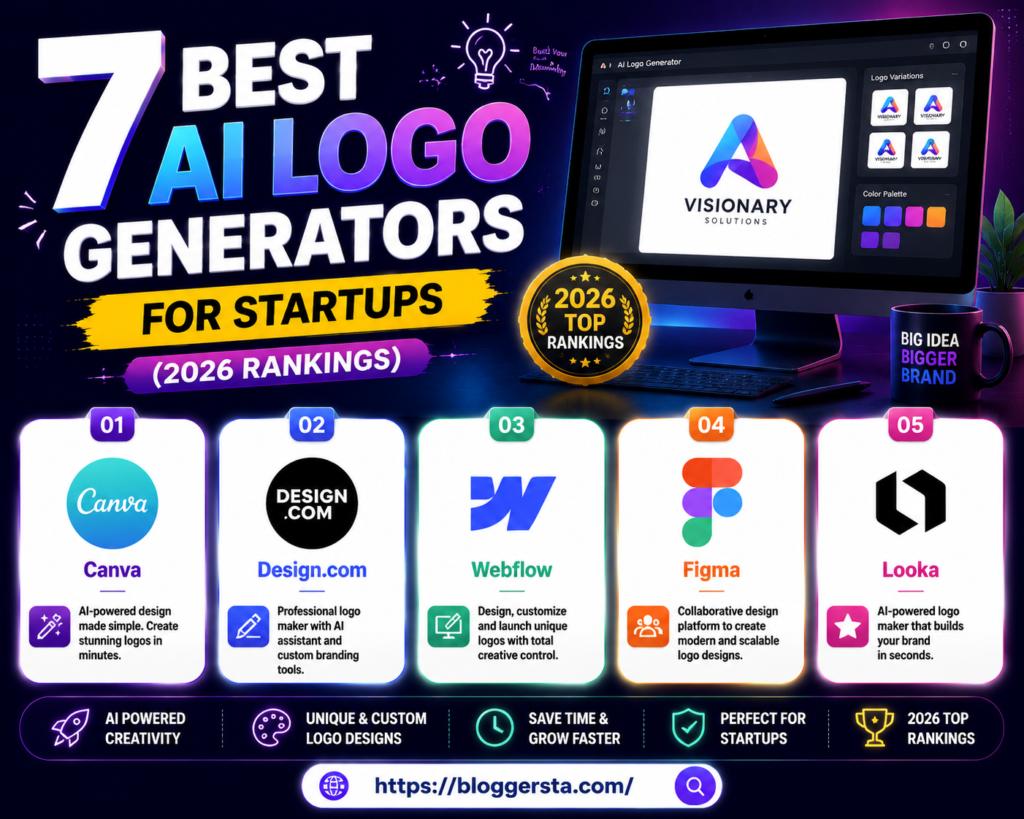
In this guide, we’ll review 7 of the best AI logo generators in 2026 based on design quality, ease of use, export options, branding features, and pricing.
The Branding Reality: Can AI Design a Professional Logo?
AI logo design is now faster and easier than ever. With AI-based tools, you can generate clean, professional-looking logo ideas in seconds—no designer required. This is especially helpful for startups and small businesses entering the market, but the real question is — can AI ever completely replace professional branding efforts?
What AI does well
AI logo tools can help you find quick ideas and early-stage concepts. Systems such as Canva or Looka allow you to fill in the blank with your brand name, colors, and industry. It then gives you a bunch of different logo styles in seconds.It’s an affordable way to explore multiple design directions without spending much.
- Fast logo ideas in seconds
- Low-cost option for startups
- Easy exploration of styles and colors
- Helpful for early brand brainstorming
Where AI still falls short
AI is fast, but it cannot fully grasp a deep branding strategy. It may fail to convey your business personality or long-term brand positioning. AI logos are also unoriginal and too similar. Plus, the file’s quality is at times poor for professional purposes, such as large prints or scalable branding.
The best approach
Therefore, a smart workflow would leverage both AI and human creativity:
- Use AI to generate initial ideas and concepts
- Refine the best options for simplicity and clarity
- Let a designer finalize and create a polished, scalable logo
This approach combines the speed of AI with human design quality, creating the most effective branding strategy today.
Top Startup Branding Platforms at a Glance
Startup branding tools allow you to quickly create logos, brand kits, and design assets without needing a full design team. Vector exports and well-structured branding packages are supported on most platforms for professional use these days.
| Software Name | Best Niche Suitability | Vector Exports Included? | Branding Kit Available? | Price Range for Full Download |
| Canva | Social media & beginners | Yes | Yes | Free – $15/month |
| Design.com | AI logo generation | Yes | Yes | $10 – $30/month |
| Webflow | Website + brand identity | Yes | Limited | $12 – $40/month |
| Figma | UI/UX & product design | Yes | Yes | Free – $12/month |
| Looka | Automated logo branding | Yes | Yes | $20 – $80 one-time |
How Do I Create a Logo with AI? A Simple Step-by-Step Guide
Creating a logo with AI is now easier than ever before. All you need is the tool and a good idea, no advanced design skills required. AI helps give you the scaffold for logo Idea, able to refine it into a more professional asset.
Step 1: Pick an AI logo tool
Start by choosing a platform based on your needs.
- For creative ideas, Midjourney or DALL·E 3
- For premade logos: Canva or Looka
Step 2: Write a clear prompt
The more information you give it, the better the AI works. Try this format:
Style + type of business + elements + color palette + mood
E.g. Minimal coffee logo example with a coffee cup with a simple bold color shape – using soft green colors, clean, modern style of the graphic
Step 3: Choose and improve your design
Create a few and choose the best one. Then:
- Remove background if needed
- Improve quality using upscaling tools
- Make small visual adjustments
Step 4: Convert it into a vector file
Most AI-generated images aren’t inherently scalable. Convert them to SVG or use Illustrator/Vectorizer to ensure your logo remains crisp at any size. It ensures your logo is crisp at every size.
Step 5: Final check and export
Test your logo in real situations, such as business cards, websites, etc. Save it in different formats:
- PNG for web use
- SVG for scaling
- PDF for printing
Also read: What is Multilingual AI Support? Methods and Best Practices
Reviewing the 7 Best AI Logo Maker Solutions
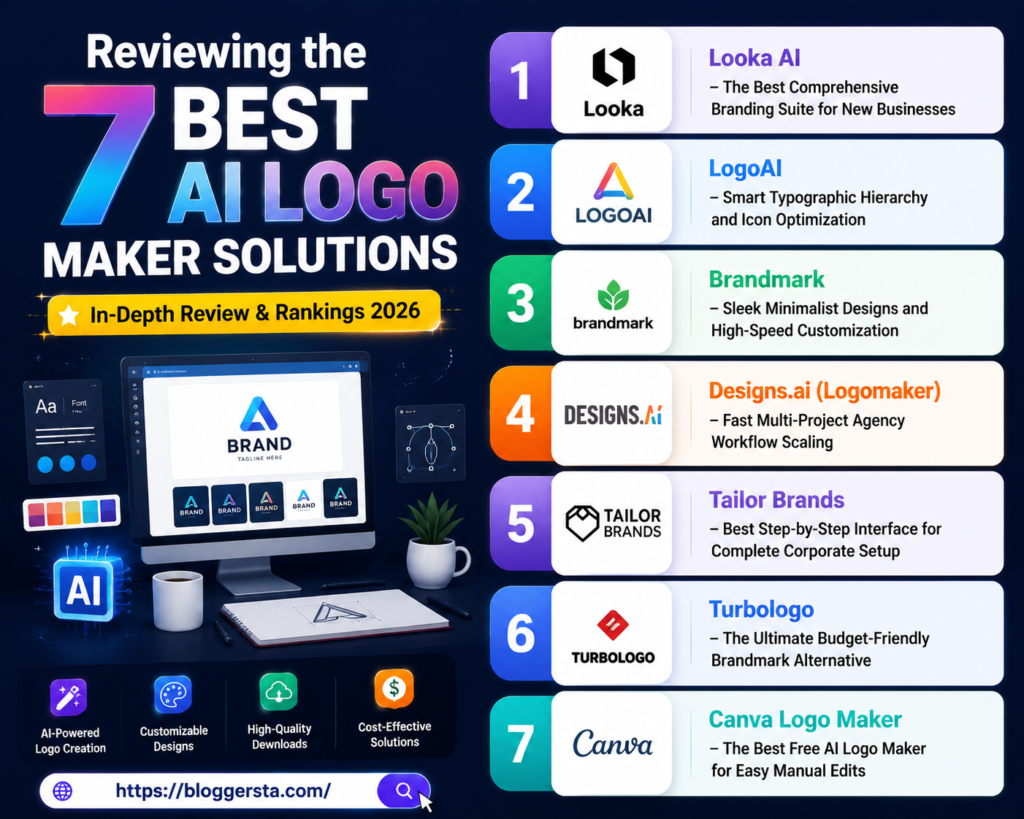
AI logo tools are created the same. Some create entire branding kits, and some are ideal for quick logos or simple edits. The following is a deep dive into the best tools, with an emphasis on layout control, typography matching, and overall design flexibility.
1. Looka AI – The Best Comprehensive Branding Suite for New Businesses
Looka is popular because it doesn’t just create a logo but also builds an entire brand. It generates hundreds of logo designs, can test various colors themes and instantly shows you how your logo would look on business cards, websites, shirts or packages. This makes it particularly well-suited for startups that want everything visual all in one place.
- Standout Feature: Automated Brand Kit Generator that adjusts layouts instantly
- Pros: Very realistic mockups, easy editing tools, unlimited initial logo ideas
- Cons: No free high-resolution downloads available
- Pricing Structure: Starts around $20 per logo file or subscription-based plans
2. LogoAI – Smart Typographic Hierarchy and Icon Optimization
LogoAI is focused on a clean design structure where all icons, fonts and colors work together on an automatic basis. It also lets you create variations of your logo, like dark mode versions or print-friendly layouts, to keep branding consistent.
- Standout Feature: Animated Logo for Video & Digital Branding
3. Brandmark – Sleek Minimalist Designs and High-Speed Customization
Brandmark is ideal for users who prefer modern, minimal logo designs. It has a clever colour-pairing formula that creates stunning, professional tech and startup designs in seconds. If what you seek is a simple yet premium appearance, this is a good option.
- Standout Feature: Pick up exact branded social media cover templates in moments
4. Designs.ai (Logomaker) – Fast Multi-Project Agency Workflow Scaling
Designs.ai is not only a logo tool, but a complete marketing suite. After your logo is done and you don’t have to pay every time to generate the ads, social media creatives (and later brochure) in style, as it is scalable brands-level.
- Pros: Design entire marketing assets in minutes, powerful automation
- Cons: Expensive for solo users or small startups
5. Tailor Brands – Best Step-by-Step Interface for Complete Corporate Setup
Tailor Brands is not just about logo creation; it guides you in creating the whole business identity. It can walk you through setting up your LLC, registering your domain, and even making your business cards all in one app.
- Features List: Vector files, Print-ready layouts, Invoice templates and branding assets included
6. Turbologo – The Ultimate Budget-Friendly Brandmark Alternative
Turbologo is designed for users who want affordable branding without compromising on quality. This is an ultimate place with a wide range of templates to get customized for all industries.
Featured: Flexible design workspace plans for small edits in record time
7. Canva Logo Maker – The Best Free AI Logo Maker for Easy Manual Edits
Canva is one of the most beginner-friendly tools, combining AI logo suggestions with absolute freedom for manual editing. The software allows you to drag, drop, and manipulate every single element with no restrictions, which makes it perfect for creative control.
- Feature: Complete drag-and-drop editing with infinite design options
Asset Checklist: Crucial Brand File Formats Startups Must Secure
- Vector Files (SVG/EPS): The most valuable brand files since they can be scaled to any size without compromising quality. Even when used on business cards or huge signs, they remain sharp and clear.
- Transparent PNG: Must HAVE Format for Digital Use. It helps put your logo over websites, banners, and images, minus the background, so that it is adaptable for templates.
- Favicon: A miniature version of your logo for use in browser tabs. This allows users to easily find your website and gives you stronger brand recognition across the web.
- Brand Style Sheet (1 Page): A simple but vital document that defines your brand style colors (HEX codes), fonts and design guidelines for a clean, consistent look across all platforms.
Also read: How to Use Grammarly’s New AI Tools (Step-by-Step Guide)
Frequently Asked Questions (FAQs)
Q: 1 Can AI design a truly unique logo?
Yes, AI can design amazing-looking logos based on your prompt inputs. But because it is trained on existing patterns, you may require minimal edits to finalize your design and help ensure that it remains unique to you and your brand identity.
Q:2 Do I actually own the copyright to an AI-generated logo?
It depends on the platform you use. Most paid tools allow some commercial uses but not ownership rights; thus, it is advisable to check the licensing terms of this tool before choosing a logo for a notice.
Q:3 What file formats should my startup’s logo be in?
Your logo includes: Vector files (SVG or EPS), No-background PNG for digital use, and a Favicon for Google Suite Websites. Another major thing is a brand style sheet with colors and fonts
Q:4 How much does it cost to use these AI tools?
Many AI logo tools offer free trials, but most full downloads and commercial rights require payment, either via one-off payments or a platform subscription.
Conclusion: Securing Your Brand Identity via Modern AI Design Tools
Creating a brand identity is quicker and easier than ever. Modern AI can instantly generate professional logo designs—and complete brand kits—in a matter of minutes, so you don’t need a whole design team to get started. This means that startups can easily hit the ground running with a clean and consistent visual branding.
The truth is that it all comes down to your needs—so the right free AI logo maker or premium branding platform depends on factors like file formats, customization level and how much direct control you prefer over your design. Best for fast results versus best at detailed branding systems.
Do it right now: Open Looka AI or LogoAI, write your business name and get matured brand identity showcased on real-life mockups.