
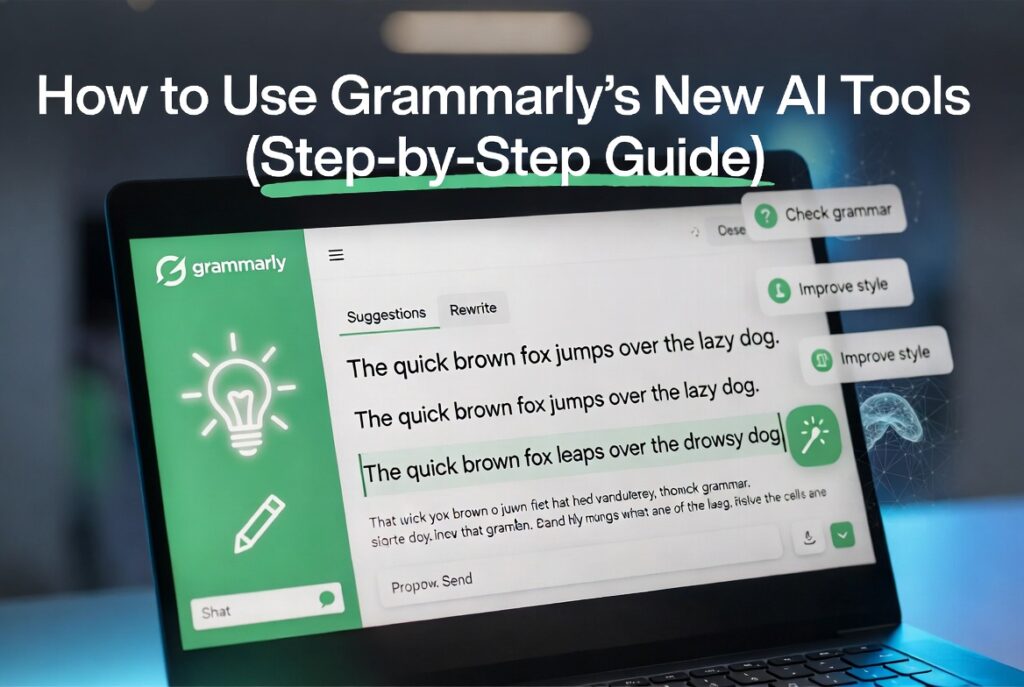
Struggling with grammar mistakes, unclear sentences, or an unprofessional tone can quickly reduce the quality of your writing and make your content less effective.
Grammarly AI has updated its AI tools to make writing easier, faster, and more accurate for all —from students and bloggers to professionals. This update will automatically correct grammar and spelling mistakes, along with helping you with tone, clarity and other writing style issues through AI-based suggestions.
Now you can rephrase sentences, generate ideas, give a polish on your content, just with a few clicks and save that extra time from not having to edit manually.
In this guide, we will walk you through step-by-step how to access Grammarly’s new AI Tools so that you understand all the details of how it helps you improve your writing.
So let us get started, and with that, upgrade your writing in minutes.
Key Features
- Create high-quality content quickly using simple prompts (blogs, landing pages, and more)
- Match your brand voice by selecting 17+ tones (Professional, Casual, Friendly, etc.).
- 6+ tools to edit content & reword, expand or shorten text
- Correct grammar and spelling errors automatically for clean, polished writing
- Get started easily with an intuitive interface — No experience required.
How to Use Grammarly AI for Written Communication
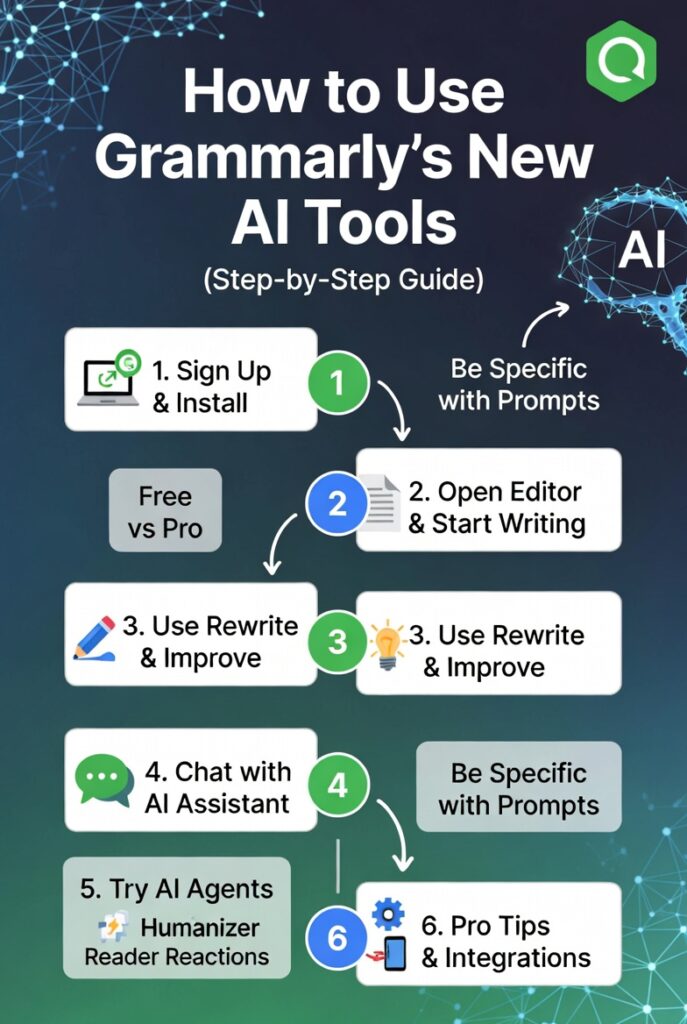
Grammarly AI allows you to correct grammar errors, improve sentences, and make your writing clearer and more professional. Sign up via the Grammarly website (with Google, Apple, Facebook or email), then download to your PC or mobile device.
It works with applications like Microsoft Word, Outlook, Slack and social media sites, so you can use it nearly anywhere while writing. Click the lightbulb icon to use the AI tools.
Paste your text into Grammarly, which improves grammar and wording and clarifies sentences. It can also change the tone of your writing — formal, friendly, casual, and confident.
- Create a Grammarly account
- Download Grammarly on your device
- Choose AI tools after pressing the lightbulb icon
- Paste your content into Grammarly
- Tip: Improve your writing, or develop your own tone.
Grammarly AI Features
Grammarly AI has plenty of handy tools to assist you in improving, rewriting, and enhancing your content in different ways.
Let’s have a look at some of it’s features:
1. Transform Content
Grammarly AI can summarize your text, write a TL;DR, and transform bullet points into complete paragraphs. You simply highlight your text and run the generative AI tool over it.
2. Rewrite Content
This feature helps you write better in different aspects. You can shorten it, make it more formal, elaborate on concepts or simplify it so that it’s easier to read. And it aids you in modifying your content to fit different audiences, experts or general readers.
3. Enhance Content
Grammarly scans your content to understand the main idea and intent. Not only does it point out weak sentences, but it also recommends effective revisions for achieving more clarity and strength in your writing.
4. Ideate Content
This comes in handy for generating ideas and brainstorming content. It provides examples and simple analogies to help you write well and understand things better.
5. Adjust the Tone
You can effortlessly switch the tone of your writing. It could be formal, casual, friendly, confident, persuasive, or professional. It gives you insight to align your message with the audience.
6. Maintain a Consistent Brand Voice
Grammarly profiles a brand tone to ensure that you maintain the same level of language in your content. This ensures that your content has the same tone and voice as a brand every single time.
Pro Tip: Decide between your writing goals, target audience and tone before you write. This helps Grammarly give more relevant ideas.
7. Plagiarism and AI Check
Grammarly can help you with plagiarism and AI detection in your content as well. This, in turn, allows you to have original sentences that intersperse the writing with less formulaic and therefore more human-sounding text.
Also Read: Revid AI vs HeyGen: Best AI Video Tool for Creators & Bus
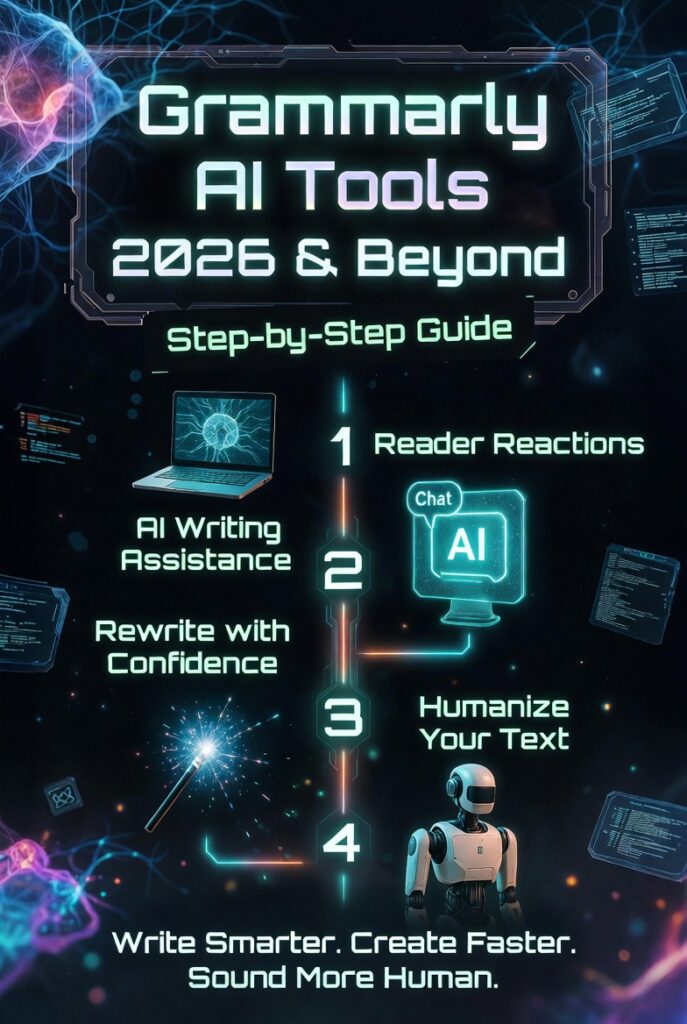
Grammarly AI Humanizer
Grammarly AI Humanizer rewrites your text in a natural and more human tone. It polished the content so that it became easier to read, and yet not feel robotic in flow, tone and readability.
This tool is not designed to avoid detection by AI. Instead, it is a tool designed to write higher-quality, clearer drafts from AI-written text, making it sound more human.
This feature is available directly through the Grammarly AI tools platform.
1. Contextual Rewriting
The tool can be used in a way to keep the actual meaning the same while improving sentence flow, word choice, and clarity. It checks your content line by line.
2. Tone Selection
Grammarly AI allows you to adapt the tone of your writing to suit the requirements. You can select from styles including routine, executive, meditative, or a more specific, formal tone. It allows you to easily align your writing with the circumstances and audience.
3. Custom Voice Profiles
Grammarly also lets you upload a sample of your writing. It analyzes your writing style and then tailors suggestions to make them true to your voice. Meaning of your content will still be clearer and of better quality, but it will read more like you.
4. Integrated Suite
It also offers useful tools such as plagiarism checker andauthorship, etc. These tools ensure that your content is unique, straightforward and flows beautifully for a clean and professional writing level.
How to Use Grammarly AI for Vocabulary and Style
Grammarly AI teaches you how to enhance your vocabulary and maintain a uniform writing style throughout your content. You just need to write or paste the text into Grammarly. It will mark words that need improvement, typically in purple.
Click on any highlighted word to explore better alternatives and synonyms. Simply select the one that most closely represents what you mean and how you want it to sound. Doing so helps to clarify your writing and makes a greater impact.
There is also a configuration which can help you stay consistent in your writing style. You can also choose English style (US or UK) by signing into your Grammarly account choice from the menu.
The settings will be saved, and Grammarly will recommend changes based on your selected style and help you keep your writing consistent.
Also Read: How To Use An AI Agent To Sort Emails?
Best Practices for Using Grammarly AI
Use clear and detailed prompts to extend Grammarly AI Concise prompts to help AI provide more accurate results.
1. Be Clear and Specific: Be specific about what you want Grammarly AI to do
2. Add Context: If you explain what your purpose is or who your audience is, it can help in a better way.
3. Choose the Right Tone: Mention if you want the writing to sound professional, friendly, formal, or casual.
4. Refine the Results: Request Grammarly AI to rewrite or improve the content again if needed.
Can Grammarly AI be detected by Turnitin?
Turnitin does not flag simple Grammarly edits, such as correcting grammar, punctuation, or spelling mistakes. This most basic level of changes is referred to as normal editing, and you can use these features without fearing anything.
If AI features of Grammarly are used to rewrite sentences, word from sentence or paraphrase entire paragraphs or write large sections of text from scratch, those may be flagged by Turnitin’s AI detector as artificial intelligence writing.
Key difference
- – Correcting grammar, spelling, and minor word changes
- Replacing: Writing complete lines or even paragraphs of text using AI
How to avoid issues
- Grammarly is a little grammar and spelling tools
- Do not use AI to rewrite full sections of your content
- Keep your original draft and editing history as proof of your work.
Also Read: What is Jasper AI? A Beginner’s Guide for Marketers
Faqs
1. Is Grammarly AI really free?
Yes, Grammarly has a free plan that includes basic grammar and spelling checks. Some advanced AI features are only available on paid plans.
2. Is Grammarly an AI?
Yes, Grammarly is an artificial intelligence writing assistant that helps improve grammar and sentence clarity.
3. Is Grammarly AI like ChatGPT?
Grammarly primarily acts as a writing assistant, whereas ChatGPT is meant for conversational use and content generation.
4. Can Grammarly get detected as AI?
Fixes for basic grammar are typically undetected. But rewritten content (such as paraphrased content with some human input or AI-generated content may trigger AI detectors.
5. Is Grammarly AI checker free?
Grammarly offers a free version of an AI checker with basic tools. While, premium version offers more sophisticated checks.
6. Is Grammarly AI cheating?
Grammarly for grammar and spell corrections is usually not counted as cheating. However, in some schools or workplaces, using AI to fill not just individual words but full assignments or essays may be seen as cheating.
Conclusion
Grammarly’s AI tools go beyond simple grammar fixes. They help you write faster, clearer, and with more confidence every day. Whether you are working on emails, blogs, or assignments, these tools can improve your results quickly. You still need your own ideas and judgment to get the best outcome.
Use Grammarly as a smart assistant, not a replacement for your thinking. Start by testing different features and prompts today. Explore tone, clarity, and rewriting options step by step. The more you use it, the better your writing will become.
Open Grammarly now and upgrade your writing skills instantly.