
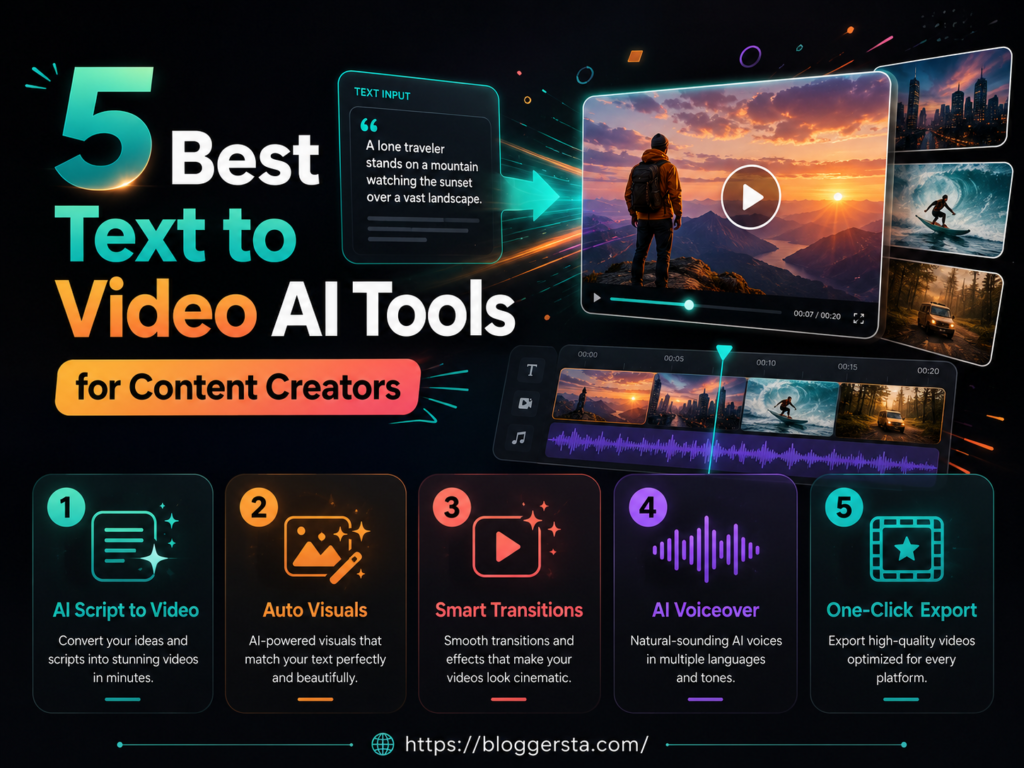
Most content creators found making videos tedious. To make you feel like a proper video production needed expensive cameras and bulk editing suites when rendering things out (lots of motion effects, too). Hours of render time. Even a simple Instagram Reel or YouTube Short could take an entire day to edit, fix frame rates, add transitions, and export the final version.
Things are much easier now. Modern text to video AI tools can turn a simple written prompt into realistic video clips, animated scenes, social media ads, and cinematic b-roll within minutes. Some tools focus on smoother motion physics and better temporal consistency, while others are faster for short-form content and marketing videos. In this guide, we’ll review the 5 best text to video AI platforms for 2026 based on video quality, rendering speed, facial tracking accuracy, and the value of their free plans.
- Generate videos from simple text prompts in minutes
- Compare video quality, render speed, and AI accuracy
- Find the best free and paid AI video tools for creators
How Do I Turn Text into an AI Video? Understanding the Modern AI Video Workflow
Turning text into an AI video is much simpler now than it used to be. Instead of filming scenes manually, creators can type a simple prompt and let AI generate visuals, motion, voiceovers, and even background music. Most modern AI video tools follow a step-by-step workflow that helps turn an idea into a complete video within minutes using an automated text to video AI rendering engine.
1. Writing the Script and Video Idea
It all begins with a text prompt or script. This defines the video you want to create: scenes, characters, style, camera angles or a type of animation. A lot of creators take either ChatGPT or Claude to brainstorm not just on scripts and captions, but also visual prompts in detail before running scenes.
2. Creating Visuals and Scene Frames
Next, the AI generates visual frames from your prompt — characters, scenes, and environments. Modern platforms use prompt-to-frame synthesis, transforming written instructions into a sequence of connected visual frames that maintain consistency across the entire video.
3. Generating the AI Video
This is where the video itself is built. Older AI tools primarily used rigid image pans and basic zoom effects, whereas the latest text-to-video AI models can now produce smooth camera movements in 3D space, believable motion physics, cinematic transitions, and natural-looking facial animations.
Popular tools include:
- OpenAI Sora
- Runway Gen-3
- Luma Dream Machine
4. Adding AI Avatars, Voiceovers, and Music
Many modern platforms now include an integrated AI avatar video generator. This is especially useful for faceless YouTube creators, online coaches, and corporate trainers who want to create professional speaking-head videos without stepping in front of a camera.
Scripts are read with believable lip-syncing and facial tracking along with a natural voiceover by AI avatars. To produce a human-like voice, you might find tools like ElevenLabs useful, and with Suno or Udio, you can create some AI background music.
5. Final Editing and Export
The last stage is bringing it all together in a video editor (CapCut, Premiere Pro, DaVinci Resolve). Creators modify timing, transcribe clips for transitions, refine pacing, and export to YouTube, TikTok, Instagram, or online training platforms.
- Faceless YouTube automation channels and AI avatar videos have surged in popularity — creators are now combining multiple AI tools to scale content production without expensive cameras, studios, or large editing teams.
As of now, AI video generation is helpful for creators to generate their content faster without having too much production equipment or professional editing skills.
- Explore our picks for the 7 Best AI Writing Tools for Bloggers (Tried & Tested)
Top Text to Video AI Software at a Glance
The text-to-video AI space has split into two clear categories — cinematic generators focused on photorealistic motion and lighting, and avatar-based platforms built for marketing, employee training, and scalable content production. These create videos from text (in the same way, but no longer through traditional editing workflows), turning prompts into videos with various levels of creative control, speed and realism.
Platforms mainly differ on motion accuracy, prompt understanding, rendering speed, and how consistently they handle different aspect ratios — 16:9 for YouTube, 9:16 for Shorts and Reels, and square for social ads.
Cinematic tools such as Runway and Kling are all about visual fidelity and camera physics, whereas applications such as Synthesia and HeyGen deliver scripted delivery via AI avatars specifically targeted towards business use cases
| Software Name | Best For | Core Generative Model | Monthly Price Range | Free Tier Allocation? |
| Runway (Gen-3 / Gen-4) | Cinematic video, VFX, creative control | Diffusion-based video generation with motion & camera modeling | ~$15/month | Yes (limited credits) |
| Pika Labs (Pika 2.x) | Animation, stylized clips, social content | Text-to-video diffusion model optimized for fast generation | ~$8–$10/month | Yes (daily/trial credits) |
| HeyGen | AI avatars, marketing, corporate videos | Avatar-driven generative AI + voice cloning models | ~$25–$48/month | Yes (trial access) |
| Synthesia | Corporate training, multilingual videos | Avatar-based neural rendering + speech synthesis model | ~$22/month | Limited demo access |
| InVideo AI | Faceless videos, social media automation | LLM + text-to-video + stock media automation pipeline | ~$20/month | Yes (free trial limit) |
Reviewing the 5 Best AI Video Maker Platforms
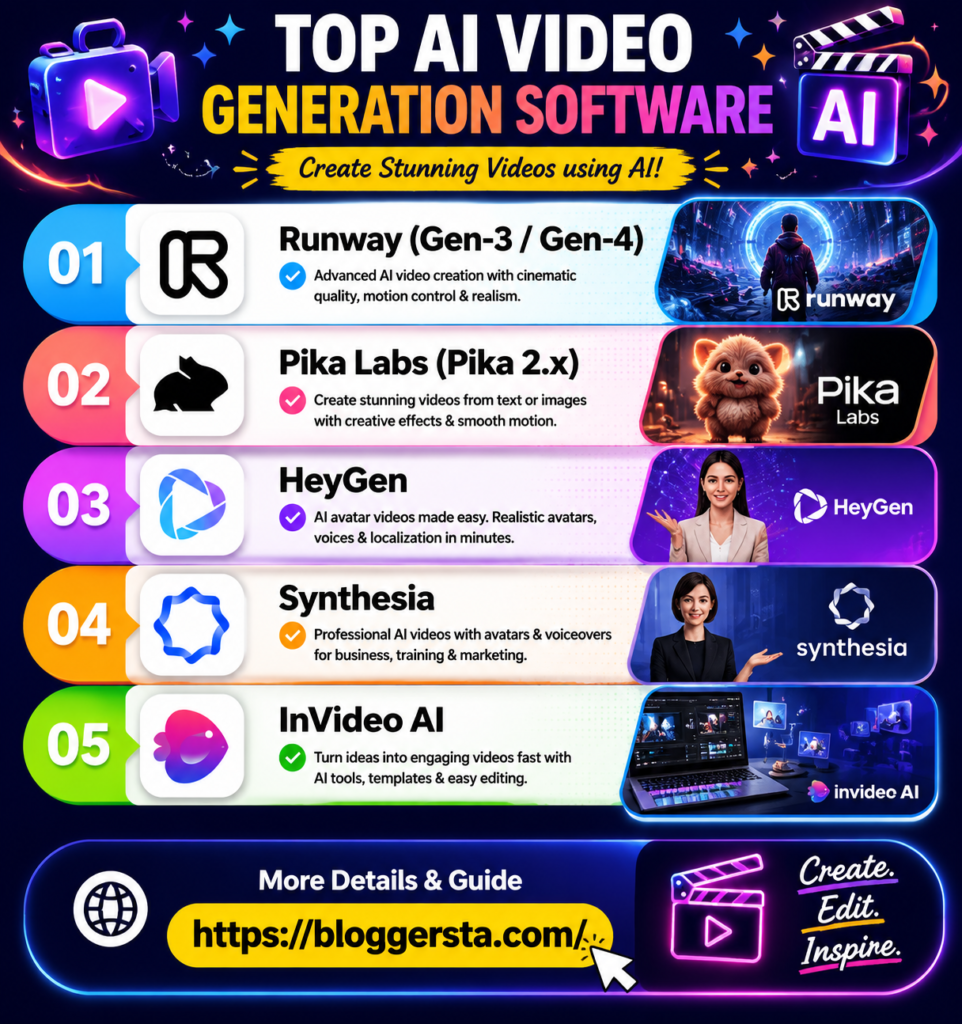
Modern AI video tools are not just text-to-video generators. Each platform is solving a strong, concrete production problem — cinematic realism, animation at speed, avatar accuracy, and total automation. Here is a breakdown of each platform based on real-world performance, rendering quality, motion control, and key limitations — including how they handle text inside frames, motion blur, and different aspect ratios.
1. Runway (Gen-3 Alpha) – The King of Cinematic Motion and Visual Fidelity
Runway Gen-3 Alpha is famous for producing impressively cinematic results and its cutting-edge physics-based motion modeling. It excels at lighting realism, depth perception, and smooth movement of the camera. And, its most powerful feature, though, is how it uses text prompts to specify complex camera behavior—letting creators direct scenes like a virtual cinematographer — with precise control over camera behavior rather than relying on random AI-generated clips.
Feature Focus: Camera Control Precision
Runway allows fine-level camera control (pan, zoom, tilt, orbit movements), which brings it closer to what you’d want a film production tool to do rather than an AI generator.
- Standout Feature: Director Mode for precise camera vector control
- Pros: Very realistic skin textures, excellent cinematic pacing, decent overall style accuracy
- Cons: Plans can be pricey, and you need to know your prompt basics for the best output
- Pricing: Starting around $15/month
2. Pika Labs (Pika 2.0) – Best Free AI Video Generator for Animation and Effects
Pika Labs is popular among social media creators because it is fast, accessible, and very good at generating short animated clips. It works especially well for quick content where speed matters more than cinematic perfection. Many creators use it for micro-animations, product teasers, and short-form content loops.
- Standout Feature: Automatic sound effects (SFX) generation synced with visuals
- Best Used For: 3D animation, anime-style videos, and surreal marketing loops
- Pros: Free access options, fast generation, easy for beginners
- Cons: Less control over complex camera movement and long scenes
3. HeyGen – The Ultimate AI Avatar Video Generator for Professional Teams
HeyGen is focused on business use cases that benefit from human-like presentation. It is commonly employed in corporate training, sales videos and communication across multiple languages. The platform is achieving cutting-edge quality for lifelike AI avatars, individual lip-sync and facial expression control.
Feature Checklist
- Voice cloning for personalized narration
- Multi-language translation for global audiences
- Script-to-avatar templates for training and onboarding videos
- Strong lip-sync accuracy for professional presentations
HeyGen’s biggest strength is replacing unscalable, effort-heavy talking-head recordings with realistic AI presenters — making it ideal for teams producing consistent video content at scale.
4. Sora by OpenAI – Unrivaled Temporal Consistency for Long Generative Cuts
Sora by OpenAI is built around one core strength — temporal consistency across longer video sequences. Its transformer-based architecture ensures that objects, characters, and environments remain stable from frame to frame, which is a significant challenge for most other AI video tools.
| Category | Analysis |
| Pros | Extremely strong world-building, long-shot consistency, realistic scene flow |
| Cons | Limited public accessibility, not yet fully optimized for everyday creators |
For research-level video generation, Sora still outshines, but it still feels less friendly than more mainstream creator tools.
5. InVideo AI – Best Automated Copilot for Complete Script-to-Video Workflow
InVideo AI, a product of the same company, is all about being fast and automated. You input a very basic topic or sentence, and it creates a whole video script, stock footage, voiceover, and subtitles. Its most common use is scaling faceless content channels.
- Standout Feature: Prompt-based editing (e.g., “change background music to upbeat jazz”)
- Best Used For: YouTube Shorts, TikTok videos, and automated marketing content
- Pros: Full automation, beginner-friendly, fast output
- Cons: Less cinematic control compared to high-end tools
Strategic Guide: Fixing Common Problems in Prompt-Based AI Video Design
AI videos are very strong; however, the majority of problems stem from a lack of clear examples or bad performance. The output improves tremendously in quality, consistency and usability for real projects, when it’s directed to the AI directly and specifically by trained minds.
1. Generic Video Output
When prompts are too ambiguous, you get this. Descriptive terms like “cinematic” or “cool” are not specific enough.
- Fix: Specify Subject + Action + Camera Angle + Style.
- Tip: Rather than write “a futuristic car,” write an entire visual description, e.g. neon lighting| location, motion, and camera movement.
2. Scene Confusion (Visual Drift)
When there are too many ideas in one prompt, AI tends to confuse characters or backgrounds.
Solution: Split scenes into smaller shots and render them individually at a time to maintain consistency.
3. Audio and Timing Issues
Audio and Timing Issues: Videos can feel off when visuals fail to match the music or pacing. This usually happens when no timing instructions are given to the AI.
Fix: Specify timing clearly — for example, indicate when a product should appear on screen or when a scene should shift to match a beat drop.
4. Workflow Inefficiency
Rewriting prompts repeatedly slows production.
Fix: Create a prompt library with tested formats and reuse them for faster workflow.
5. Weak Creative Direction
Good prompts mean nothing without a clear outline.
Fix: Write down the goal, audience, and message prior to writing prompt instructions.
- Learn how to build your first AI chatbot with our step-by-step guide.
Conclusion: Embracing the Future of Cinematic Creation with Text to Video AI
Video production is no longer limited to expensive gear or advanced editing skills. It’s quickly becoming a space where ideas matter more than the technical setup, and the ability to write clear, structured prompts is becoming a real creative skill for modern digital creators. As platforms improve, text to video AI tools are making it easier to produce diverse, high-quality visuals at speed, which is essential in a world where short-form algorithms reward fast output and constant variation.
If you want to stay ahead, experimenting with an advanced text to video AI platform is no longer optional—it’s part of staying competitive in today’s content landscape.
Try free tiers on Pika or Runway, drop in a simple one-line prompt, and see how quickly your idea turns into a cinematic video experience.
Frequently Asked Questions (FAQs)
1. Can text-to-video AI replace human editors?
No. AI can speed up video creation, but human editors are still important for storytelling, pacing, and final creative decisions.
2. Best tools for short-form videos?
Pika Labs is great for quick animated clips and social media content. Runway is better for cinematic-quality videos, while InVideo AI is ideal for creating YouTube Shorts and TikTok videos with minimal editing.
3. Do these tools add voice and music?
Yes, most AI video tools include built-in voiceovers and background music. For higher-quality narration, platforms like ElevenLabs can also be integrated separately.
4. Are Text to Video AI Tools free?
Most platforms offer free plans or trial credits, but they usually include watermarks or usage limits. Pika Labs and Runway provide useful free tiers, while paid plans are better for professional projects.