
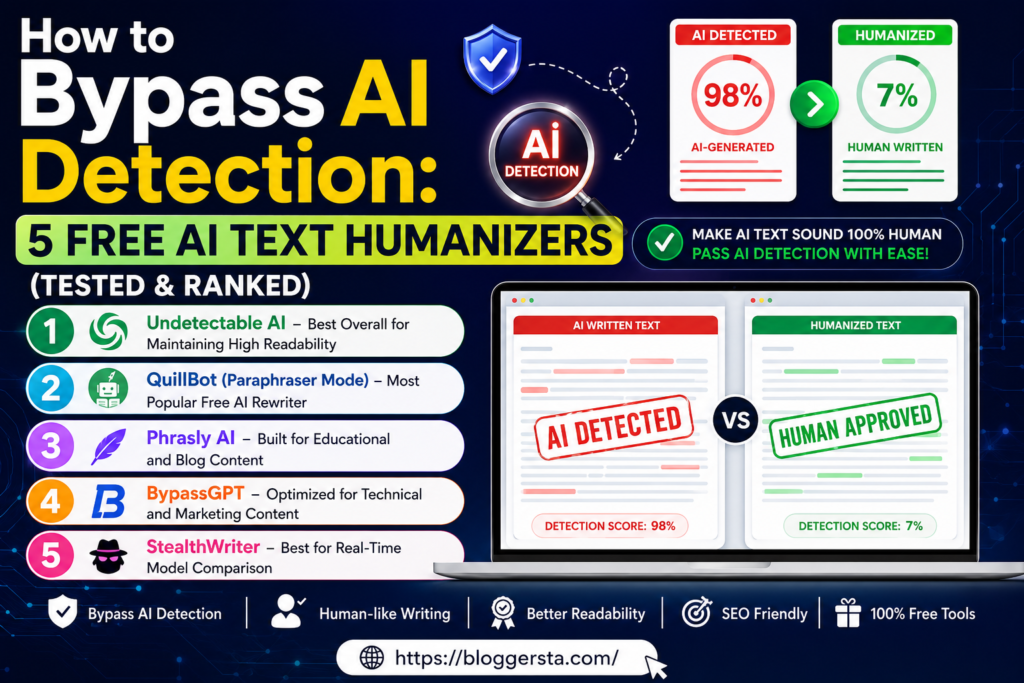
It’s honestly frustrating when your own writing gets flagged by AI checkers, especially for students, bloggers, and marketers in the USA who are just trying to submit or publish clean work. Even when the content is fully original or lightly edited, tools like Turnitin or Winston AI sometimes misread it and mark it as AI-written.
That’s why many people now use an AI text humanizers or a free AI rewriter to make their writing feel more natural again. These tools help smooth out sentence flow, fix stiff wording, and make the text sound more like something a real person would write. In this guide, we tested 5 free tools and ranked them based on how well they handle real content.
- Tested against popular AI detection tools
- Focus on natural, human-like sentence flow
- Keeps meaning the same while improving readability
Why AI Detectors Flag Content That Sounds Too Perfect
AI detection tools don’t process writing the way humans do. Instead, they look for common patterns in AI-generated text. Some of the signals they look for include (1) Perplexity, which measures the predictability of the wording and (2) Burstiness, which keeps track of the variability in terms of length and structure of sentences.
Human writing is naturally uneven and dynamic. AI-generated text, on the other hand, often reads too smoothly — with too little variation in sentence length, rhythm, or structure — which is exactly what detection tools are trained to catch. That same predictable structure is part of why AI-written content often gets flagged.
AI Detection False Positive Trends
- Many modern AI detectors still flag even human-written content as suspicious.
- Academic and marketing are frequent misclassifications
- Small wording changes can dramatically impact AI detection scores
- Detection systems are all based on probability, not guaranteed detection
Best Tools for Making AI Detection Text Sound More Human
AI humanizer tools are designed to rewrite AI-generated content so it feels more natural and less robotic. Instead of simply replacing words, the better tools adjust sentence flow, writing rhythm, and structure to make the content read more like human writing. Some are better suited to SEO content, while others work better for academic writing, blogging, or marketing copy.
The table below compares some of the most popular tools based on rewriting quality, ease of use, and overall performance.
| Tool Name | Main Strength | Best For | Pricing |
| Humanize AI | Natural sentence flow and strong rewriting quality | Bloggers, marketers, and everyday content | Free plan available |
| BypassGPT | Keeps original meaning while improving readability | Content creators and freelancers | Paid plans start around $9.99/month |
| StealthGPT | Strong rewriting for SEO and marketing content | SEO professionals and marketers | Paid plans start around $14.99/month |
| Phrasly AI | Human-like academic rewriting | Students and essay writing | Free tier available |
| QuillBot | Basic paraphrasing and grammar improvements | Simple rewriting and editing | Free version available |
5 Free Tools That Help Make AI Text Sound More Human
A tool designed to bypass AI detection rewrites any content produced by an AI in a manner that removes the structure and patterns so it no longer looks similar, but retains a meaning and does not lose its context. Here are 5 free tools that I checked against one another for Readability, Rewriting Quality and Real World Performance.
- Read this simple guide on how to Build Your First AI Chatbot and start creating your own chatbot in minutes.
1. Undetectable AI – Best Overall for Maintaining High Readability
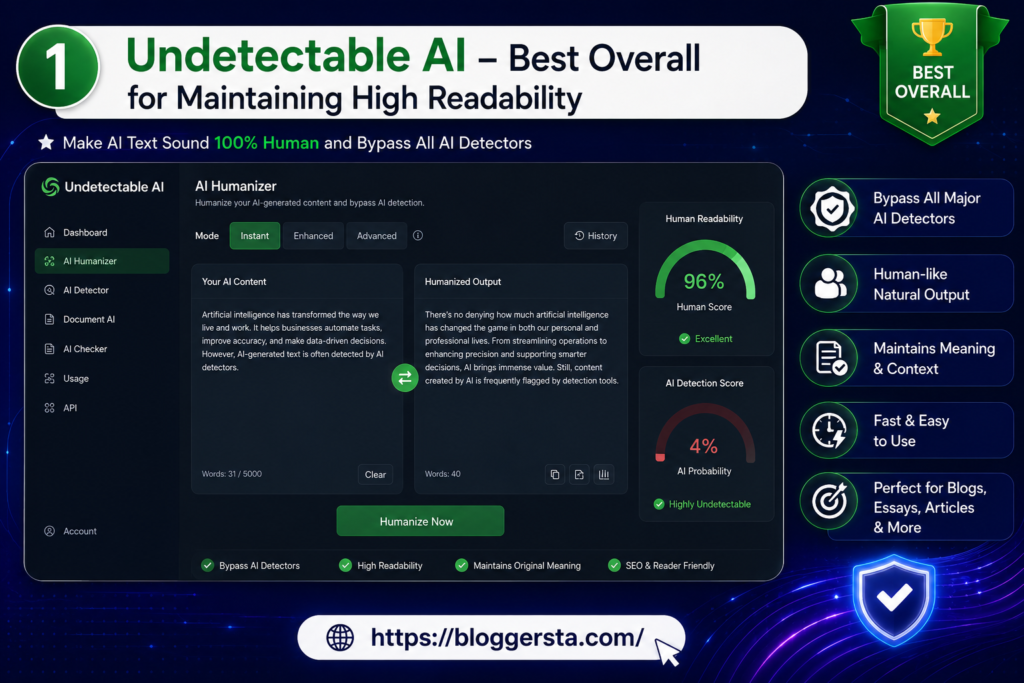
Undetectable AI is an AI text humanizer and a built-in scoring system that tells you how “human” your text sounds before sending it off to the final output. In addition, users can choose the purpose of writing, which makes it more goal-oriented for essays/ professional / marketing content requirements.
- Core Strength: Clean, natural grammar with strong rewriting of complex sentences.
- Free Tier: Limited free credits available after signup Bypass Performance: High success rate against tools like GPTZero and Copyleaks.
- Bypass Success Rate: Top Chance of Bypassing tools like GPTZero and Copyleaks
2. QuillBot (Paraphraser Mode) – Most Popular Free AI Rewriter
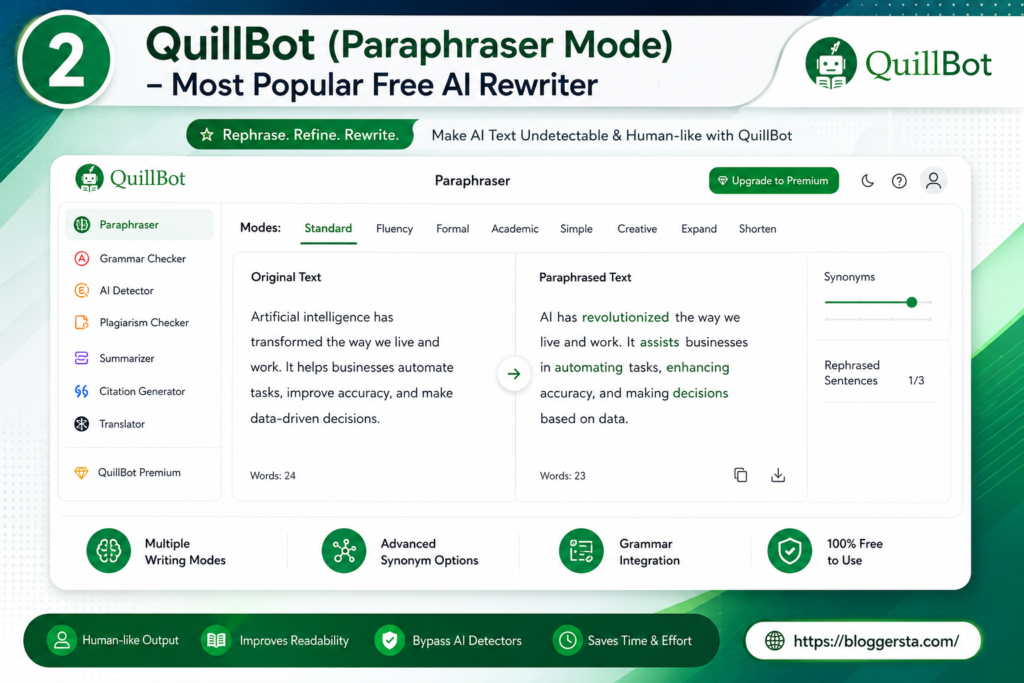
QuillBot is a very simple tool that helps you rewrite and improve your sentences in no time. The latter two options, “Fluency” and “Creative”, are used to disrupt repetitive AI patterns that may be evident in the output, ensuring a more naturally legible result.
- Score Strength: Vocabulary expansion with precise synonym control across multiple rewriting modes
- Free Tier Quota: Free plan available with per-input word limits
3. Phrasly AI – Built for Educational and Blog Content
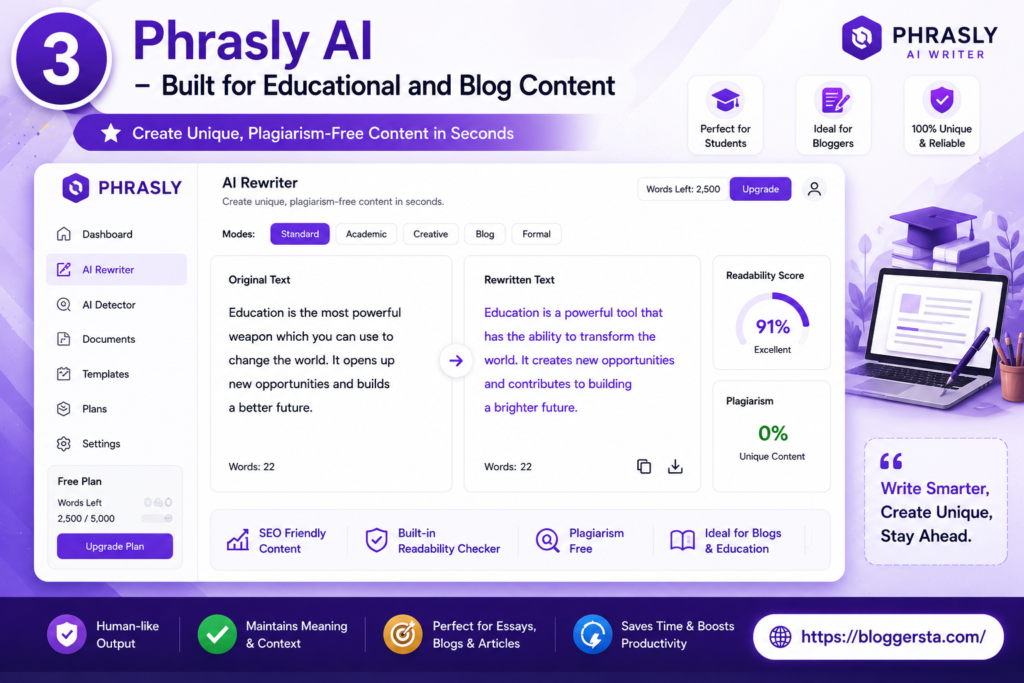
Phrasly AI builds more human-like text for blogs and academic writing from AI-generated text. It focuses only on enhancing sentence flow and overall content readability.
- Core Strength: Good mix of burstiness and natural blend of paragraphs
- Free Tier Allocation: The maximum number of words you can rewrite for free every day
4. BypassGPT – Optimized for Technical and Marketing Content
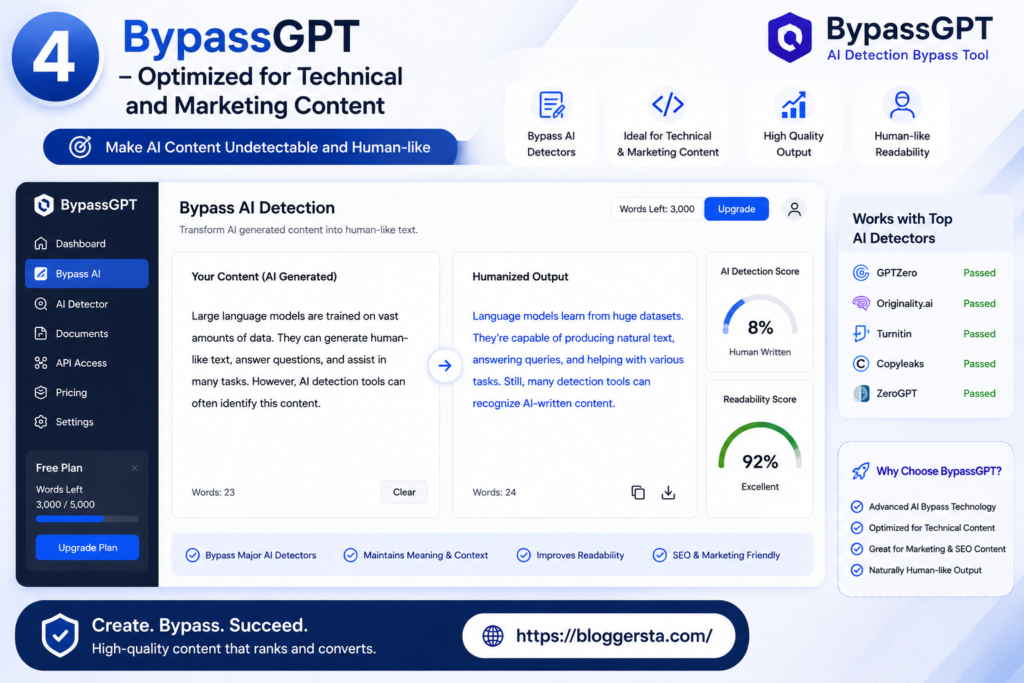
BypassGPT rewrites the surrounding text whilst keeping important keywords and its technical meanings. Mostly used for SEO content and Marketing-heavy writing.
- Core Strength: Retains SEO structure while eliminating AI-like characteristics
- Free Tier: Limited free rewrites available on signup
5. StealthWriter – Best for Real-Time Model Comparison
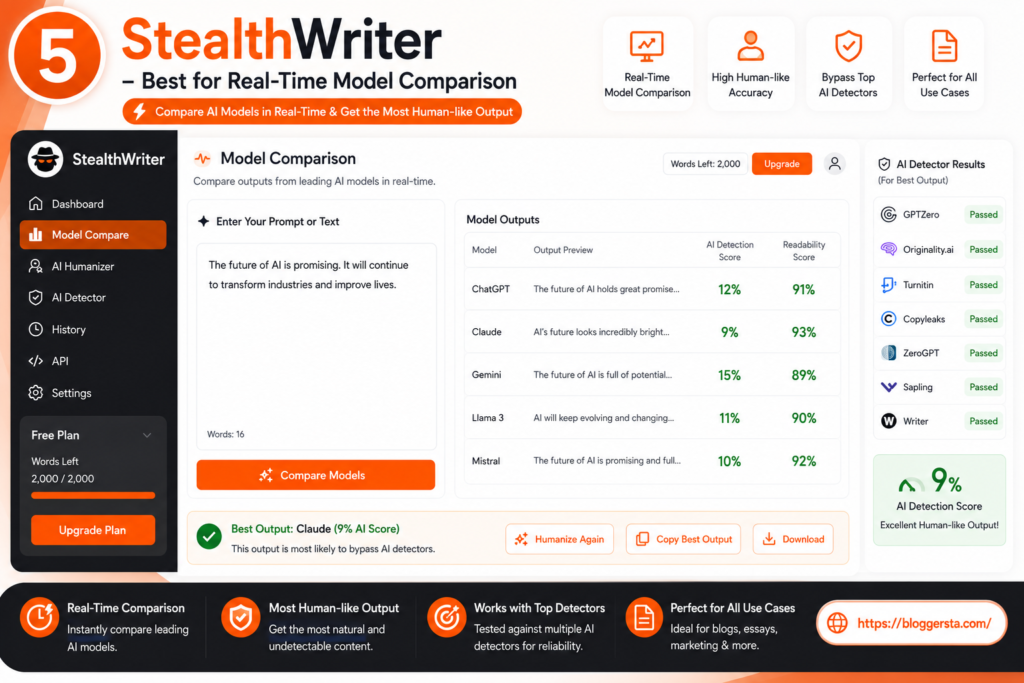
StealthWriter also provides an easy way to create 1-5 instances of rewritten text and helps the user compare outputs and select the most natural one.
- Core Strength: Manually identifies and replaces words without any trigger
- Free Tier: Limited free rewrites on signup
How to Manually Make AI Text Sound More Natural (Step-by-Step Guide)
Making AI-generated text sound more natural comes down to removing the ‘too perfect’ quality that detection tools look for. AI writing tends to be overly smooth and structurally predictable — the goal is to break that pattern and create a flow that reads like something a real person wrote and feels more like a real piece.
1. Change Sentence Length and Flow
Do not let a bunch of sentences look the same. Good writing is like having a conversation: mix short, medium and long sentences.
- Long explanations with punchy short lines
- At times, fragments, for emphasis
- Do not use the same sentence structure again and again.
2. Use Simpler and More Natural Words
AI tools tend to default to formal, predictable vocabulary. Replacing those words with simpler, more conversational alternatives makes the writing feel more natural and less robotic.
- Swap common AI-type verbs like “utilize” or “additionally.
- Write in your normal language instead of a formal tone.
- Insert spontaneous expressions where necessary
3. Add a Human Touch
A main reason AI text gets flagged is that it lacks emotion. Humanizing it is part of the solution.
- Add small personal opinions or relatable observations where appropriate Use light humor or rhetorical questions to break up dense paragraphs
- Add relatable examples or observations
- Indulge in light-hearted humor and rhetorical questions wherever appropriate.
4. Break Perfect Grammar Patterns
AI writing occasionally comes with perfectly proper grammar that seems to make no sense.
- Use contractions such as don’t and it’s
- Use active instead of passive voice
- Remove excessive things like a polished repetitive sentence or something
5. Final Manual Check
Check the text sounds natural if you are going to publish anything through this.
- Take your time and make sure to read it out loud.
- Anyone repeatable or robotic with the training
- Fact check and clarity check before pressing publish
Humanizing AI Detection Content: Finding the Right Balance Between Tools and Real Value
AI can help tidy up your writing, fix ungrammatical sentences, improve flow, and more, but it is not a substitute for actual thinking or meaningful content. And above all, the real secret is still simple: write something that helps your readers. An AI text humanizer is best suited as a final editing step to finesse your text, not as a way to churn out low-quality or value-free content.
Choose one free tool from this guide and apply it to your writing—you will see how these tools enhance clarity and readability without changing your existing message.
- Check out the full guide on How to Use Grammarly’s New AI Tools (Step-by-Step Guide) to learn how to improve your writing with AI easily.
Faqs
1. How do I humanize AI text unlimited words free?
Use QuillBot, Phrasly (free tier), or similar free paraphrasers, then manually edit the output. Break long sentences, change wording, and make the tone more natural. No tool is truly unlimited, so mixing free tools with manual edits works best.
2. How to humanize ChatGPT content for free?
So, begin by copying the text — using a free AI rewriter — and rewriting it by hand. Be sure to change the length of sentences, change repeated words, and pair it up with a casual tone. This fleshes out the content without the need for paid tools.
3. What are the best free AI humanizers?
Some popular, free options: QuillBot, Phrasly (free plan), and simple paraphrasers. They help reduce robotic tone and improve overall readability; however, manual editing is still required to produce a high-quality end result.
4. What is the best AI bypass tool?
It depends on your use case. Undetectable AI and BypassGPT work well for blogs and marketing, while Phrasly AI is better for academic writing. The best way is to test a few free tools and compare results.
5. Is QuillBot AI humanizer good?
Yes, QuillBot works best for small edits, grammar corrections, and sentence restructuring. For deeper humanization, combine it with manual editing to get a natural, publish-ready result.