
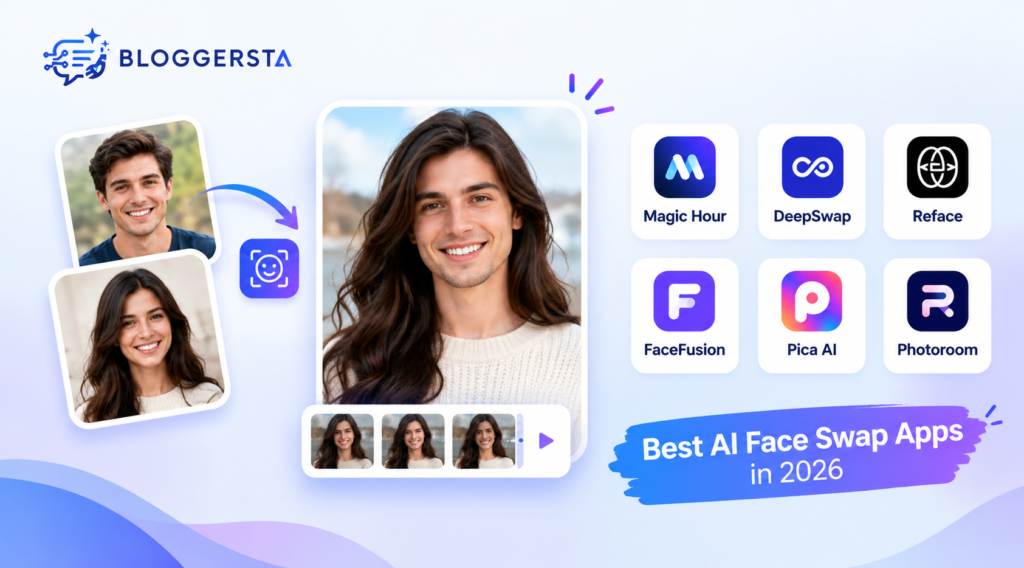
AI face swapping has moved far beyond simple novelty filters. Modern tools can replace faces in photos, videos, GIFs, and social content within minutes. However, output quality varies sharply between platforms. Some handle lighting and facial angles well, while others produce obvious edges or unnatural expressions.
If you are searching for an AI face swap app, the right choice depends on your goal. Magic Hour is a strong option for realistic photo and video work. DeepSwap focuses heavily on video and GIF swapping. Reface is better suited to casual mobile content. Photoroom deserves a closer look too, although its current AI tools are more focused on image editing and generated visuals than on dedicated face-swapping.
Quick Answer
Magic Hour is one of the best options for realistic AI face swaps in photos and videos. Its current free photo tool allows up to five free swaps daily without requiring an account. DeepSwap is useful for video-focused projects, while Reface works well for casual mobile content. Photoroom is excellent for broader AI image editing but should not be treated as a dedicated face-swap platform based on its current documented feature set.
Best AI Face Swap Apps at a Glance
The table below compares the top AI face swap apps based on their main strengths, supported formats, free options, and overall use cases. Use it to quickly find the right tool for realistic photos, videos, mobile content, privacy-focused editing, or broader AI image workflows.
| AI Face Swap App | Best For | Photo | Video | Free Option | Overall Pick |
| Magic Hour | Realistic photos and videos | ✓ | ✓ | ✓ | Best overall |
| DeepSwap | Video and GIF swaps | ✓ | ✓ | Limited | Best for video |
| Reface | Mobile social content | ✓ | ✓ | Limited | Best for casual use |
| FaceFusion | Privacy and local control | ✓ | ✓ | ✓ | Best advanced option |
| Pica AI | Mobile and multi-face edits | ✓ | ✓ | Limited | Best for mobile editing |
| Photoroom | AI photo editing | ✓* | —* | ✓* | Best broader editor |
*Photoroom’s current documented AI features include AI editing, generated backgrounds, virtual models, and image variations. Its official documentation does not currently establish it as a dedicated face-swap app.
Face swapping is only one part of AI-powered visual creation. If you also need to create graphics, thumbnails, or other visual assets, explore our guide to the best AI graphic design tools.
1. Magic Hour — Best Overall AI Face Swap App

Magic Hour stands out when realistic output is the priority. Its browser-based tools support photo, video, and GIF face swaps. The free photo route currently allows up to five swaps per day without sign-in or account credits. Free photo outputs are also watermark-free.
The platform gives users separate routes for photo, video, GIF, and more advanced video workflows. It also supports multi-face video swapping where different replacement faces can be mapped to detected faces.
Best for: Creators who need realistic results across different media.
What makes it useful: It provides a low-friction way to test face swapping before paying.
A useful limitation is input quality. Magic Hour recommends clear, well-lit replacement images with visible faces. Profile views, heavy obstructions, and strongly stylized faces can reduce reliability.
2. DeepSwap — Best for AI Video Face Swap

DeepSwap is particularly relevant if your primary goal is video. Its current pricing documentation uses credits for photo, video, and GIF face swaps. Video face swapping costs one credit per 15 seconds, while photo swaps cost 0.1 credits. Its paid access also includes HD face swapping and video generation features.
For occasional photo edits, DeepSwap may offer more functionality than you actually need. For video creators, however, its focus makes more sense.
Best for: Users who mainly create face-swapped videos and GIFs.
Face swapping is only one part of AI-powered visual creation. If you also need to create graphics, thumbnails, or other visual assets, explore our guide to the best AI graphic design tools.
3. Reface — Best for Casual Mobile Content
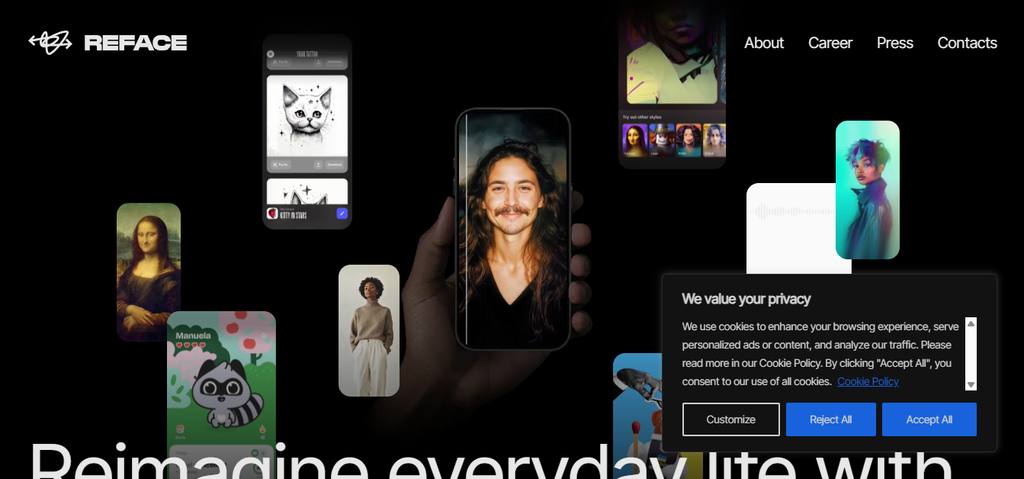
Reface is better suited to people who want quick creative edits rather than detailed production control.
It is designed around accessible social content and mobile-friendly experiences. That makes it useful for memes, short videos, GIFs, and entertainment.
Best for: Beginners and social media users.
Choose Reface when convenience matters more than granular control. If you need highly controlled face replacement across difficult footage, a dedicated browser or desktop workflow may be better.
4. FaceFusion — Best Free Option for Advanced Users
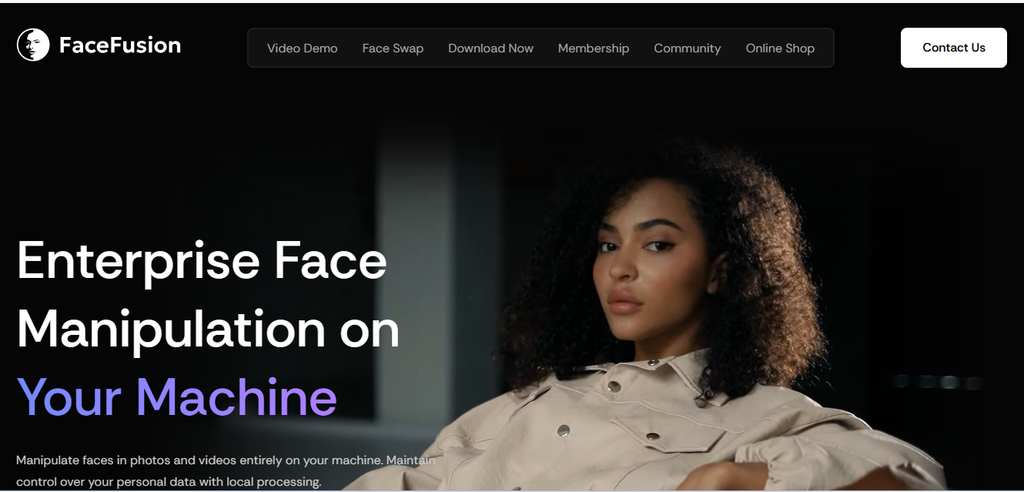
FaceFusion takes a different approach. Instead of relying entirely on a hosted consumer app, it provides a more technical workflow with local processing possibilities. That can make it appealing to users who care about privacy, control, and customization.
The trade-off is complexity.
Beginners may find setup and configuration considerably harder than a browser-based face swap tool. A local workflow can also require suitable hardware.
Best for: Technical users who want greater control over their files and processing environment.
5. Pica AI — Best for Mobile-Friendly Creative Edits
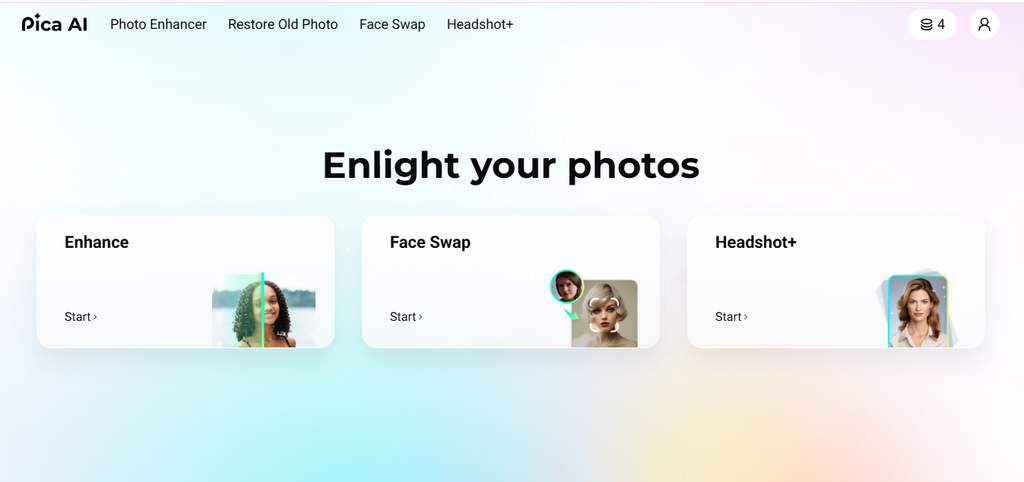
Pica AI is another option for users who want face-related AI editing without adopting a complex desktop workflow. It is particularly useful when face swapping is only one part of a broader image-creation workflow.
Best for: Mobile creators and users who want additional AI portrait features alongside face swapping.
Before choosing any AI editor, check the current free limits and export restrictions. These can change more frequently than the underlying feature set.
6. Photoroom — Is It Good for Face Swap?
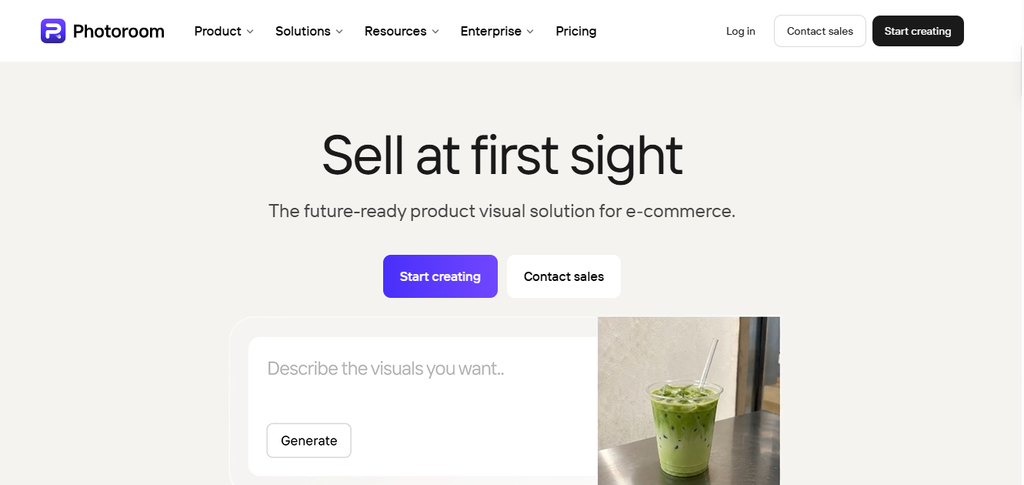
If you’re specifically looking for Photoroom face swap, there is an important distinction to make. Photoroom is primarily an AI-powered image editor rather than a dedicated face-swapping platform.
Its AI editing tools focus on tasks such as modifying images, creating backgrounds, generating visuals, and producing variations. This makes Photoroom useful for broader image-creation workflows, but it is not the tool I would choose solely for traditional face replacement.
Best for: AI image editing, ecommerce visuals, backgrounds, and creative image workflows.
Is Photoroom Good for Face Swap?
This is where the distinction matters. Photoroom is an excellent AI photo editor, but it is not the first tool I would recommend specifically for face swapping.
Its current AI editing tools let users upload images and make changes through natural-language prompts. Photoroom also provides AI-generated backgrounds, objects, virtual models, variations, and other image-editing workflows.
However, its current official documentation does not present a dedicated Face Swap tool comparable to platforms built specifically around face replacement. That means someone searching specifically for Photoroom face swap should understand the difference.
Use Photoroom when you want to:
- Create or modify product imagery
- Generate backgrounds
- Edit existing images with AI
- Create virtual-model visuals
- Produce variations of AI-generated images
- Build broader marketing designs
Photoroom’s strengths are especially clear for ecommerce workflows. Its 2026 product updates include AI fashion models, batch AI processing, product imagery tools, and other commercial image workflows.
Free vs. Paid AI Face Swap Tools
A free AI face swap is useful for testing an idea. It does not necessarily provide the best long-term workflow.
Free tools commonly limit one or more of these:
- Daily generations
- Video duration
- Resolution
- Processing speed
- Watermark-free exports
- Advanced models
- Commercial usage
Magic Hour currently offers a particularly accessible free photo route with up to five daily swaps. Its free video route is more restricted and produces watermarked output. DeepSwap also uses a credit model. Its current pricing documentation shows different credit costs depending on whether you process a photo, video, or GIF.
Therefore, do not judge a platform only by whether it says “free.”
Instead, ask:
How many usable outputs can I actually create for free?
That is a much better comparison.
Face Swap AI Online vs. Desktop Tools
An online face-swap AI tool is usually the easiest starting point. You upload your image or video, select the relevant face, and let the service handle the processing.
This works well when you value:
- Speed
- Simple interfaces
- No installation
- Mobile or browser access
- Quick social content
Desktop or local tools make more sense when you prioritize:
- Privacy
- Processing control
- Advanced customization
- Offline workflows
- Larger projects
The trade-off is complexity. Local tools can require more setup and stronger hardware.
Is AI Face Swapping Safe?
Face swapping should always involve consent and responsible use. Only use someone’s face when you have permission to edit and publish the resulting content. Avoid creating deceptive sexual, defamatory, fraudulent, or impersonating material involving another person.
This matters because realistic synthetic faces can now be difficult to distinguish from ordinary photographs. Recent research is also examining the increasing complexity of identifying manipulated facial images created through multiple editing tools.
For personal projects, the safest approach is simple:
Use your own face or obtain clear permission from the person whose face you are using.
Also check the platform’s privacy and data-handling policies before uploading sensitive photographs.
How to Get More Realistic Face-Swap Results
The tool matters, but your source image matters just as much.
1. Use a clear source face
Choose a sharp photograph where the face is easy to see.
Avoid sunglasses, heavy shadows, extreme filters, or objects covering facial features.
2. Match the angle
A frontal source face generally works better with a frontal target.
Large differences in facial angle can create visible blending problems.
3. Match the lighting
Try to use source and target images with similar lighting direction.
A brightly lit face placed into a dark scene can look artificial even when the swap itself is technically accurate.
4. Avoid extremely low-resolution images
Compression removes important facial details.
Start with the highest-quality image you can reasonably use.
5. Check the jawline and hairline
Do not judge the output only by the eyes and nose.
Look closely at:
- Jaw edges
- Skin transitions
- Hairline
- Ears
- Neck
- Shadows around the face
These areas often reveal an artificial swap.
6. Test difficult images before paying
Try an angled portrait, uneven lighting, and a more complex background.
A tool that performs well only on perfect frontal portraits may not suit your actual workflow.
AI face swapping is only one part of a larger creator workflow. If you’re also producing video podcasts, interviews, or social clips, see our guide to the best AI tools for podcasters.
Take Your AI Video Workflow Further
Face swapping can be only one step in a larger content workflow. Once you have your visuals, you may need to turn them into short-form videos, add captions, create voiceovers, or prepare content for social platforms.
For automated short-form video creation, Revid AI is worth exploring. If you need broader AI video editing and content-to-video features, Pictory AI is another option to consider.
FAQ
What is the best AI face swap app in 2026?
Magic Hour is one of the strongest options for users who want both photo and video face swapping. Its current free photo route allows five daily swaps without requiring sign-in.
Is there a free AI face swap?
Yes. Several platforms offer free face swapping with different restrictions. Magic Hour currently offers free photo swaps, while its free video route has stricter limits and watermarks.
Is Photoroom a face swap app?
Photoroom is primarily an AI photo-editing platform. Its current official documentation highlights AI editing, generated backgrounds, virtual models, and image variations rather than a dedicated face-swap tool.
Can AI face swaps look realistic?
Yes. Results can look highly realistic when the source and target images have compatible angles, lighting, resolution, and facial visibility. Poor inputs can still produce obvious artifacts.
Can I face-swap videos with AI?
Yes. Several platforms support video face swapping. Magic Hour and DeepSwap both provide video-focused workflows. DeepSwap currently charges credits based on video duration.
Are AI face swaps legal?
The legal position depends on how the content is created and used and on the applicable jurisdiction. Regardless of the law, obtain consent before using another person’s likeness and avoid deceptive or harmful applications.
Final Verdict
The best AI face swap app depends on what you actually need. For an easy starting point, Magic Hour is the strongest all-around choice for photo and video workflows. Its free photo option also makes experimentation straightforward.
Choose DeepSwap when video and GIF swapping are your main priorities. Choose Reface for casual mobile and social content. Advanced users who want greater local control can explore FaceFusion.
As for Photoroom, it is better viewed as a powerful AI image editor rather than a dedicated face-swap app. It has proved its worth in the areas of AI editing, ecommerce-oriented image workflows, virtual models, and generated visuals.
The primary rule of choosing a face swap tool is that you should not decide on its name based on demo images of the face swap tool. Test it using the photos or videos you use. The results can be realistic only if the input is correct, and the workflow and the tool can manage the challenging lighting angles.
Want to Explore More AI Tools?
If you’re building a complete AI-powered content workflow, don’t stop at face swapping. Bloggersta covers practical AI tools for content creation, video production, design, blogging, and other creator workflows.
Explore more AI tools and guides on Bloggersta to find tools that can save you time and simplify your content workflow.